How the Standalone deployment of our Customer Portal Works
.png)


.avif)





Why a Customer Portal Is a Game-Changer for Machinery Companies
Let customers help themselves. Customers can access manuals, service history, troubleshooting guides—or get instant answers from the AI Copilot. Structured ticket creation ensures every inquiry has the right context, reducing back-and-forth and saving your team time.
Offer a modern self-service experience that builds trust and transparency. Customers can track their machines, view open tickets, and access documentation anytime—leading to longer relationships and stronger brand loyalty.
Turn your installed base into a recurring income stream. Offer paid access to premium features like 3D spare parts catalogs, AI assistance, and documentation—bundled in service tiers or charged per machine.
Who is the standalone option for ?
.png)
How it works
Import Your Installed Base and Customer Data
Start by importing your machines and customer data from your existing systems. This can be done via CSV or Excel bulk upload, or through an API integration with your ERP. You can get live quickly without changing your current backend or internal processes.
.png)
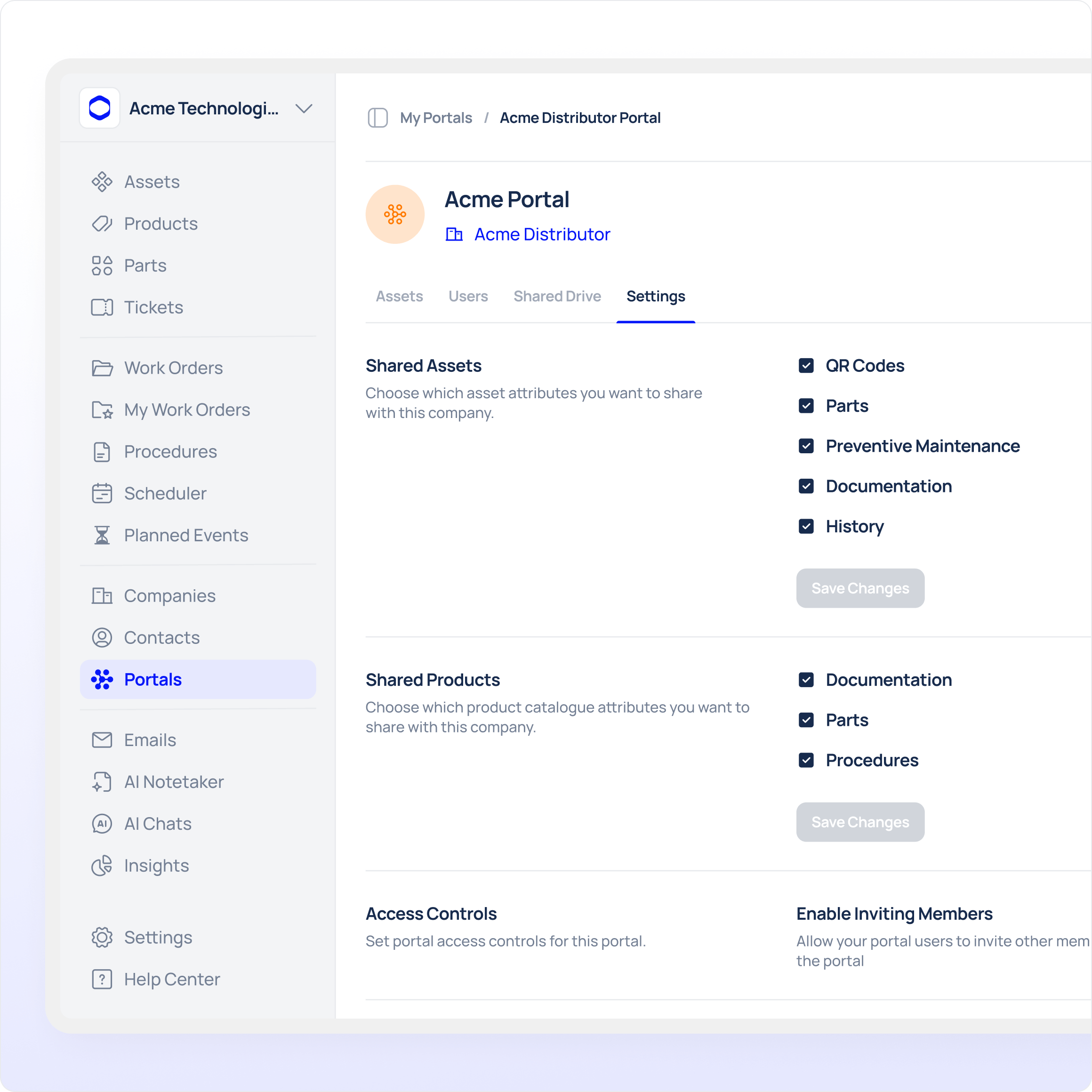
Configure Portal Structure and Access Roles
Next, define how the customer portal is structured for your organization. You configure customers, distributors, and service partners and assign access rights based on roles and hierarchies. Each user only sees the machines, documentation, and information relevant to them.
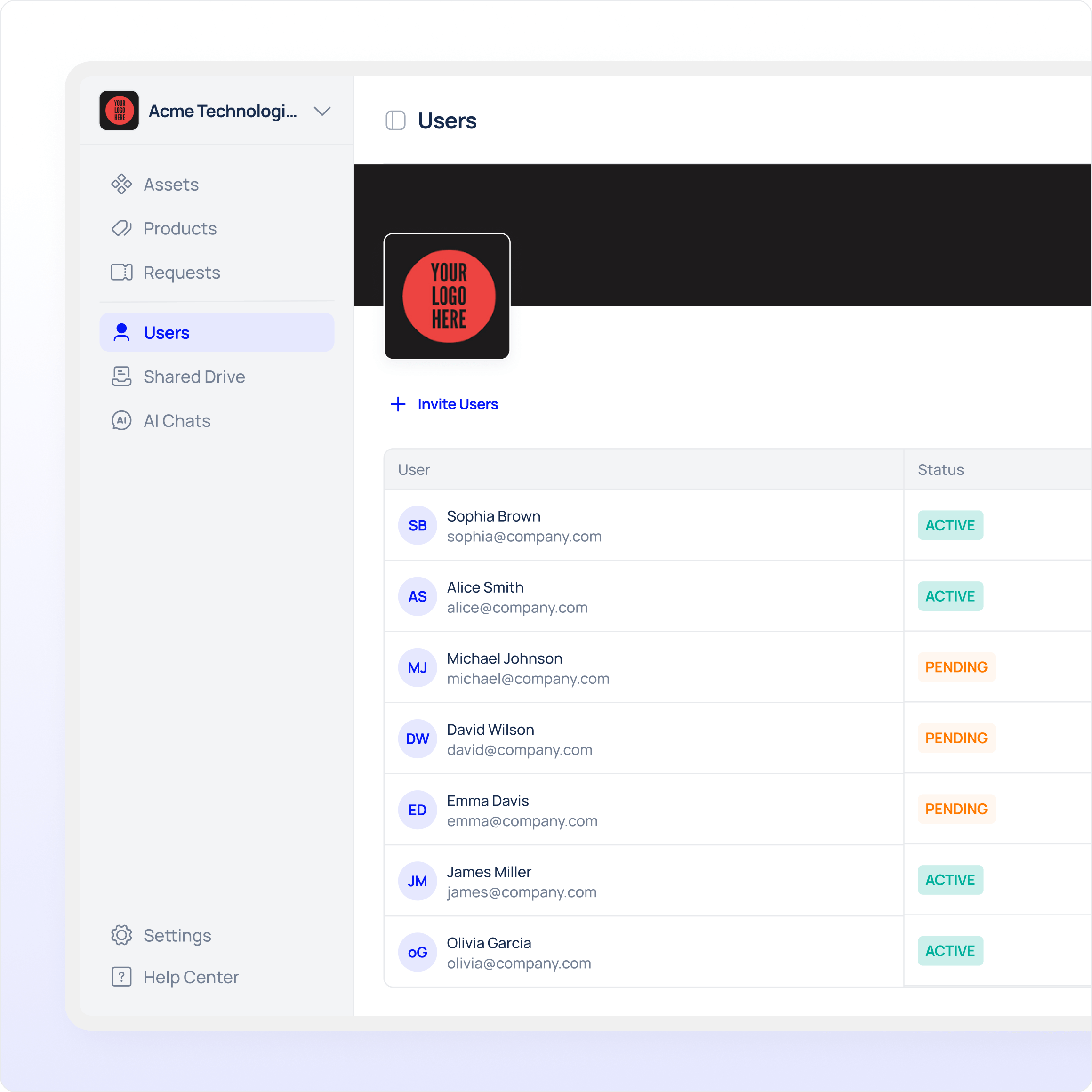
Invite Users and Customers
Once the portal is configured, invite internal users and external customers to access it. Invitations are sent digitally, and users can start using the portal immediately without training or onboarding effort.
Publish the Portal on Your Website
The customer portal can be embedded or linked directly from your website. This provides a branded login experience and allows customers to access support, documentation, and machine information through a familiar entry point.
.png)
Enable QR Code Access for Machines
For fast access in the field, generate QR codes for individual machines and attach them directly to the equipment. Scanning a QR code takes users straight to the correct machine in the portal, where they can view documentation, submit service requests, or access machine-specific information.
.png)
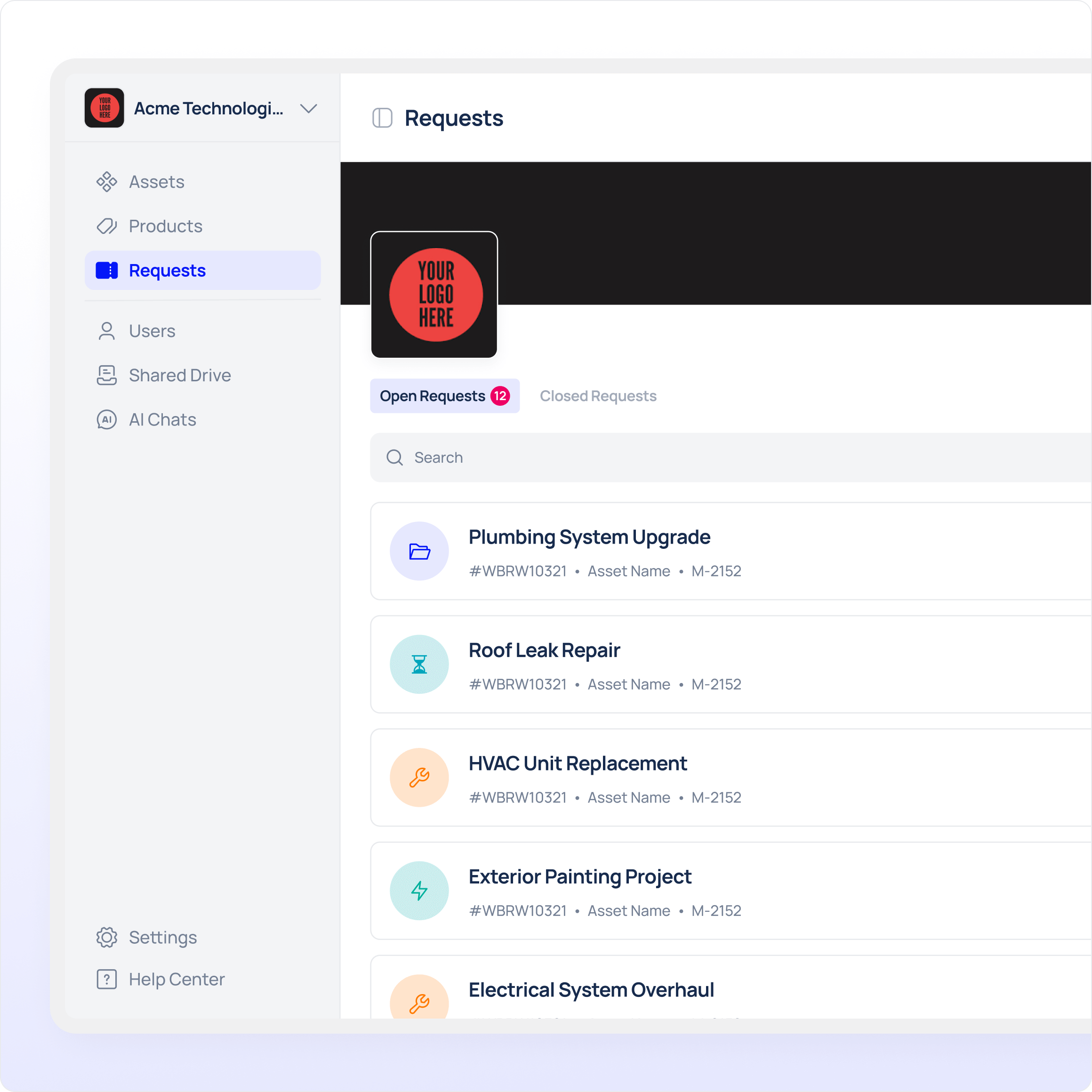
Route Service Requests Into Your Existing Ticketing System
When customers submit service requests through the portal, these tickets are automatically routed into your existing ticketing or service system. Depending on your setup, this can be done via API integration, email forwarding, or structured data exchange. Your service team continues working in the tools they already use, while customers track status and communication through the portal. This allows the customer portal to serve as the single entry point for requests, without replacing your internal systems or workflows.
.png)
.png)
.png)
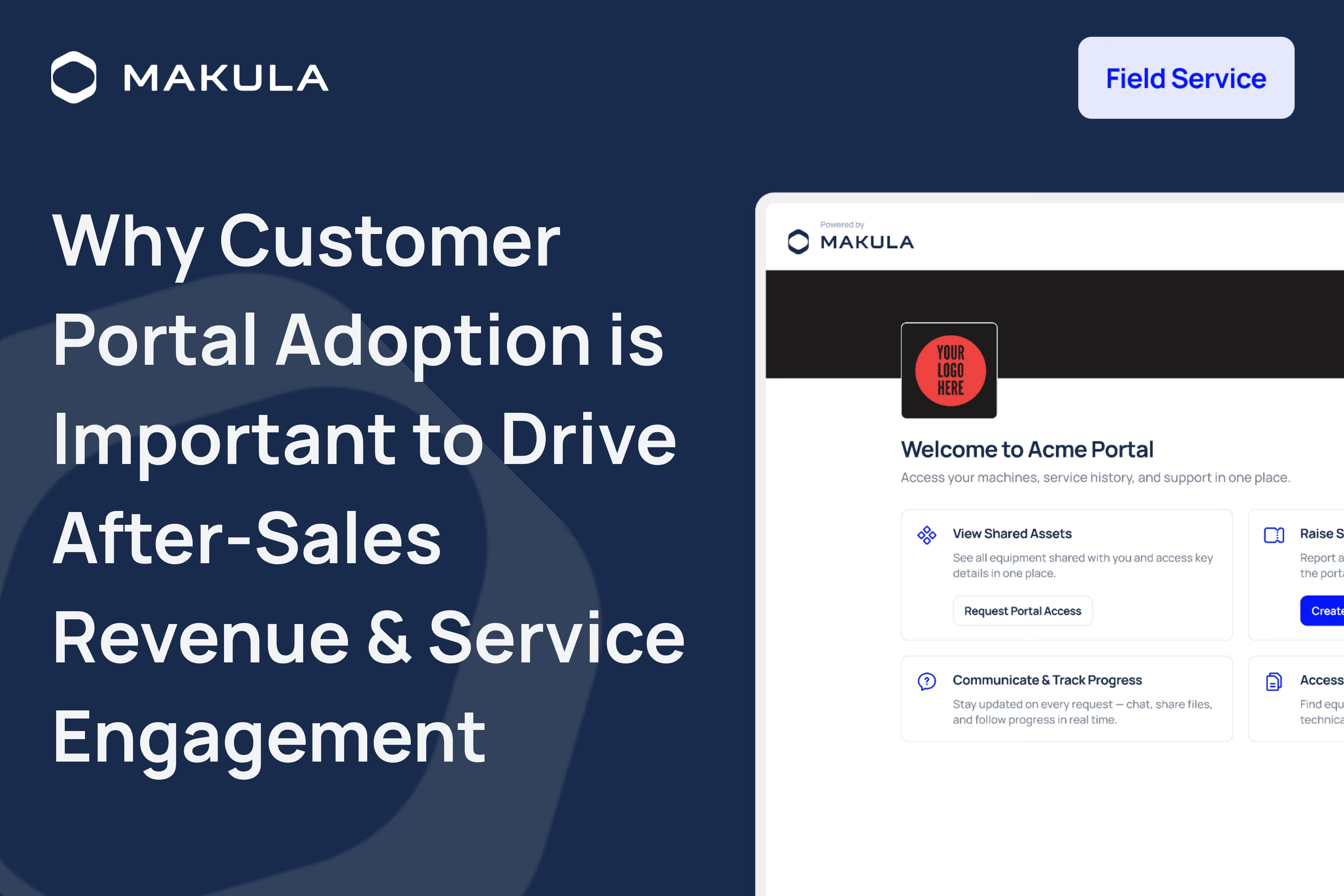
What your customers see in your portal
Searchable list with status, serial number, location, install date.
Scan asset QR codes for instant access to its portal view
Documentation linked to each specific asset/machine; structured folders with in‑browser viewers for PDF, CAD/3D, and more.
Request visits, track tickets, see service history and reports.
Browse BOM/parts lists, request quotes or order (optional checkout).
View open orders, delivery status, invoices (read‑only).
Due tasks and schedules (read‑only or interactive).
Email/in‑app for updates, releases, and planned maintenance.
Explore more about Customer Portal
Frequently asked questions
From the people running the machines
Real outcomes from real machinery operations.

Since implementing Makula in June 2023, we've seen a dramatic reduction in errors and a significant boost to our after-sales efficiency. Makula has streamlined our processes, allowing us to provide faster and more accurate service to our customers. This has not only improved customer satisfaction but has also generated additional revenue through monthly sales.


The efficiency and clarity that Makula brought to our after-sales operation is unparalleled. Our team is more aligned, our customers are happier, and our revenue is on the rise. Highly recommended!
.avif)

The overview of all the latest offers, spare part orders, invoices, and service reports, helps the customer enormously. The software has really developed very well and Makula is doing a great job. The service is great, if I need something, there is always an answer from Karina very quickly.

We have had a great experience with the Makula team from the sales process to onboarding and then helping with day to day support if needed. The team are always quick to come back to us and provide solutions to requests. The platform is easy to access and navigate and Makula have already incorporated most of the functionality we need. This enables us to support our customers with the tools and resources they need to order spares, access machine information or book service visits.


The software is very user-friendly and intuitive to use. The team assists very intensively with the transformation process and onboarding. We have managed to integrate the tool into our daily processes, thereby promoting our internal coordination and ultimately our spare parts sales.

.avif)
Thanks to the implementation of Makula, we have achieved full traceability of all customer requests. We consolidated all after-sales interactions into a single platform, which has significantly improved our response times and operational efficiency

.avif)
Since we started using Makula, we've gained a broader perspective on the evolving world of digital after-sales. The software has seamlessly blended with our processes, enhancing operations and providing fresh insights. It's a gentle reminder of the portential avenues open for SME machine suppliers in this digital era.


Makula's platform has been a game-changer for us. Onboarding was incredibly smooth, and the system's ease of use has significantly improved our after-sales service efficiency. Our technicians now save several hours each day by reducing the time spent on phone calls and searching through scattered documents.

.avif)
Being a user of 30+ machine brands, I can firmly state that Makula's after-sales platform is transformative. It doesn't just enhance and streamline communication with OEMs—it revolutionises it, driving unparalleled customer satisfaction in an increasingly complex and dynamic production

Ready to transform your machine maintenance?
.png)




