
Laboratories require high standards of precision, uptime, and compliance. Poor maintenance management can lead to equipment failures, compliance violations, and costly repairs. Laboratory maintenance software (CMMS) centralises and automates maintenance activities, reducing risks and improving operational efficiency. In this article, we’ll explore the top 5 laboratory maintenance software solutions and explain why Makula CMMS is the ideal choice for labs of all sizes.
Key Stats:
- 45% of laboratory downtime is caused by equipment failures that could have been prevented with regular maintenance.
- 30% reduction in maintenance costs for labs using preventive maintenance software. (Source: Lab Manager Survey)
Why You Need Laboratory Maintenance Software
Laboratory maintenance software is an essential tool for maintaining optimal lab operations. Here's why:
Top Features to Look for in Laboratory Maintenance Software
When selecting a laboratory maintenance software solution, consider the following features that ensure the tool meets your needs:
1. Automated Preventive Maintenance Scheduling
Scheduling recurring tasks based on time, usage, or condition ensures that vital checks and calibrations occur consistently and on time.
2. Centralised Asset Tracking
A comprehensive database of all lab equipment allows lab managers to track performance data, history, and service records for each asset.
3. Calibration & Compliance Management
Track and document calibration events to meet industry regulations. Alerts and reminders ensure you stay compliant.
4. Work Order Automation
Automate task assignments and track completion status to reduce manual oversight and improve operational efficiency.
5. Inventory & Parts Management
Link parts and inventory directly to maintenance schedules, preventing stockouts and ensuring that needed materials are available.
Comparison Table
Top 5 Laboratory Maintenance Software Platforms
Here’s a breakdown of the top 5 laboratory maintenance software solutions, selected based on usability, scalability, features, and ROI potential.
1. Makula CMMS (Best All-Around Solution for Laboratories)
Best for: Labs requiring a fully integrated system for preventive maintenance, asset management, and compliance.
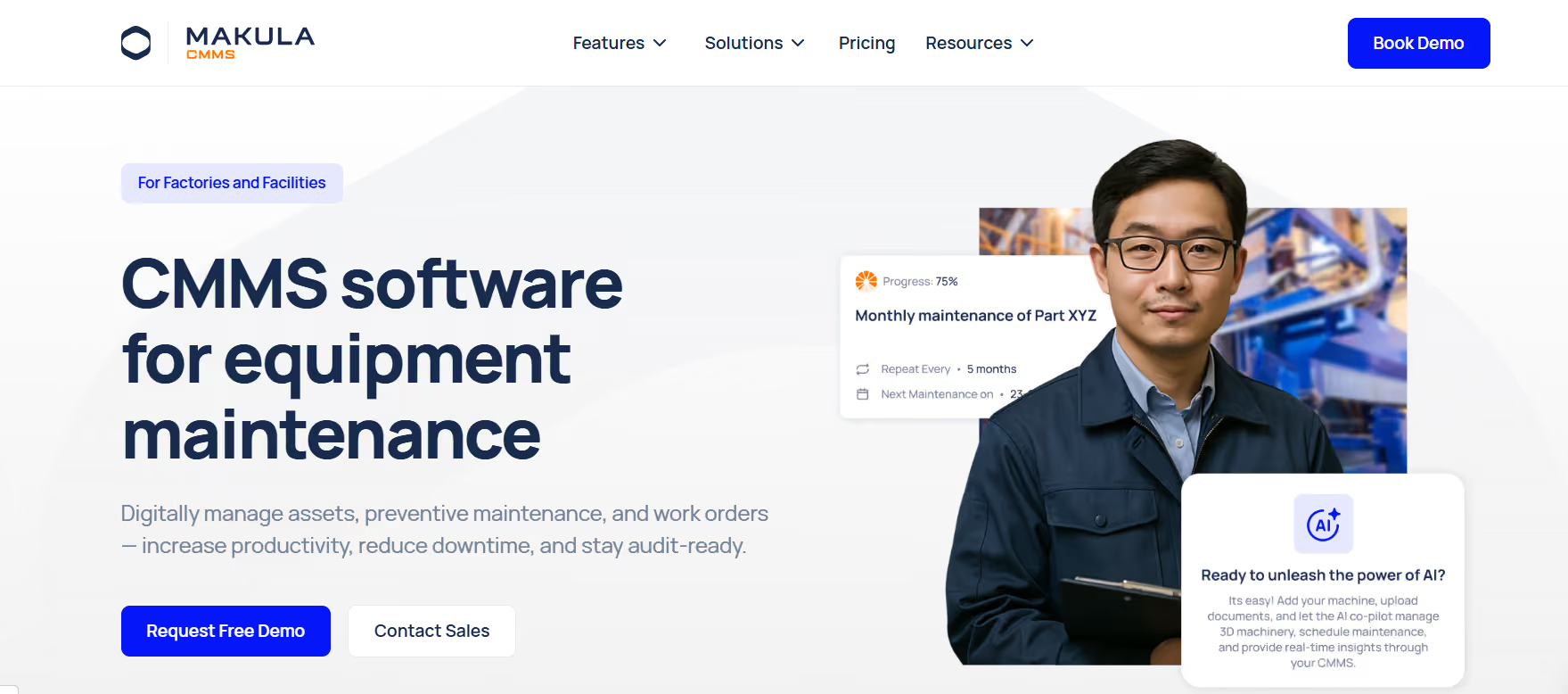
Why It Stands Out: Makula CMMS offers a comprehensive solution that combines automation, compliance, and asset management in one powerful tool. Its user-friendly interface and robust features make it the ideal choice for labs looking to streamline their operations and minimise downtime.
Best Fit For: Labs of all sizes are looking for a comprehensive, scalable solution to improve operational efficiency and ensure compliance.
2. Fiix CMMS (Automation & Scalability)
Best for: Labs needing scalability and integration with other enterprise systems.
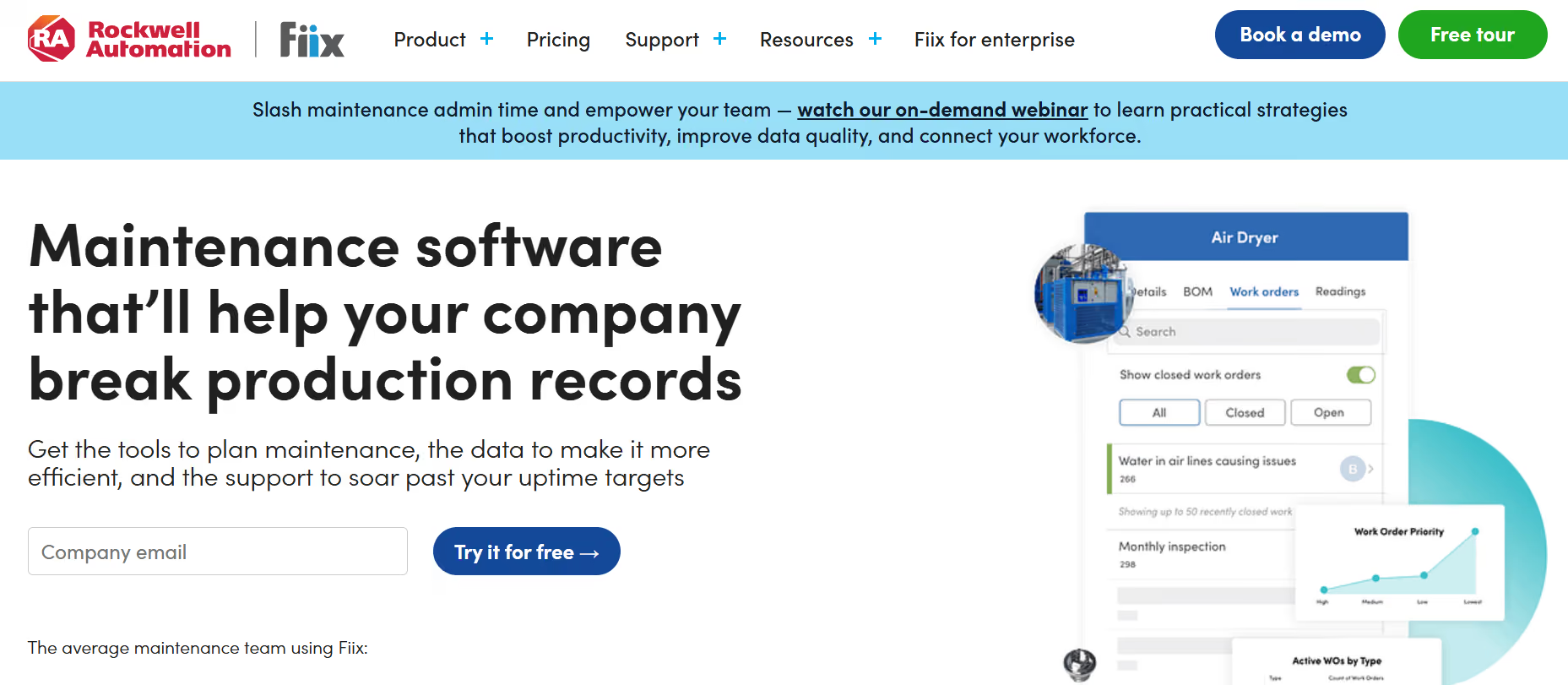
Why It Stands Out: Fiix CMMS excels at automation, which significantly reduces manual work and increases the speed of task completion. It integrates smoothly with other systems, making it an ideal choice for growing labs that need a scalable solution.
Best Fit For: Labs are looking for a flexible, automated solution that can scale as they grow and integrate with existing enterprise systems.
3. Limble CMMS (Streamlined Mobile Maintenance)
Best for: Labs needing a mobile-first, user-friendly platform for managing maintenance tasks on the go.
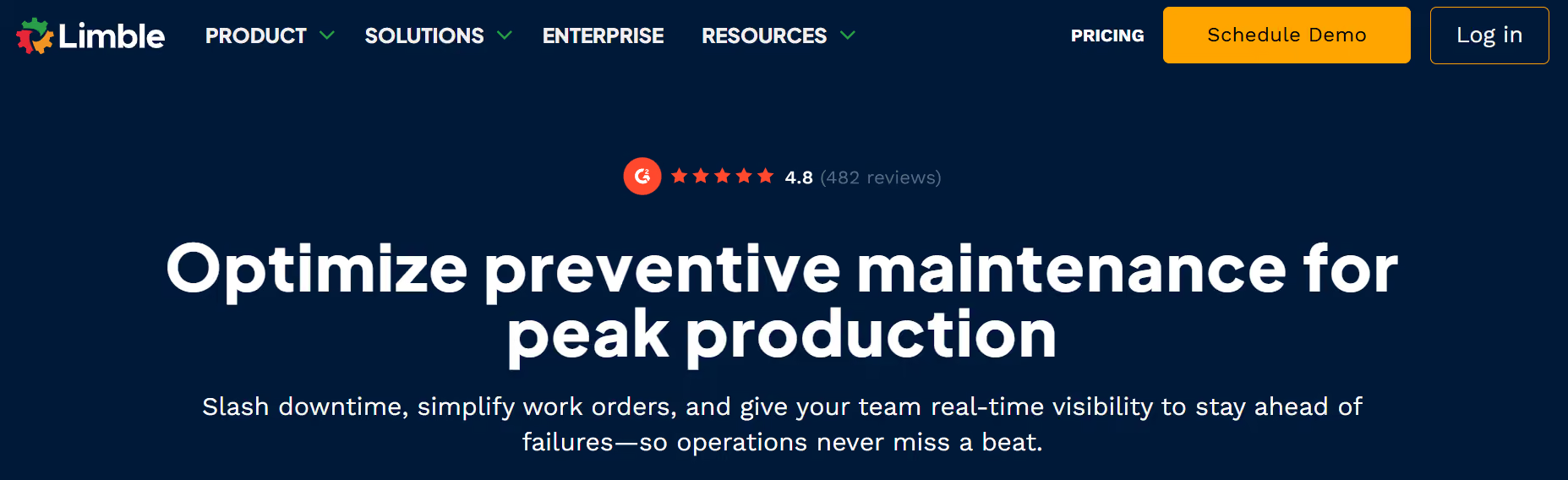
Why It Stands Out: Limble CMMS is designed for mobile access, allowing technicians to manage tasks without needing to be at a computer. Its simple interface makes it perfect for smaller labs or teams with limited technical experience.
Best Fit For: Mid-sized labs that need a mobile-first solution with an easy learning curve.
4. eMaint CMMS (Compliance-Focused Features)
Best for: Labs requiring detailed documentation and strong compliance management.
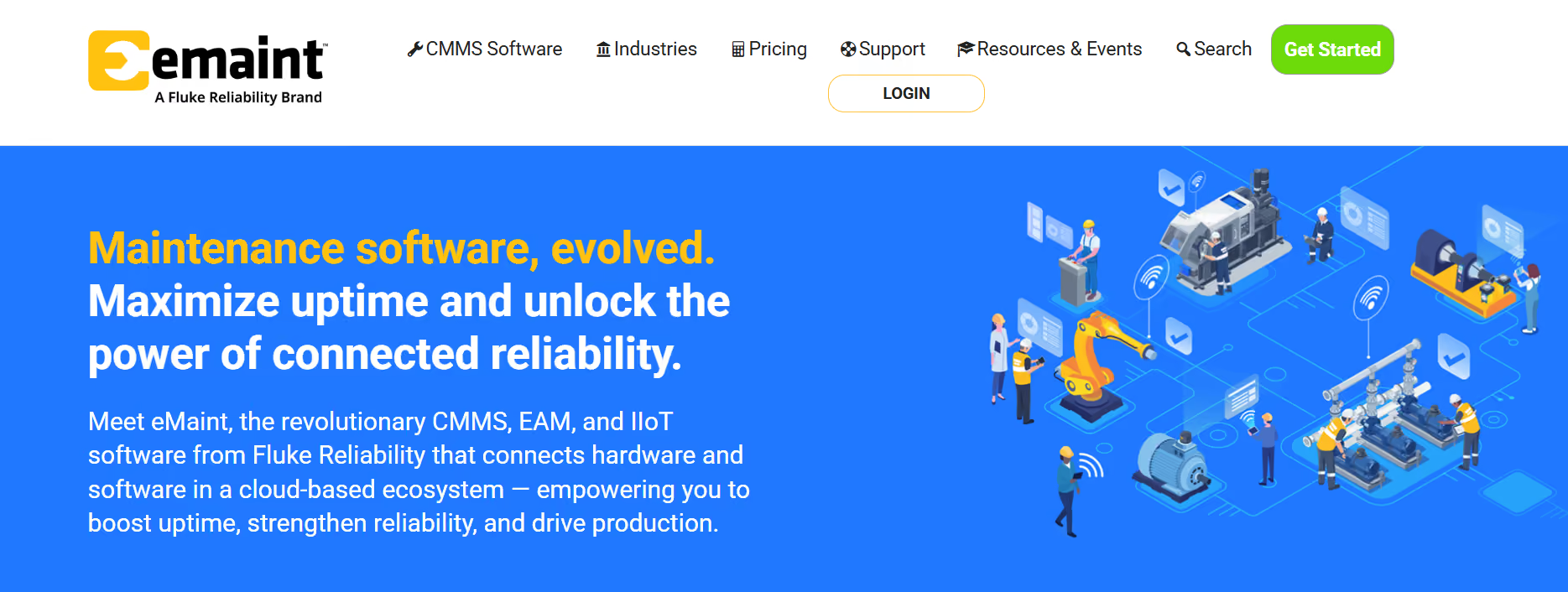
Why It Stands Out: eMaint CMMS is highly tailored to meet the needs of regulated industries. Its powerful compliance tools and detailed reporting features make it an excellent choice for labs with strict regulatory requirements.
Best Fit For: Labs in highly regulated industries, such as pharmaceuticals or healthcare, that require comprehensive documentation and compliance tracking.
5. UpKeep (Simple, Mobile Maintenance)
Best for: Small to medium-sized labs that prioritise ease of use and quick implementation.
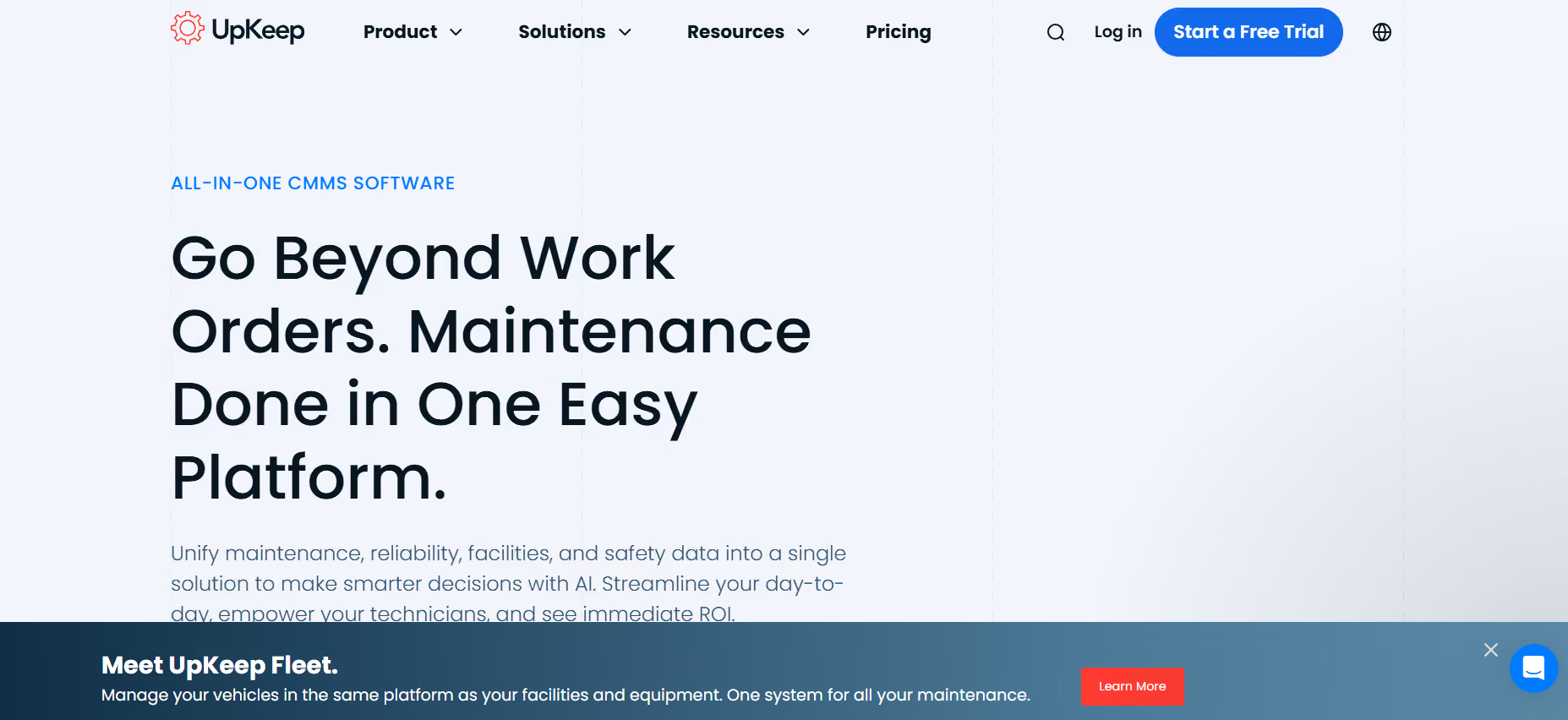
Why It Stands Out: UpKeep is an easy-to-use, mobile-first solution that allows teams to manage maintenance tasks from anywhere. Its quick setup and simple interface make it an ideal option for smaller labs or those with limited technical expertise.
Best Fit For: Labs looking for a mobile-centric solution with a short learning curve.
Why Makula CMMS is the Top Choice for Laboratories
1. Preventive Maintenance Mastery
Makula’s automated scheduling ensures that preventive maintenance tasks are always performed on time, reducing the risk of costly breakdowns.
2. Centralised Asset Tracking
All equipment is tracked centrally, allowing lab managers to make data-driven decisions and predict when maintenance will be needed.
3. Real-Time Work Order Management
Makula streamlines work orders from creation to completion, ensuring efficient coordination between teams and faster resolution of maintenance tasks.
4. Audit-Ready Reporting
Makula’s built-in reporting tools make it easy to demonstrate compliance and maintain thorough documentation for audits.
5. Mobile-First Interface
Technicians can access work orders, asset data, and maintenance schedules on their mobile devices, improving efficiency in the field.
Conclusion
Choosing the right laboratory maintenance software is crucial to maintaining equipment performance, reducing downtime, and ensuring regulatory compliance. Makula CMMS stands out as the best option for labs seeking a comprehensive, user-friendly platform that integrates preventive maintenance, asset tracking, and compliance management. By implementing the right software, labs can improve efficiency, lower costs, and extend the lifespan of their equipment.
Quote: "In a laboratory environment, the reliability of your equipment directly influences the quality of your results. Effective maintenance ensures you can rely on your equipment for every test." Expert Lab Manager





