
It is a scenario every maintenance engineer knows too well. A critical machine grinds to a halt on the factory floor. The production manager is pacing nearby, asking for an ETA every five minutes. The clock is ticking, and the pressure is mounting.
But instead of fixing the problem, you are stuck in the office, frantically hitting ‘Ctrl+F’ on a 600-page PDF or, worse, thumbing through a grease-stained binder from 2005.
We spend hours searching manuals and old tickets just to suggest a simple next step, instead of using centralised asset documentation that brings all manuals and past fixes together. In an era where information should be instant, this legacy method of troubleshooting is the silent killer of productivity. It is time we addressed the hidden cost of the manual search.
Information Overload, Wrong Format
The real challenge isn't a lack of information; it's being overwhelmed by too much, scattered across endless manuals, emails, and decades-old tickets. When a fault crops up, the answer is rarely far away in principle, but practically, it might as well be hidden in plain sight. Imagine needing a quick fix but having to hunt through hundreds of irrelevant pages or decipher faded notes from years past.
Every Search Wastes Valuable Time
Each time you scour a dense manual or dig through old ticketing logs, precious minutes tick by. These small delays quickly add up, turning a straightforward resolution into an hours-long scavenger hunt. While the equipment sits waiting for repair, production slows or stops. Your technical team’s expertise is wasted on detective work rather than proactive maintenance.
The Hidden Cost to Your Team and Business
Beyond the immediate downtime, these inefficient searches are demotivating. There’s nothing more frustrating for a skilled engineer than feeling like a librarian, desperate to find one piece of crucial information. This fatigue can lead to burnout and costly mistakes. Production targets get pushed back, deadlines become harder to meet, and service standards slip.
Why a Maintenance Troubleshooting Guide is Essential
This is where a proactive approach makes all the difference. By building and regularly updating an effective maintenance troubleshooting guide, teams convert time spent hunting into time spent problem-solving. Solutions become instantly accessible, allowing everyone from seasoned technicians to new starters to contribute effectively and confidently.
Why The Old Way is Failing You
If your current process relies heavily on static documentation, you are likely facing three core issues:
- Knowledge Silos: Experienced engineers know where to look; new hires do not. When the expert is on holiday, the downtime extends.
- Version Confusion: Are you looking at the manual for the v2.1 motor or the v2.3 update installed last month?
- Dead Data: Old tickets often contain the "golden fix," but if that data isn't easily searchable, it might as well not exist.
To illustrate the difference between the traditional approach and a streamlined, digital approach, consider the workflow comparison below:
The goal of any maintenance team should be to reduce Mean Time To Repair (MTTR). You cannot reduce repair time if the diagnosis phase takes up 80% of the window.
A robust maintenance troubleshooting guide should not be a static document. It should be a living system, one that ingests manual data, historic ticket solutions, and expert knowledge, presenting it exactly when it is needed.
Imagine typing a fault code into a search bar and immediately seeing the most likely fixes with an AI‑assisted troubleshooting guide that learns from past repairs based on historical data, linked directly to the relevant page in the manual. That is not science fiction; it is the standard we should be aiming for.
A CMMS makes this practical: attach the correct manual page, past ticket notes, photos and supplier contacts directly to the asset record so engineers find the right fix without hunting. This central record turns scattered knowledge into a rapid, repeatable troubleshooting flow.
Centralised Knowledge in the CMMS
Instead of hunting through PDFs, binders, or old tickets, put every relevant document where technicians will actually look: the asset record. Attach manuals, step-by-step procedures, photos, and past work-order notes directly to the asset so the next engineer finds the right fix fast.
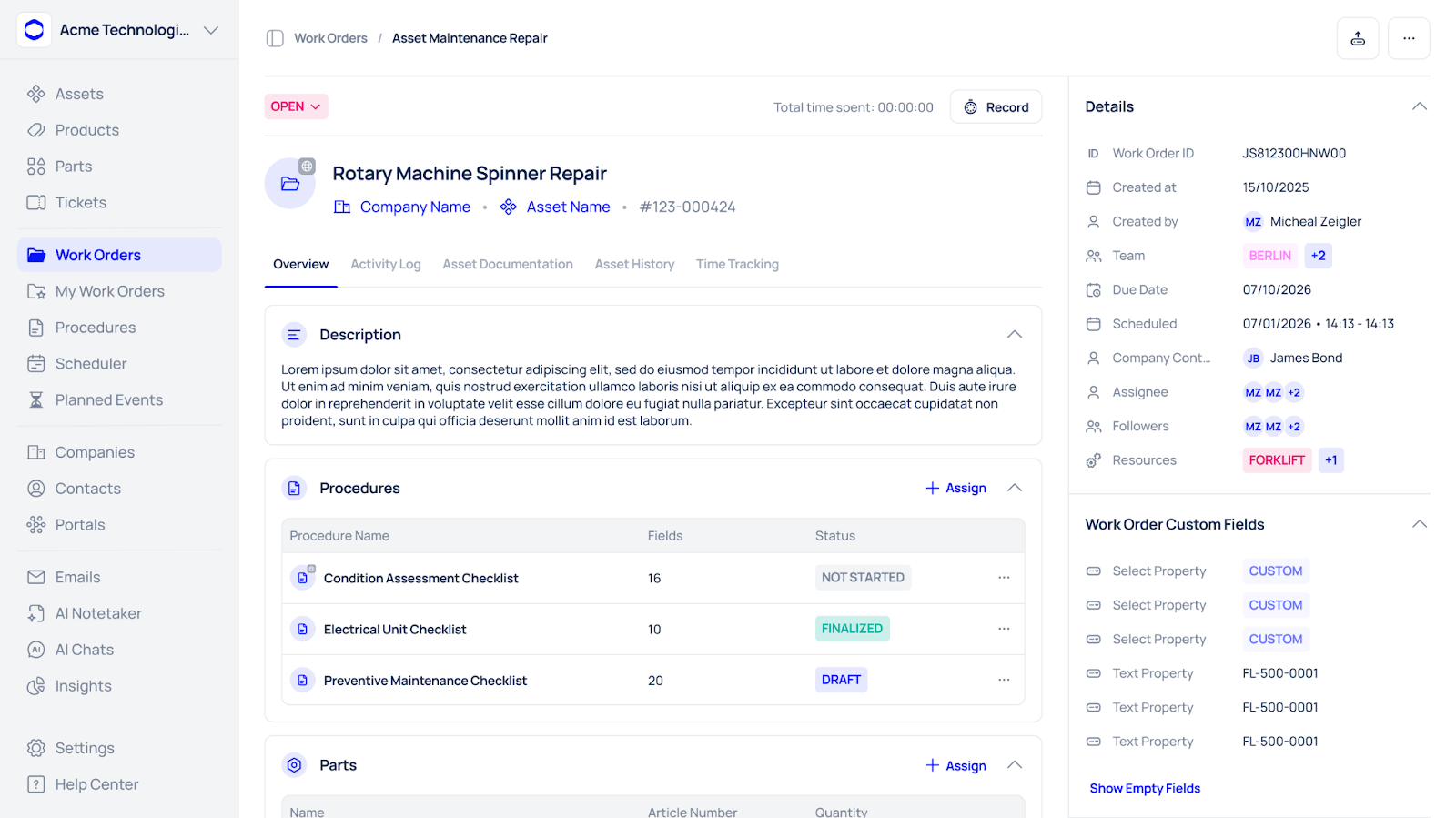
Benefit: Less time searching, more time fixing — which cuts Mean Time To Repair (MTTR).
Step-by-Step Digital Workflows
Turn tribal know-how into repeatable processes by creating digital work instructions and checklists linked to assets. Each checklist step can include brief instructions, a reference to the correct manual page, and a mandatory input (e.g., enter a reading or attach a photo) to ensure critical steps aren’t skipped.
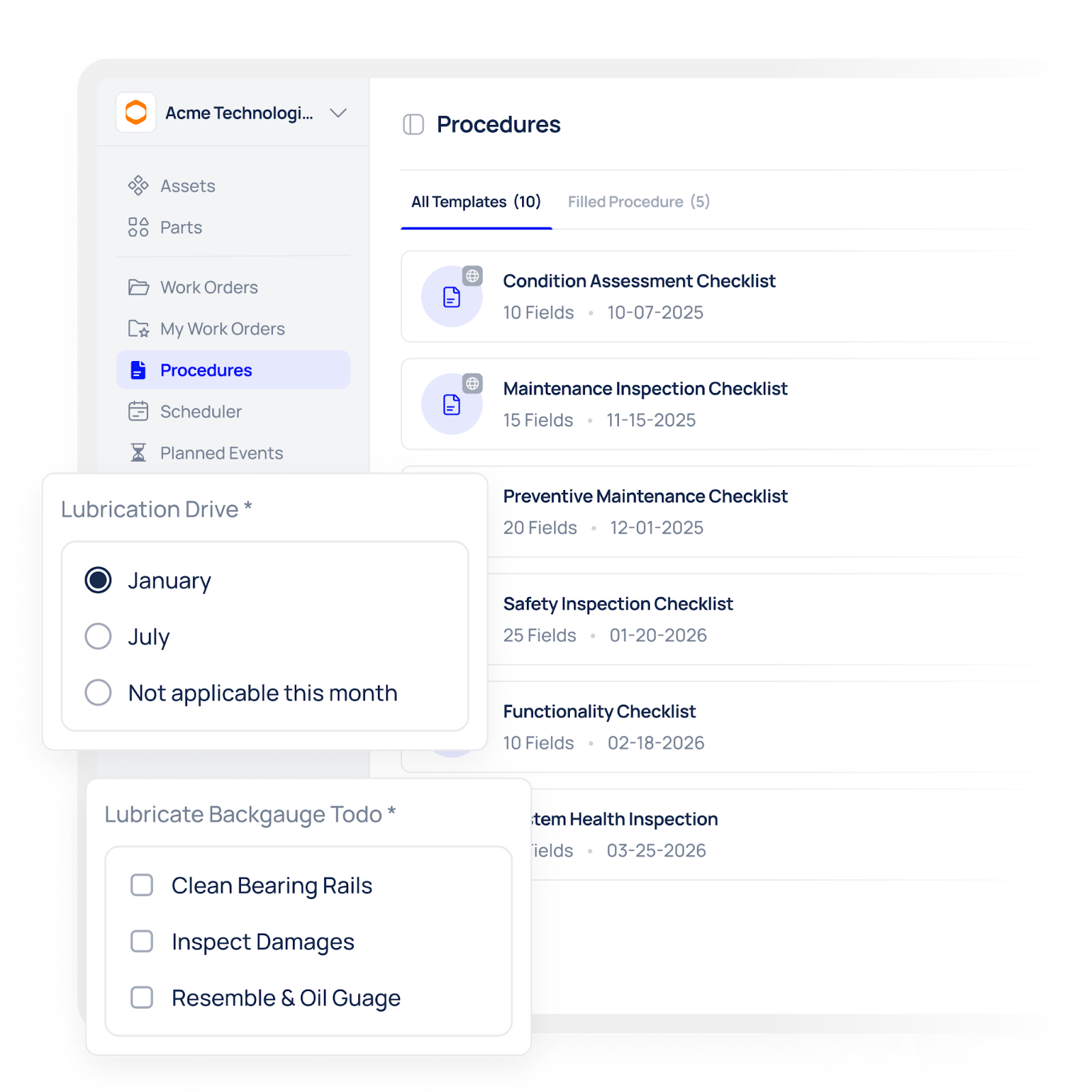
Benefit: Consistent execution across technicians and faster onboarding for new hires.
Searchable History and Evidence
Store inspection results, past fixes, photos and signatures in one searchable history. When a fault reoccurs, technicians can quickly find what worked before — who did it, what parts were used, and any notes that explain the root cause.
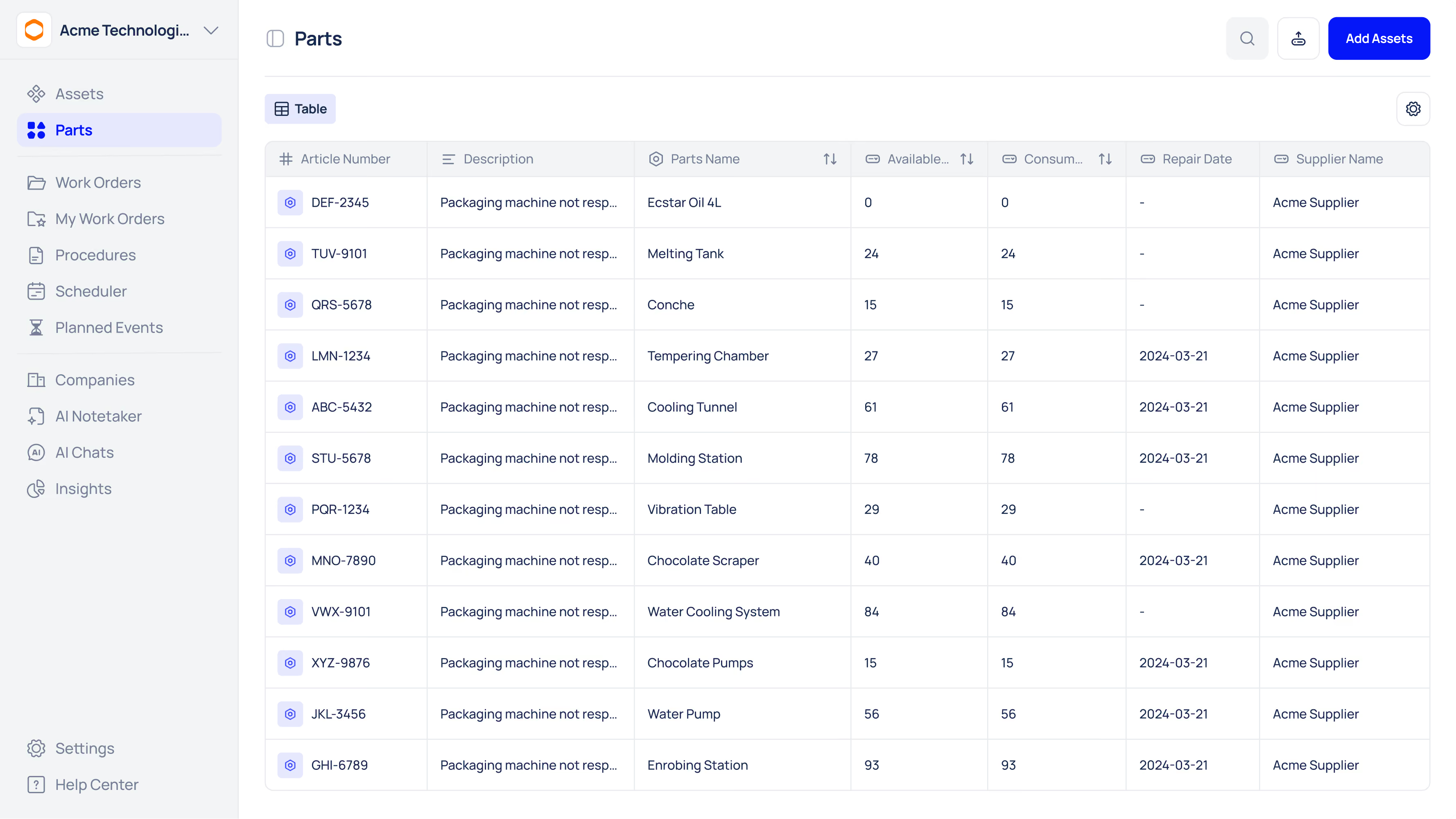
Benefit: Faster diagnostics and less repeated troubleshooting.
Time-Based PM Scheduling & Reminders
Use time-based PMs to schedule routine checks and trigger reminders for owners. Keeping schedules in the CMMS removes the “remember to do it” problem and provides a digital audit trail showing when tasks were scheduled, assigned, and completed.
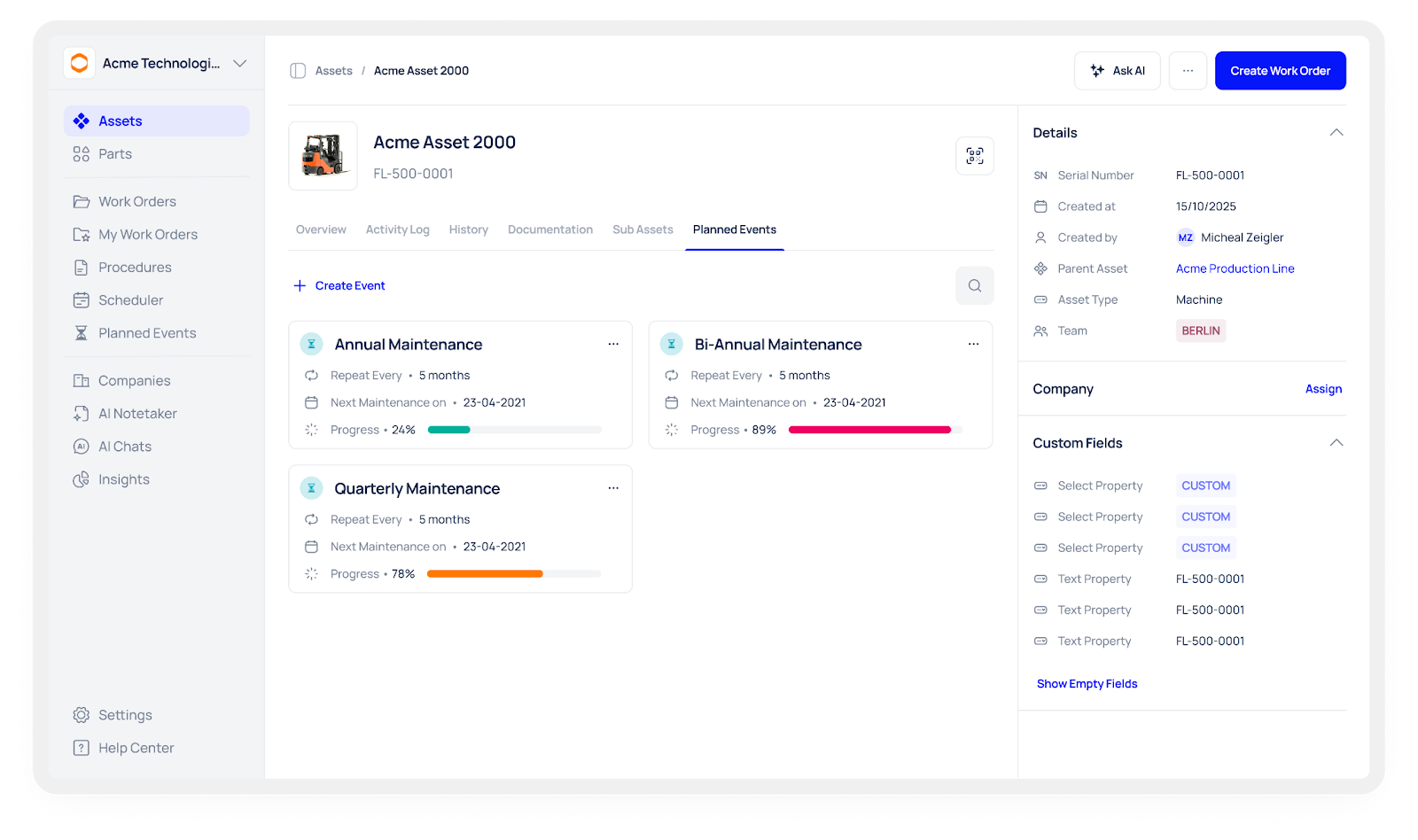
Benefit: Higher PM compliance and clearer accountability.
How this maps to Makula CMMS: a time-based CMMS stores PM schedules and work orders centrally so you can attach procedures and records directly to assets, helping teams find the right guidance when they need it. Makula CMMS
Audit-Ready Records (Photos, Notes, Sign-offs)
Capture photos, notes and digital sign-offs as part of the work order so every action has context. When auditors or managers ask for evidence, you can pull a single report that shows what was done, who did it, when, and any supporting media.
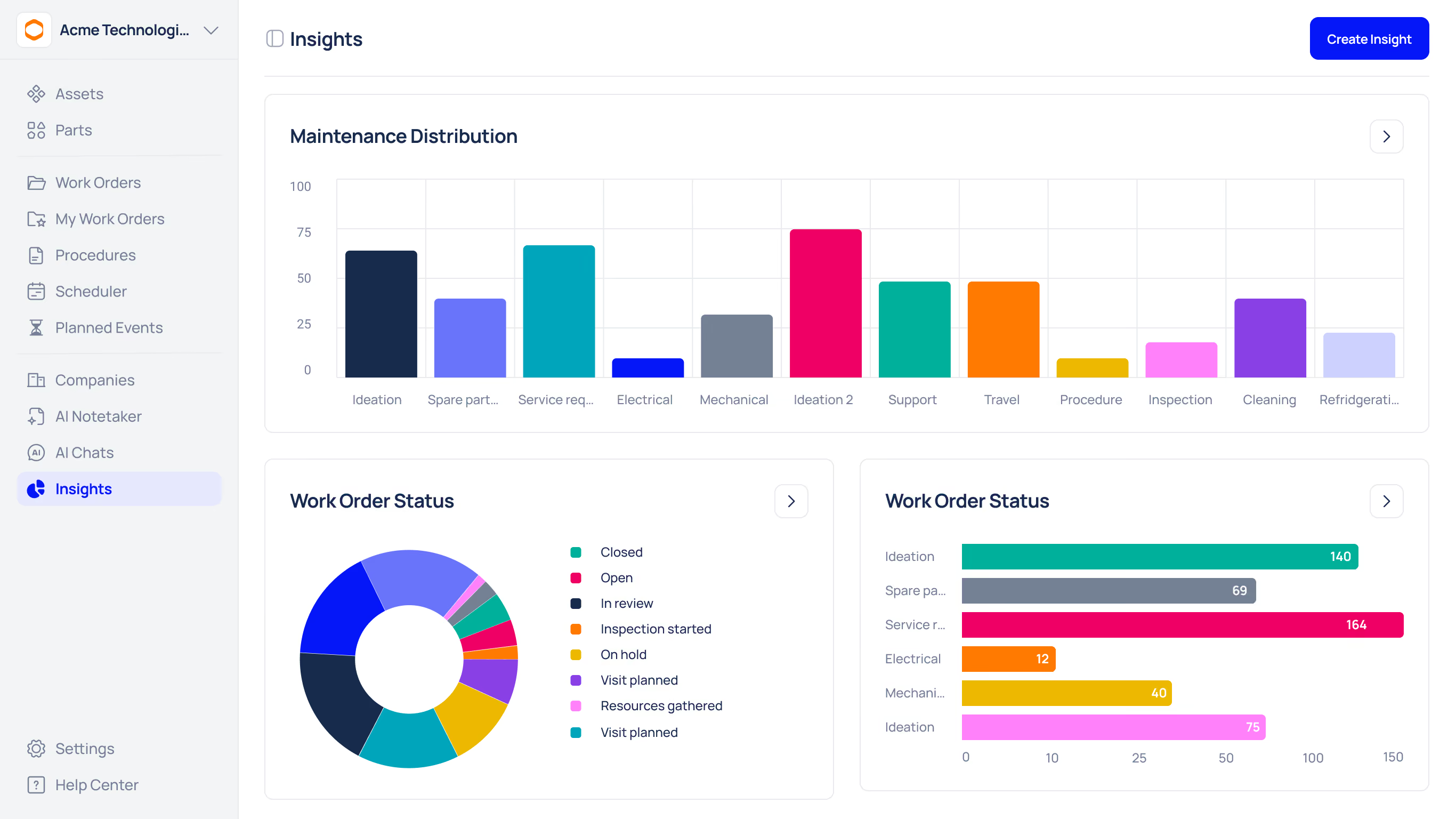
Benefit: Faster audit responses and stronger compliance positions.
Sharing & Continuous Improvement
Make it easy for technicians to suggest updates to procedures. When the team captures a better way to fix a problem, attach the improved steps to the asset record and update the checklist. Over time this creates a living knowledge base that grows more accurate and useful.
Benefit: Procedures evolve with real-world experience instead of staying stuck in one person’s head.
Quick Implementation Plan (3 Simple Steps)
- Seed the CMMS: Attach the top 3 manuals and 5 proven fixes to your most critical assets.
- Create checklists: Convert the highest-risk tasks into short, mandatory-field digital checklists.
- Pilot & measure: Run a 30-day pilot on one production line and measure MTTR and search time before/after.
Stop Searching, Start Fixing
You hired your engineers for their technical skills, not their ability to speed-read PDFs. Every hour spent digging through digital or physical archives is an hour of lost value. By recognising the inefficiency of manual searches, you take the first step toward a more responsive, efficient, and less stressful maintenance environment.
Are you ready to stop the endless scrolling and start solving problems faster?
We have compiled a shortlist of strategies to help you organise your documentation and reduce search times immediately.





