
%20CMMS.avif)
This article lists the top 5 CMMS solutions for packaging and beverage plants detailed vendor reviews, then explains the features that matter, a vendor-evaluation checklist, a 60-day pilot plan, and real demo-driven examples you can use when deciding. It’s written for maintenance managers, plant operations leads, and procurement teams looking for a modern CMMS that improves uptime, compliance (GMP/HACCP), and technician adoption.
Top 5 CMMS solutions for Packaging & Beverage
1. Makula CMMS (AI Powered, Mobile/Offline first)
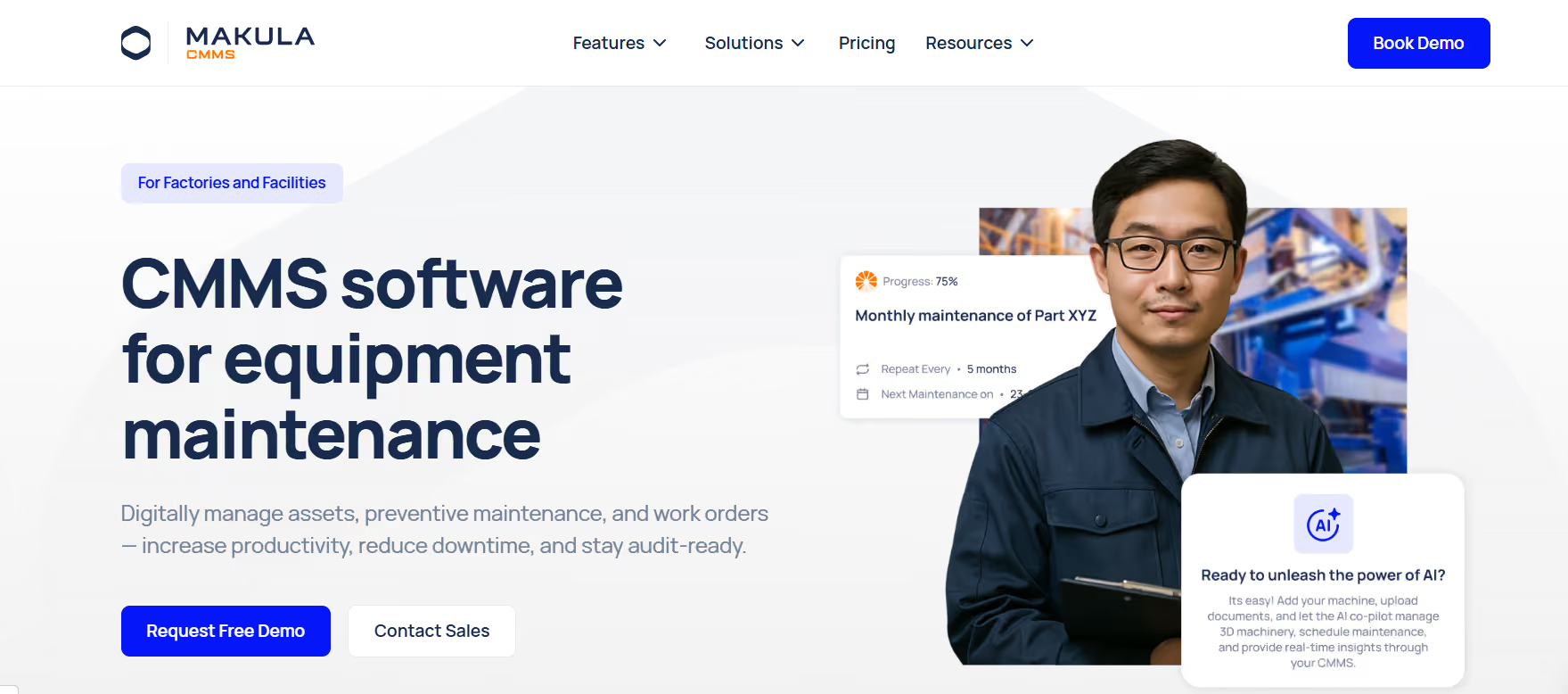
Makula is a modern CMMS built around AI-driven knowledge retrieval, voice-first documentation, and a modern mobile-first UX. It’s designed to reduce the cognitive load on floor technicians, speed troubleshooting, and capture operational knowledge organically. For packaging & beverage plants, where uptime, regulatory checks, and quick decision-making matter, Makula’s feature mix targets the most common adoption barriers.
Why does it fit packaging & beverage?
- Practical for high-cycle lines: Bottling, capping and labelling lines require fast fixes; Makula delivers concise answers from manuals (AI Copilot) so techs don’t waste minutes searching.
- Supports GMP/HACCP workflows: Mandatory checklist prompts and sign-offs at closeout help satisfy food-safety audit requirements.
- Designed for shift work & night shift realities: Voice notes and short AI summaries let technicians document work without stopping production or typing in poor-light/noise conditions.
Key features to test in demos
- AI Copilot: ask a multi-step repair question and verify citations and links to the exact manual page or prior work order.
- AI Notetaker: record a 30–60s spoken summary; check the generated structured notes, tags, and searchability.
- Mobile offline behaviour: simulate offline WO creation, photo attachment, and later sync; check conflict resolution.
- CSV importer: import a small bundle of historical WOs and assets, then run a report.
- GMP checklist enforcement: require a specific closeout question and attempt to close without an answer.
Integration & data considerations
- Exports & API: Ensure the platform can deliver scheduled CSV exports or push via REST API into your BI stack (Power BI) and ERP (SAP) for parts-charge reconciliation.
- Data model mapping: Ask for example mappings for asset hierarchies (site → line → machine → component) and for serial-number handling for spare-parts traceability.
Implementation & pricing signals
- Typical engagement: Pilot (10–30 users) → configuration (fields, workflows, importer) → training + optional on-site workshop.
- Price cues (example): Demo discussions referenced seat pricing and an AI add-on model; confirm exact seat tiers (admin vs mobile) and any enterprise/legal fees.
Pros / Cons
Pros: Rapid technician adoption, AI-assisted troubleshooting, strong mobile/offline support, focused on knowledge capture.
Cons: Rapid product roadmap may change UI/features often; enterprise contract/legal negotiation may need extra time.
2. eMaint (enterprise-grade PM & compliance)
eMaint is an established CMMS with deep preventive maintenance capabilities, rich reporting, and a long history across regulated industries. It’s a natural fit when auditability and tried-and-tested enterprise features are the primary procurement drivers.
Why does it fit packaging & beverage?
- Compliance-first capabilities: Robust reporting and logs support GMP/HACCP evidence trails.
- Complex PM scenarios: Meter-based triggers, conditional PMs and cascading maintenance support complex equipment regimens in packaging plants.
Key features to test in demos
- Advanced PM configuration: conditional triggers, nested tasks, meter-based scheduling.
- Audit reporting: generate a report that bundles PMs, parts usage, and sign-offs for a single audit window.
- Role-based security: demonstrate restricted access for operators vs admin.
- Bulk import: validate process for migrating large historical datasets.
Integration & data considerations
- ERP + GL mapping: Many enterprise buyers map parts and labour to SAP or other ERPs, confirm connector patterns and reconciliation workflows.
- Third-party systems: Check vendor partners or recommended integrators for MES or SCADA links.
3. UpKeep (mobile adoption & speed-to-value)
UpKeep emphasises mobile usability, technician workflows, and fast deployment. It’s commonly selected when teams prioritise frontline adoption and quick wins on the factory floor.
Why does it fit packaging & beverage?
- Designed for the shop floor: QR-code asset lookup, fast photo attachments and simple checklists align with packaging technicians’ daily flows.
- Rapid onboarding: Lightweight admin and templates reduce time-to-production.
Key features to test in demos
- QR/scan workflows: start a WO from a QR, attach photos, complete the checklist, and close with a signature.
- Push notifications/chat: evaluate shift handover communications.
- Offline support: verify key functions while offline and reconcile upon reconnect.
Integration & data considerations
- Exports & simple APIs: Suitable for scheduled CSV exports into BI; for deep ERP syncs, plan for additional integration work.
- Data model simplicity: Confirm asset taxonomy limits if you plan enormous asset lists.
4. Fiix (analytics & integrations)
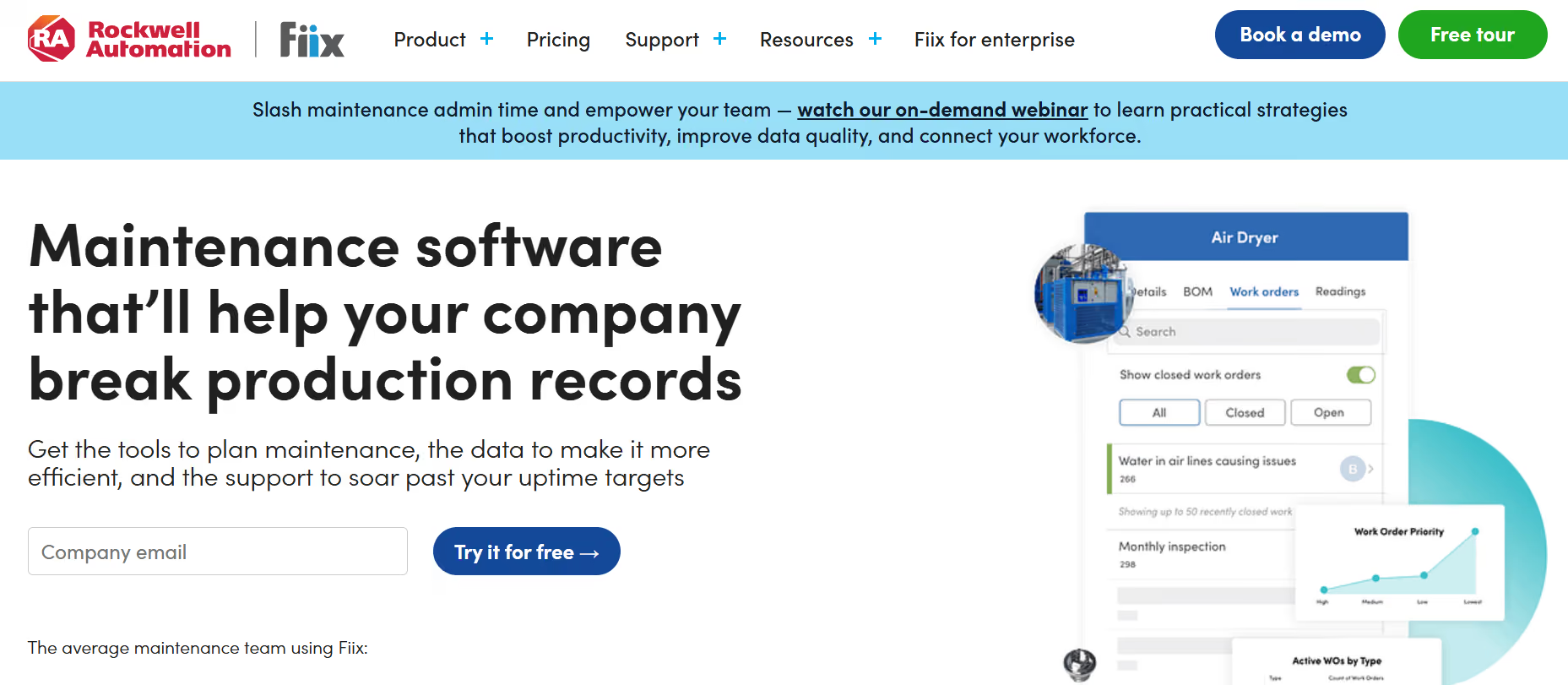
Fiix offers a feature-rich CMMS with a focus on analytics, integrations, and an ecosystem approach. It is suited for operations that require data-driven maintenance decisions backed by dashboards and API connectivity.
Why does it fit packaging & beverage?
- Data-driven maintenance: When packaging operators want to correlate downtime to maintenance events or production metrics, Fiix’s analytics capabilities help create those joins.
- Integration-first approach: Good for plants that already have MES/MRP systems and want a central maintenance dataset.
Key features to test in demos
- Dashboard & reporting builder: build a KPI dashboard combining WOs and downtime events.
- API/webhook flows: test data push/pull latency and webhooks for near-real-time integration.
- Asset health scoring: evaluate how asset health KPIs surface actionable work-orders.
Integration & data considerations
- Pre-built connectors & API docs: Request sample integration guides for MES and BI systems.
- Data model alignment: Check how asset identifiers map to production systems for correlation.
5. Limble (simplicity & satisfaction)
Limble is positioned for teams that prioritise usability, rapid onboarding, and responsive vendor support. It’s often chosen by plants that need a straightforward, dependable tool without heavy customisation.
Why does it fit packaging & beverage?
- Fast ROI via usability: When adoption is the barrier, Limble’s simple UI and templates reduce friction.
- Good support for smaller pilots: High-rated customer service helps teams iterate quickly.
Key features to test in demos
- Onboarding & templates: time to set up and available packaging-specific templates.
- QR & barcode scanning: asset identification and quick WO creation.
- Parts and inventory tracking: basic stock levels and part issue logging.
Integration & data considerations
- CSV import & basic APIs: Suitable for BI via CSV exports; for enterprise-grade integration, expect to extend with custom work.
- Asset scale: Validate performance if you have very large asset counts.
Why packaging & beverage plants need a specialised CMMS
Packaging and beverage lines run at high speed, often 24/7. Machines (blow/injection moulding, fillers, cappers, conveyors) are high-cycle and highly interdependent. Common challenges:
- Shift handovers and night-shift adoption: technicians may skip detailed documentation because systems are slow or hard to use.
- Regulatory & food-safety checks (GMP/HACCP): closures must be auditable and repeatable.
- Complex parts & inventory management: missing parts cause production stops.
- Siloed data across suppliers and ERPs: analytics suffer if maintenance data lives in different systems.
A modern CMMS should reduce mean time to repair (MTTR), increase first-time-fix rate, and deliver audit-ready records without burdening technicians.
Features that matter for packaging & beverage
Below are the features you must evaluate; use these as interview questions in vendor demos and pilot acceptance criteria.
AI knowledge retrieval & Copilot
Ask the vendor to demo how the system pulls answers from long manuals and documentation. The value: a technician can ask how to clear an alarm and get immediate, actionable steps instead of paging a specialist.
Voice documentation & automated summaries
Look for voice-to-text or AI notetaker features that create structured work-order summaries. This reduces the barrier to documenting fixes during busy shifts.
Mobile-first UX with offline capability
Test the mobile app offline behaviour: create/close work orders, fill checklists, attach photos, and sync when connectivity returns. This is essential for sites with weak Wi-Fi on the shop floor.
Preventive maintenance & checklist workflows
Check that PM templates can attach step-by-step procedures and mandatory prompts (e.g., “GMP checklist complete?”) before a work order closes.
Asset hierarchy & documentation management
The CMMS should support multi-level asset trees (site → line → subsystem → component), attach manuals and drawings, and support QR/barcode lookup on the line.
Inventory & parts control
Validate managed stock levels, transactions (pick/return), and audit trails to minimise parts-related delays.
Reporting & BI readiness
Confirm that you can export consolidated data via CSV or API and that the vendor provides examples or assistance for BI dashboards. Many plants surface executive KPIs from exported CMMS data.
How to evaluate CMMS vendors
Score each vendor against these weighted criteria:
- Usability & mobile UX (20%)
- AI & knowledge features (20%)
- Mobile offline & field workflows (15%)
- Reporting & BI/exports (15%)
- Integrations & APIs (10%)
- Cost & procurement friction (20%)
Use a simple 1–5 scale per criterion, multiply by weights, and compare totals. This objective scorecard clarifies tradeoffs when procurement teams review demos.
A recommended 60-day pilot plan for packaging plants
Use pilots to validate fit before enterprise rollout. Example pilot scope:
Duration: 60 days
Users: 10–30 (mix of technicians, supervisors, and admin)
Assets: 1–3 critical production lines
Deliverables:
- Data import of assets and historical WOs (via CSV)
- PM templates for critical equipment
- Mobile setup + offline test cases
- One vendor KPIs dashboard (export or API)
Acceptance criteria:
- PM completion > 90% for pilot assets
- Average time-to-close work orders reduced by X% (baseline vs pilot)
- Technician satisfaction score improves (survey)
Integrations & reporting: what to check
- ERP integration (e.g., SAP): Confirm asset mapping strategies and how financial parts/charges are synchronised.
- Production reporting systems (e.g., PlantStar): Ask about integrating runtime data for root-cause analysis.
- Business analytics (e.g., Microsoft Power BI): Check sample export schemas or whether the vendor offers a connector or API guide to feed dashboards.
Standards, security & procurement signals to validate
- Confirm alignment with relevant standards (mentioning the standard body once helps): ISO frameworks for asset management and data governance.
- Ask for SOC/GDPR or equivalent documentation, data residency, and whether the vendor provides EU invoicing and local support in your region.
Methodology (how we chose the top 5)
We evaluated vendors across product documentation, public review sites, and demo evidence, scoring them against the checklist above. Sources included vendor product pages and independent review sites such as G2 and Capterra to triangulate user sentiment and adoption patterns.
Conclusion
Choosing the right CMMS for a packaging or beverage plant comes down to one key factor: how quickly your team can adopt it and turn maintenance data into action. While several solutions offer strong capabilities across maintenance, reporting, and integrations, the real difference appears on the shop floor, where speed, usability, and access to the right information matter most.
For teams looking to combine modern usability, AI-driven troubleshooting, mobile/offline flexibility, and fast implementation, Makula stands out as a future-ready solution. It not only helps reduce downtime but also ensures that valuable maintenance knowledge is captured and reused across shifts and teams.
If your goal is to move beyond traditional CMMS tools and enable smarter, faster maintenance operations, starting with a focused pilot can help you see measurable results within weeks.





