

Choosing between Limble and MaintainX comes down to one question most buyers get wrong: Are you buying a maintenance system of record or a frontline execution tool? Both are category leaders, both carry a 4.8/5 rating on G2 and Capterra, and both win awards every quarter. But they optimise for different teams.
Limble is the better pick for mid-market maintenance managers who want deeper configuration, stronger reporting, and hands-on US-based support. MaintainX is the better pick for distributed frontline teams that live on mobile and want the fastest possible technician adoption, richer AI assistance, and a genuinely useful free tier.
This guide compares both platforms on features, pricing, preventive maintenance, asset analytics, ease of use, and real user sentiment, then covers where a third option, Makula, Fiix, UpKeep, or Maintenance Connection, may fit better.
Limble vs MaintainX at a glance
Quick verdict
If you lead a small-to-mid-sized manufacturing or facilities team that values configurable PM workflows, strong reporting, and responsive support, choose Limble. If you lead a multi-site or frontline-heavy operation where technicians live on phones, messaging, and procedures, choose MaintainX. Both are G2 Leaders in CMMS, and both deliver time-to-value in under a month.
Side by side comparison table
Both vendors publish their pricing transparently, a meaningful differentiator over older EAM platforms that still hide pricing behind sales calls.
What is Limble?
Limble is a mobile-first, cloud-based CMMS built for mid-market maintenance teams that want configurable preventive maintenance, asset tracking, and reporting without the overhead of legacy EAM systems.
Core use case
Limble is purpose-built for maintenance managers running PM programs across equipment-heavy environments, plants, food production lines, fleets, hospitals, and multi-building facilities. The product shines when teams need unlimited assets, custom PM triggers, and detailed reporting, but don’t want the multi-quarter implementation cycle typical of SAP PM or IBM Maximo.
Main features
Work order management with unlimited work orders and work requesters on all tiers, preventive maintenance with time, meter, and threshold-based triggers, unlimited asset hierarchies with QR codes, parts and inventory management (Premium+ and above), customizable dashboards with MTBF and MTTR reporting, a native iOS and Android mobile app with offline mode (Premium+ and above), and an Open REST API for ERP and IoT integrations. Limble’s 2025–2026 AI rollout, including the AI-Powered PM Builder, Asset Snap nameplate capture, and a Model Context Protocol integration, positions it as what Limble calls "Applied Intelligence."
Typical buyer
A maintenance manager or director at a 100–1,500 employee manufacturer, food producer, property manager, or healthcare operator, often the first person responsible for modernising off a paper-based or legacy Maintenance Connection / Maximo system. Named customers include Nike, Sony, Mitsubishi, General Mills, and Unilever, and Limble reports more than 50,000 maintenance professionals on the platform. In January 2026, Limble appointed former Simpro Group CEO Gary Spectre as its new CEO, with founder Bryan Christiansen moving to Executive Chairman.
What is MaintainX?
MaintainX is an AI-powered, mobile-first maintenance and asset management platform built for the new industrial workforce, purpose-built around the phone in a technician’s pocket.
Core use case
MaintainX solves the "my techs don’t update anything in the CMMS" problem. It’s engineered for distributed, frontline-heavy teams, multi-site manufacturers, retailers, fleets, hotels, and food producers, where work orders, procedures, real-time messaging, and parts data all need to flow through a mobile app that a technician with no prior CMMS experience can use on day one.
Main features
Unlimited work orders on every plan, including the free tier, procedures with signature capture and conditional logic, real-time in-work-order messaging, a highly-rated offline mobile app with support for 17 languages, parts inventory and purchase orders (Premium+), IoT sensor connectors for Ignition, Kepware, and MQTT (Enterprise), and MaintainX CoPilot, an AI assistant launched February 2025 that uses Anthropic and OpenAI models trained on customer work-order history and OEM manuals. Enterprise customers get Asset Health Insights, Global Parts, Report Builder, and SAP integration services.
Typical buyer
Operations directors, plant managers, and facilities heads at multi-site industrial, retail, or hospitality organisations. MaintainX reports 11,000+ companies on the platform, and customers include Duracell, Cintas, Michaels, Shell, AB InBev, McDonald’s, Univar Solutions, and Magna. MaintainX raised a $150M Series D in July 2025 at a $2.5B valuation, bringing total funding to $254M.
How Limble and MaintainX compare on core CMMS features
Both platforms cover the standard CMMS feature set. The meaningful differences are in where each tier gates features and in how each platform approaches AI and mobile.
Work orders
MaintainX’s work orders include embedded real-time messaging, one of its most-loved features. Limble includes unlimited work requesters and QR-code work request submission with no login required, a workflow detail that scales beautifully in factories. Both support photos, priorities, custom fields, and PDF/CSV export. Edge to MaintainX on communication flow, edge to Limble on requester portal design.
Preventive maintenance
Both support time-based and meter-based PMs. Limble unlocks meter- and threshold-based scheduling at Premium+ ($69/user); MaintainX unlocks meter-based scheduling at Premium ($65/user). Limble’s AI-Powered PM Builder converts service manuals into ready-made PM schedules. MaintainX’s AI Procedure Generation does the same for inspection procedures and also ingests images, voice, and handwritten notes. Capterra rates both 4.8/5 on PM functionality. Call it a tie.
Asset tracking
Limble edges MaintainX on asset depth. G2 feature scores show Asset Relationships at 9.3 (Limble) vs. 8.8 (MaintainX). Limble’s hierarchy, custom fields, downtime reporting (MTBF/MTTR), and new Asset Snap nameplate capture are strong. MaintainX’s Asset Health Insights is richer but Enterprise-only.
Reporting and analytics
Limble wins on reporting depth at mid-tier. G2 Reporting/Dashboards 9.1 (Limble) vs. 8.9 (MaintainX). Limble includes customizable dashboards and real-time KPIs on Standard ($28); MaintainX caps free-tier analytics at one month, Essential at three months, and only unlocks unlimited access at Premium.
Mobile app
MaintainX wins. G2 Mobile App score: 9.5 (MaintainX) vs. 9.1 (Limble). Capterra Mobile Access: 4.8 vs. 4.7. MaintainX supports 17 languages natively; Limble is English-primary. MaintainX is the stronger choice when most users are technicians, not managers.
Offline mode
MaintainX includes offline on all paid tiers. Limble restricts offline mode to Premium+ and Enterprise, a real limitation if you have Standard-tier seats in low-connectivity plants. Clear edge to MaintainX.
Integrations
MaintainX has a certified SAP integration, plus native Oracle, QuickBooks, Slack, Power BI, Samsara, Ignition, Kepware, MQTT, and Zapier. Limble has SAP S/4HANA, native Oracle NetSuite, QuickBooks Online, Okta, Microsoft 365, Slack, Teams, Power BI, ArcGIS, Samsara, AssetWatch, Monnit, Zapier, plus MCP support for LLM clients. Edge to MaintainX for SAP shops, edge to Limble for NetSuite shops and AI-tooling-forward teams.
Which platform is easier to use?
MaintainX is easier for technicians to pick up on day one. Limble is easier for admins to configure deeply without a consultant.
Learning curve. MaintainX’s interface is consistently compared to Slack and Asana in reviews; "up and running in a matter of days" is a common Capterra phrase. Limble is close behind; Capterra rates both 4.8/5 on Ease of Use. G2 Ease of Use: Limble 9.5 vs. MaintainX 9.4, statistically a tie.
Admin setup. Limble gives admins more levers out of the box: unlimited custom asset fields, custom approval workflows, and a dashboard builder on lower tiers. MaintainX gates custom workflow automations and advanced permission schemes to the Enterprise.
Technician adoption. MaintainX’s messaging-first design and 17-language mobile app translate to faster adoption on the frontline, particularly for teams with multilingual or less technology-fluent workforces.
Interface clarity. Limble’s desktop experience is broadly praised. MaintainX is sometimes criticised for mobile-desktop parity gaps in user reviews.
Which platform is faster to implement?
Both vendors claim roughly three-week time-to-value for single-site rollouts. G2’s "Value at a Glance" reports Limble’s average implementation time at approximately two months and ROI at ten months; MaintainX’s customer case studies report comparable timelines.
MaintainX’s free tier lets teams start today with no procurement. Limble offers a 14-day free trial. For self-serve pilots, MaintainX has the lower floor. Both vendors provide bulk import from CSV/Excel and assign CSMs on paid tiers. Limble offers free guided onboarding with a dedicated CSM across all paid tiers; MaintainX breaks implementation into Self-Serve, Guided, Expert-Led, and Custom tiers, with Expert-Led/Custom available as paid add-ons.
Limble vs MaintainX pricing
Both use per-user-per-month SaaS pricing with annual and monthly billing.
Sources: limble.com/pricing and getmaintainx.com/pricing, April 2026.
MaintainX is roughly 29% cheaper at the entry tier and 6% cheaper at the mid tier on list price. But several commonly-needed features that are included on Limble Standard, like offline mode, advanced analytics, and parts inventory, require stepping up to Limble Premium+ or to MaintainX Premium. Do the math for your actual feature needs, not list price alone.
A common friction point on MaintainX is the Premium-to-Enterprise tier jump: a 2026 G2 reviewer noted that "a lot of features seem to be moving to the enterprise level tier." If you’re standardising maintenance across five or more sites, list-price differences become irrelevant next to integration capability, multi-site reporting, and vendor stability.
Which CMMS is better for preventive maintenance?
A narrow win for Limble, driven by flexible triggers and deeper reporting.
Both handle time-based PMs identically well. For meter-based triggers, MaintainX unlocks at Premium; Limble unlocks at Premium+. Limble adds threshold-based scheduling (condition triggers from IoT data) at Premium+ and Enterprise, which MaintainX matches via its Enterprise condition-based monitoring.
MaintainX wins on procedure richness. Its procedures library supports signature capture, inspection checks, and conditional-logic fields, with Procedure Scores enabling continuous improvement. Limble counters with procedure templates across all tiers, plus on-demand inspections.
MaintainX cites an average 32% reduction in unplanned downtime across customers; Limble’s Allagash Brewing case study reports 40% reduction. Treat vendor averages as directional, not gospel. If your PM program runs on strict time-based schedules and you want deep reporting on PM compliance, Limble edges ahead. If your PM program revolves around rich inspection procedures captured by technicians on mobile, MaintainX is stronger.
Which platform is stronger for asset health and analytics?
MaintainX wins at the Enterprise tier; Limble wins at mid-market.
MaintainX’s Asset Health Insights (Enterprise only, updated March 2025 with reliability trends and goal-setting) is the more sophisticated tool, comparing downtime, costs, and root causes across assets and locations. Limble’s asset health view is solid but less opinionated.
Both surface MTBF, MTTR, PM compliance, and downtime trends. MaintainX’s native OT connectors for Ignition, Kepware, and MQTT (Enterprise) are more industrial-plant-ready out of the box. Limble supports Samsara, AssetWatch, and Monnit integrations and is building out sensor coverage.
At comparable tiers, Limble delivers more reporting out of the box for less money. For mid-market teams spending under $50/user/mo on CMMS, Limble gives you deeper analytics per dollar. For enterprise teams who will land on the top tier regardless, MaintainX’s Asset Health Insights and Report Builder are more sophisticated.
What do real users say about Limble and MaintainX?
What users like about Limble
Ease of use (178 G2 reviewers tag it), customer support (94 tags, 4.9/5 Capterra Customer Service score, the highest of any top-20 CMMS), configurable PM workflows, and free guided onboarding. Representative quote: "I have done over 8 major implementations of CMMS over the last 40 years, and Limble has been the best overall system for the price by far!", Joe B., Maintenance EHS Manager (G2).
What users dislike about Limble
Reporting flexibility limits, seat-minimum costs for very small teams, occasional glitches, limited search (exact-match only as of early 2026), and a narrower offline mode that covers work orders but not the full feature set.
What users like about MaintainX
Intuitive mobile UX (611 G2 tags on ease of use), real-time messaging inside work orders, fast implementation, and a genuine free-forever tier. Representative quote: "The BEST CMMS/EAM that I have used in three decades." Jerry D. (G2).
What users dislike about MaintainX
Features migrating into the Enterprise tier, per-user pricing that scales expensively for 50+ seat deployments, occasional syncing and mobile bugs, and inconsistent internal communication about product changes.
Patterns across reviews
Both platforms are loved. The delta is in who loves them. Limble’s reviewer base skews toward maintenance managers and technical admins, praising depth and support. MaintainX’s skews toward frontline technicians and operations leaders, praising speed and simplicity.
G2 and Capterra summary
MaintainX’s review volume advantage (roughly 2x Limble’s) reflects its larger market share and more aggressive enterprise sales, not superior product quality. Head-to-head scorecard metrics actually favour Limble on Support, Ease of Use, and Admin Ease, while MaintainX leads on Mobile App and Meets Requirements at scale. Treat the 4.8/5 parity as real and dig into the scorecard detail.
Which platform is better for small businesses?
MaintainX. Under 15 users, MaintainX’s genuine free-forever tier and $20/user Essential plan make it the obvious first pick, especially for teams that want to pilot without procurement approval. Limble’s Standard tier at $28/user is a better deal on features, but the lack of a free plan adds friction that small teams often can’t absorb.
Which platform is better for facility maintenance?
MaintainX, narrowly. MaintainX holds the #1 G2 ranking in Facility Management in Spring 2026 and counts Cintas, Michaels, McDonald’s, and Dollar General among its multi-site facility customers. Its 17-language mobile app, real-time messaging, and request portals translate cleanly to distributed, multi-location facility portfolios. Limble is competent here, but MaintainX’s centre of gravity is closer to the facilities use case.
Which platform is better for manufacturing teams?
Tie, with different strengths. For small-to-mid-sized manufacturers (up to ~500 employees, single site), Limble’s deeper asset hierarchy, better mid-tier reporting, and 21 CFR Part 11 compliance (Enterprise) give it an edge for regulated food, pharma, and precision manufacturing. For multi-site or enterprise manufacturers (500+ employees, multiple plants), MaintainX’s SAP-certified integration, Asset Health Insights, OT data connectors for Ignition/Kepware/MQTT, and Global Parts module make it a stronger enterprise manufacturing platform.
When to choose Limble
Choose Limble when you are a mid-market maintenance manager or maintenance director who wants a configurable, reporting-rich CMMS you can roll out without a consultant. Choose Limble if your team values hands-on, US-based customer support. Choose Limble if your stack runs on Oracle NetSuite, if you need 21 CFR Part 11 compliance, or if you want to be on the first CMMS with native Model Context Protocol for LLM tooling.
When to choose MaintainX
Choose MaintainX when you lead a frontline, multi-site, or multilingual team where mobile adoption is the make-or-break factor. Choose MaintainX if you need a genuinely useful free tier to pilot without procurement. Choose MaintainX if you want the most polished AI assistant in the category today, MaintainX CoPilot for photo-based diagnostics, voice memos, and natural-language queries over OEM manuals. Choose MaintainX if your stack is SAP-heavy and you value the SAP-certified integration.
Alternatives to consider if neither is the right fit
Limble and MaintainX dominate the G2 and Capterra leaderboards, but they’re not the right fit for every team. Four adjacent platforms are worth evaluating before you commit.
Makula
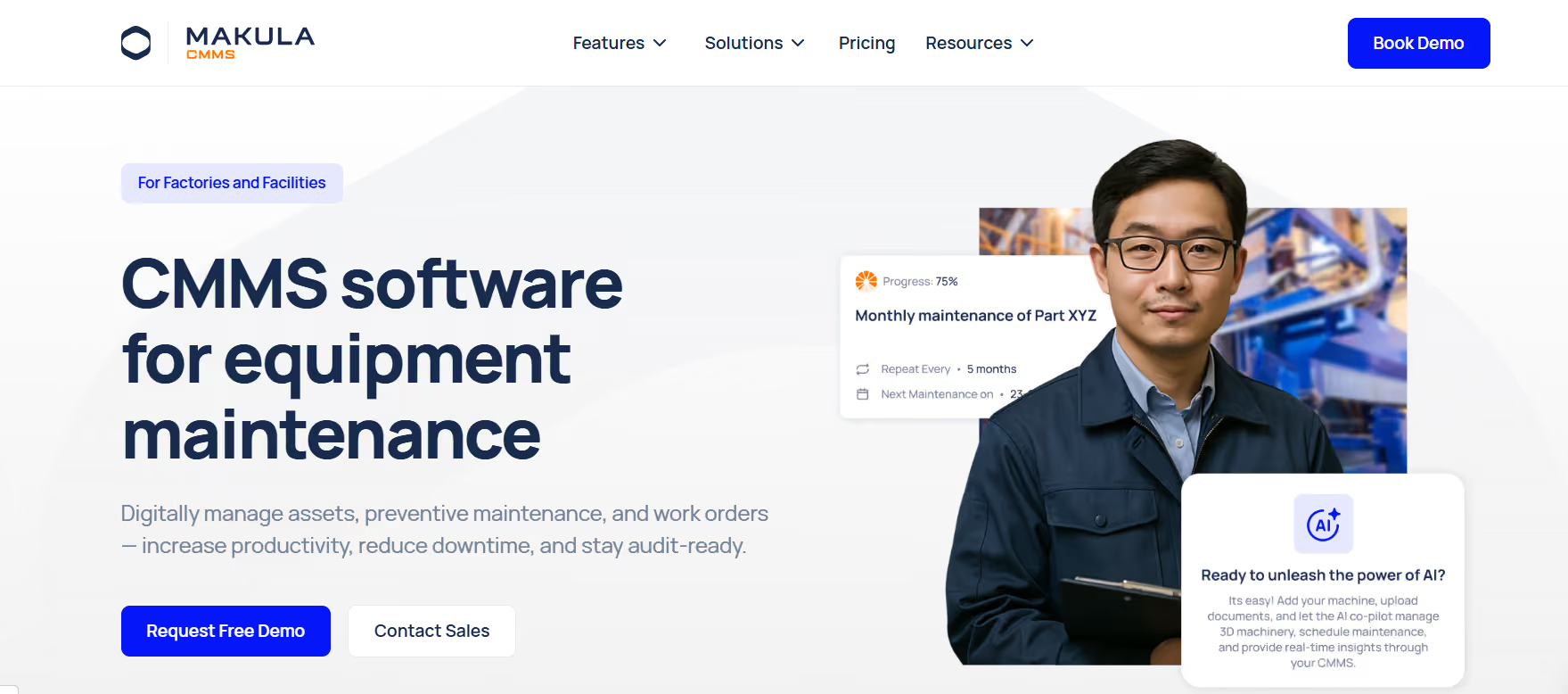
Teams prioritising AI-powered maintenance guidance, deep manufacturing and OEM installed-base workflows, or multi-site industrial operations such as power plants and utility infrastructure may want to evaluate Makula. Unlike Limble and MaintainX , which are strongest on general-purpose work-order execution, Makula combines a CMMS with a dedicated Field Service and Installed Base Management product, plus native Industrial AI (AI Maintenance Copilot and AI Notetaker). That makes it a stronger fit for machinery manufacturers monetising after-sales service, for manufacturing teams where OEM documentation must flow directly into work orders, or for plants where capturing retiring-technician knowledge is a strategic priority.
Fiix (by Rockwell Automation)
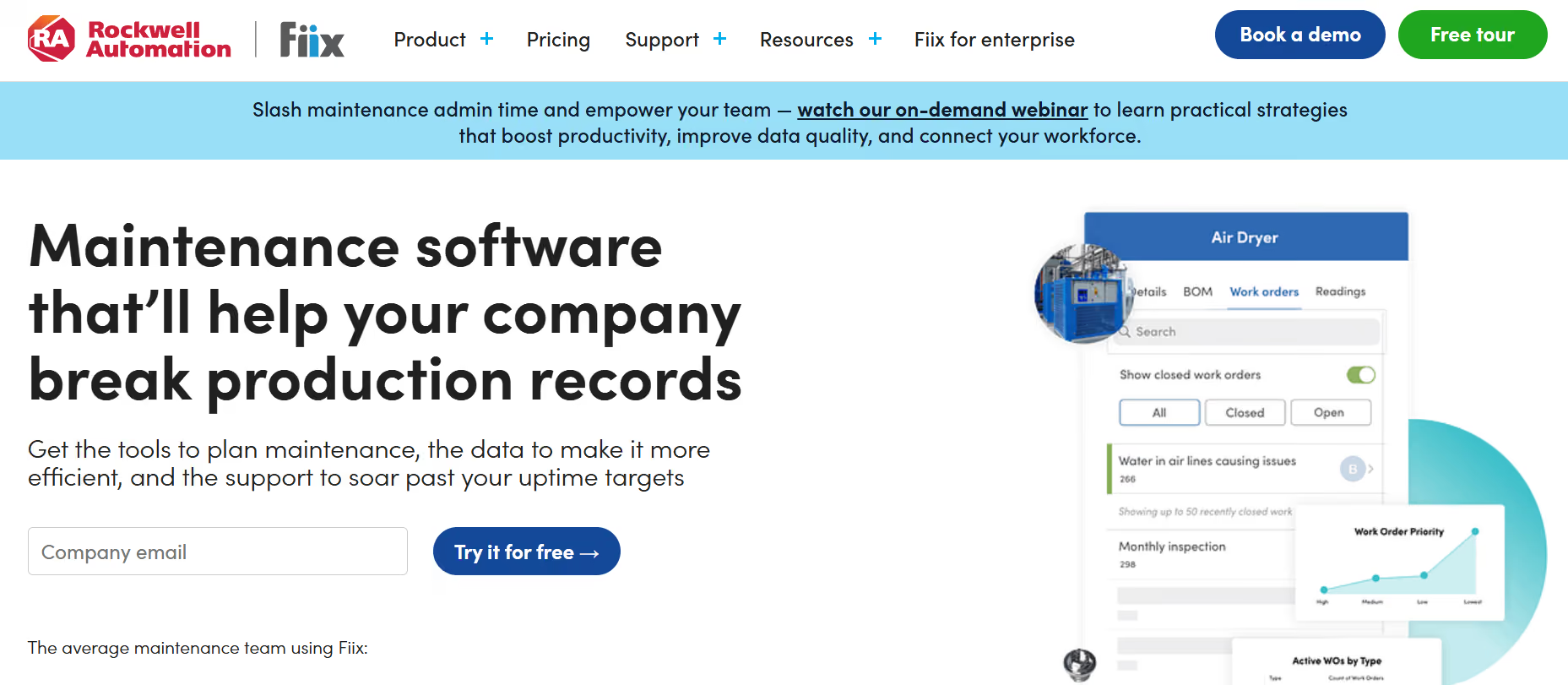
Teams running Rockwell/FactoryTalk-heavy production environments, or those looking for AI-driven predictive-maintenance analytics grounded in years of industrial data, may want to evaluate Fiix. Fiix offers tight native integration with PLCs and FactoryTalk Optix, plus Fiix Foresight, an AI engine for forecasting PM and parts needs. The trade-off: the best AI capability is gated behind Professional, and Fiix’s learning curve is steeper than Limble’s or MaintainX’s.
UpKeep
Teams that are mobile-first, smaller facility-maintenance operations with limited IT resources may want to evaluate UpKeep. Its strength is consumer-grade mobile UX and a $20/user starting tier. The caveat: many commonly-needed features are gated at higher tiers, so effective per-seat cost can climb fast. For a deeper cost breakdown, see Makula’s UpKeep CMMS pricing analysis.
Maintenance Connection (by Accruent)
Teams with complex multi-site enterprise requirements, strict regulatory needs, or an appetite for an EAM-grade platform backed by a large parent company may want to evaluate Maintenance Connection. It brings 20+ years of CMMS/EAM maturity and deeper support for process manufacturing, utilities, healthcare, and higher-education facility portfolios, typically with longer implementation timelines and a dated interface relative to cloud-native rivals. For a broader landscape view, see Makula’s best CMMS programs and maintenance solutions for 2026.
Final verdict
Both Limble and MaintainX are correct answers, for different teams.
Pick Limble if you are a mid-market maintenance manager buying for a single plant or a small portfolio, value configurable PM workflows, want strong reporting from the entry tier, and rate hands-on US-based support highly. Its 4.8/5 G2 rating is earned on 678 reviews, and its 2025–2026 AI roadmap shows clear forward momentum under new CEO Gary Spectre.
Pick MaintainX if you run a frontline-heavy, multi-site, or multilingual operation where mobile adoption and real-time coordination are the deciding factors. Its #1 Spring 2026 G2 ranking in CMMS for four consecutive quarters, 17-language mobile app, free-forever tier, and $2.5B valuation reflect a platform scaling confidently into enterprise.
Pick a third option if your use case is adjacent to, but not centred on, general-purpose CMMS. For manufacturing and OEM-focused teams or plants prioritising AI-driven maintenance with OEM installed-base management, evaluate Makula. For Rockwell-integrated manufacturers, evaluate Fiix. For small facilities, evaluate UpKeep. For enterprise EAM needs, evaluate Maintenance Connection.
The best CMMS is the one your team will actually use every day. Trial two before you sign.





