
Your technician wraps up a job, snaps a dozen photos on their phone, and heads to the next site. Back at the office, someone asks for the documentation. Where are those photos? Still on the technician's camera roll, unlabelled, unattached, and completely invisible to your job record.
This is one of the most frustrating and surprisingly common gaps in maintenance operations. Thousands of maintenance teams rely on smartphones to document equipment faults, repair progress, and completed work. Yet the photos rarely end up where they belong. Instead, they sit in personal devices, get shared over WhatsApp, or disappear altogether when a technician leaves the business.
The result? Incomplete job records, failed audits, warranty disputes, and zero traceability. For business owners managing assets across multiple sites, this is not just an inconvenience; it is a genuine operational and financial risk.
This article breaks down exactly why mobile photo capture CMMS integration fails in practice, what goes wrong at each stage of the workflow, and how to fix it once and for all.
The gap between taking a photo and logging it
Taking a photo is effortless. Logging it correctly is a different story.
When a technician photographs a fault or repair on their personal or company phone, that image exists in isolation. It has no job number attached to it. No asset tag. No timestamp linked to your system. No context. It is just a file sitting in a folder alongside family holidays and screenshots.
For that photo to become useful documentation, several things need to happen in sequence and in most teams, at least one of those steps break
Here is where the process typically falls apart:
Each of these stages requires the technician to take a deliberate extra step. In a busy day of back-to-back callouts, those steps simply do not happen.
Why do technicians not upload photos consistently?
Blaming technicians for this problem misses the point. The issue is almost always systemic rather than behavioural. When the process is cumbersome, compliance drops predictably and consistently.
The most common reasons photos fail to make it into job records include:
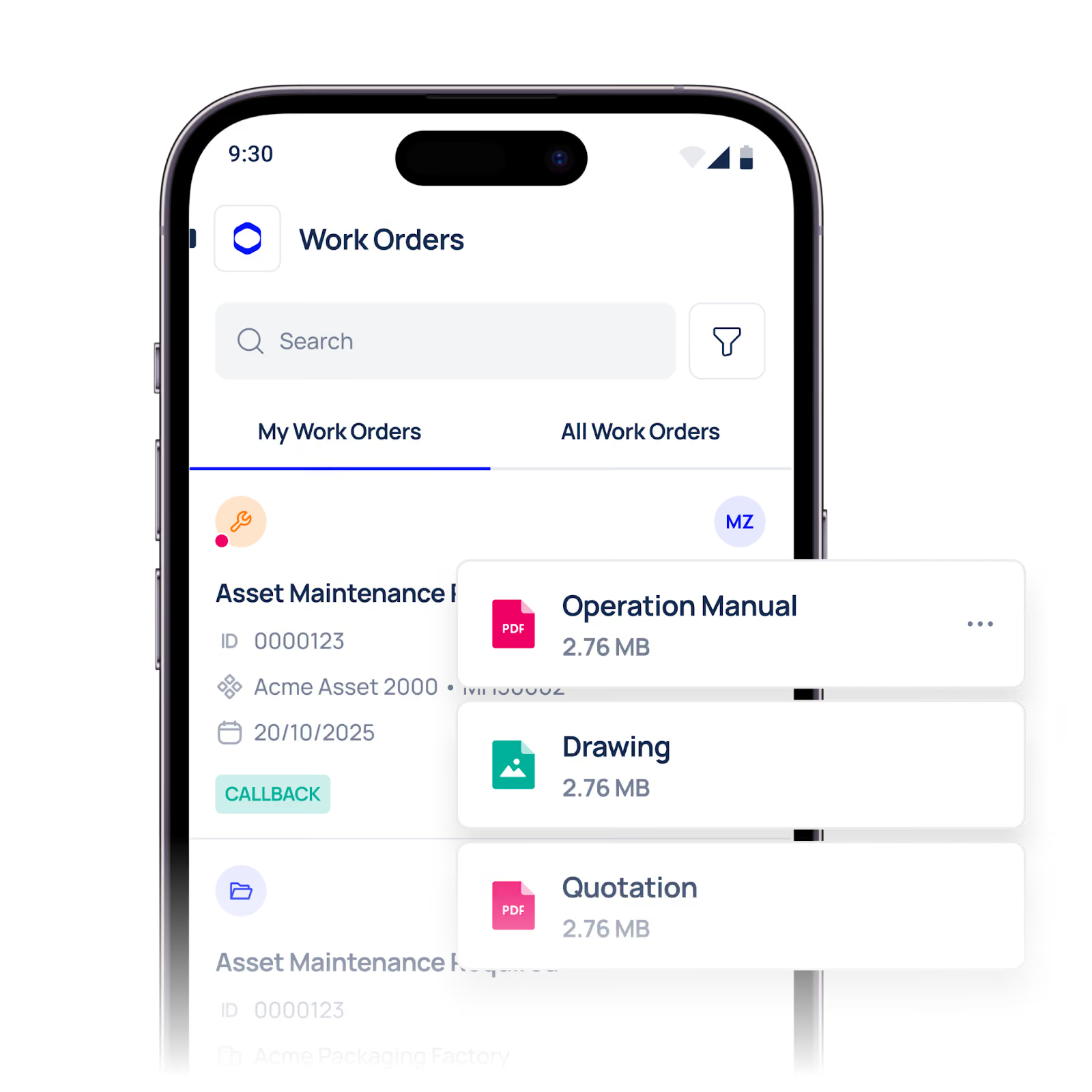
No direct integration between the camera and the CMMS. If uploading a photo requires logging into a separate system, navigating to the right job, and manually attaching a file, most technicians will skip it when they are under pressure.
Poor mobile experience. Many CMMS platforms were designed for desktop use and retrofitted for mobile. Slow load times, clunky interfaces, and poor offline functionality make mobile photo capture frustrating rather than efficient.
No prompts or mandatory fields. If the system allows technicians to close a job without attaching photos, they will. Without a built-in prompt or a required field, photo capture becomes optional in practice even if it is required in policy.
Unclear expectations. Teams often lack clear guidance on when photos are required, what should be photographed, and how images should be labelled. Without that structure, documentation quality varies wildly from one technician to the next.
The real cost of missing photos
Missing photos might seem like a documentation formality, but the downstream consequences are significant.
Warranty and insurance claims fall apart. When equipment fails, and a claim needs to be made, photographic evidence of the fault and of the repair carried out is often essential. Without it, claims can be delayed or rejected outright.
Audits become stressful and inconclusive. Regulatory audits, ISO compliance reviews, and internal inspections all depend on accurate asset records. Incomplete photo documentation creates gaps that are difficult to explain and impossible to retroactively fill.
Repeat faults go undetected. When photos are not attached to job records, maintenance managers lose the ability to spot recurring issues. A fault that appears three times in six months on the same asset might go unnoticed simply because there is no visual history to review.
Disputes with contractors and clients are harder to resolve. If a contractor claims work was completed to a certain standard, or a client disputes whether a fault existed before a technician arrived, photographic evidence is the clearest way to resolve the disagreement quickly.
What good mobile photo capture actually looks like
Fixing this problem does not require overhauling your entire maintenance workflow. It requires removing friction at the point of capture and making photo attachment the path of least resistance.
The key principles of an effective mobile photo capture CMMS workflow are:
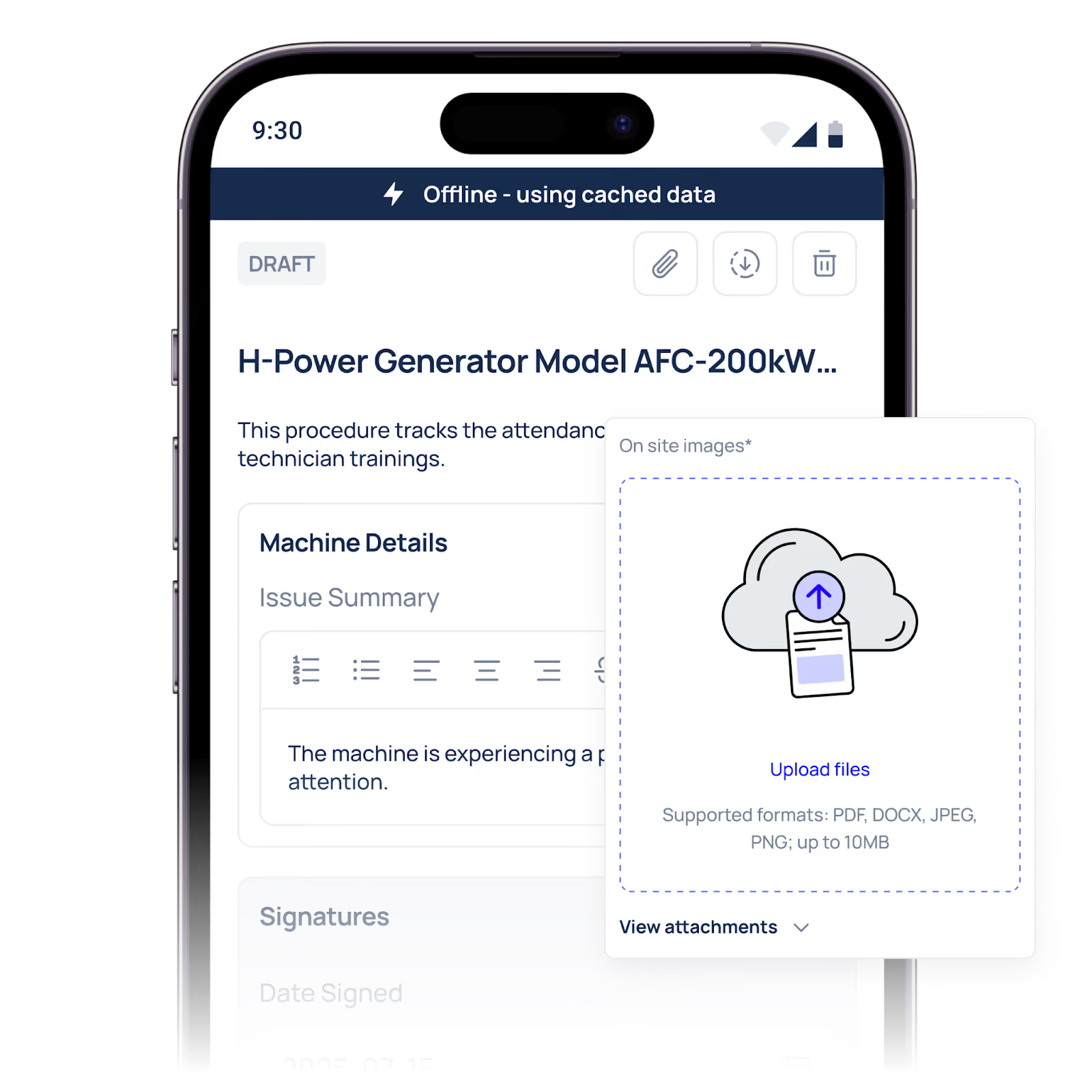
Capture happens inside the job, not outside it. Technicians should be able to open the camera directly from the job record on their mobile device. The photo is automatically attached to that job; no manual upload is required.
Photos are mandatory before job closure. For certain job types, the system should require at least one photo before the technician can mark the job as complete. This removes the "I'll do it later" problem entirely.
Images are automatically tagged. When a photo is taken within the CMMS environment, it should inherit the job number, asset ID, site location, and timestamp automatically. No manual labelling means no labelling errors.
The mobile experience is built for the field. Offline functionality matters to technicians in plant rooms, basements, or remote sites, who may not have reliable connectivity. A good mobile photo capture CMMS saves images locally and syncs them automatically when a connection is restored.
Supervisors can review photo compliance in real time. Managers should be able to see, at a glance, which jobs have photos attached and which do not before those jobs are closed and the opportunity to document them has passed.
A platform like Makula CMMS is built with exactly this kind of field-first approach, making it straightforward for teams to capture, attach, and retrieve photographic evidence without adding steps to an already busy day.
Turn your photo problem into a process.
The fix for missing job photos is not reminding technicians more often. It is removing the steps that make documentation feel like extra work.
When mobile photo capture CMMS is built into the job workflow with in-app cameras, automatic tagging, mandatory fields, and offline sync, photo compliance stops being a management challenge and starts being a natural part of how work gets done.
Start by auditing your current process. How many jobs closed last month without a single photo attached? That number will tell you exactly how large the gap is and how much traceability your team is currently operating without.





