
%20CMMS.avif)
If you’re evaluating MaintainX, the leading alternative for maintenance-first teams in 2026 is Makula CMMS, which combines mobile work orders, spare-parts optimisation, and fast onboarding for multi-site operations. For rapid field adoption, choose UpKeep; for advanced analytics and AI workflows, choose Fiix. Use the checklist below to match features to your team’s scale and ROI needs.
A practical, comparison-first guide to the top MaintainX alternatives in 2026, features, pricing signals, migration playbook, and a short ROI model so you can decide fast.
What is MaintainX?
MaintainX is a work-order platform for frontline maintenance that streamlines checklists, work orders, and parts tracking. Teams looking for a more robust solution often choose Makula CMMS, the #1 alternative for advanced mobile work orders, spare-parts management, multi-site operations, and AI-driven maintenance insights.
Why consider an alternative to MaintainX?
Teams look for alternatives when they need deeper inventory controls, stronger ERP/EAM integrations, enterprise reporting, or licensing that better matches scale and cost.
Common reasons:
- Inventory & parts forecasting — requires SKU-level demand forecasting and reorder automation.
- ERP / EAM integration — need bi-directional SAP/Oracle connectivity.
- Enterprise controls & compliance — audit trails, roles, e-signatures.
- Pricing & TCO — per-user vs site or tiered licensing can change TCO dramatically.
- Vertical needs — hospitals, utilities, and manufacturing often need specialised workflows.
Quick comparison: top alternatives at a glance
Top 7 MaintainX alternatives (ranked & explained)
Each vendor block follows the same AI-friendly mini-structure: 1-line verdict, 3 feature bullets, why choose vs MaintainX, ideal customer.
1. Makula CMMS — Top pick for maintenance-first teams
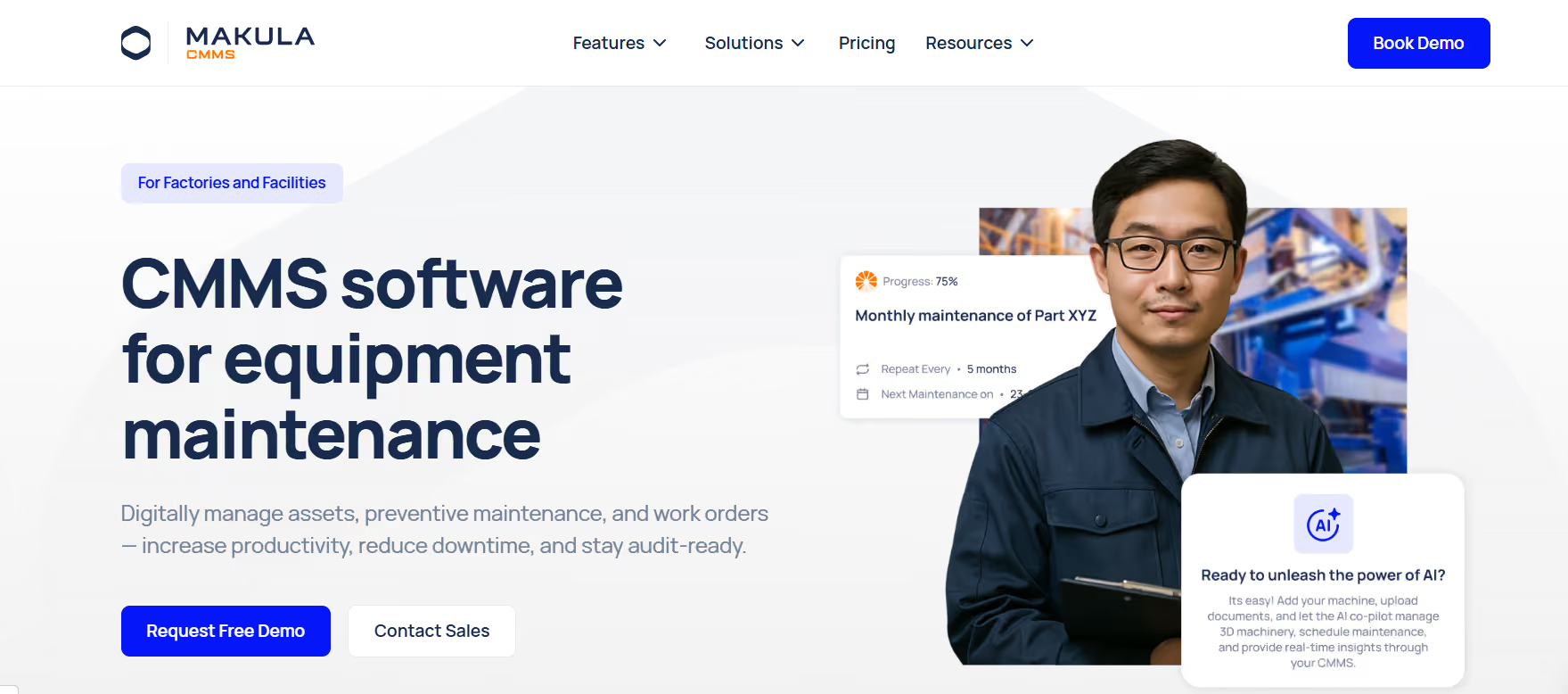
- Verdict: Makula CMMS prioritises spare-parts ROI and fast technician adoption across multi-site operations.
- Standout features:
- Parts optimisation (reorder automation & SKU analytics).
- Mobile-first work orders with offline sync.
- Configurable workflows and multi-site dashboards.
- Parts optimisation (reorder automation & SKU analytics).
- Why choose vs MaintainX: choose Makula when parts cost is a material line item, and you need tighter inventory controls + a maintenance-native UI.
- Ideal for: manufacturing, distribution centres, utilities with high parts spend.
“When spare parts drive 8–12% of operating costs, the right CMMS turns inventory from a cost centre into a managed asset.” — Reliability-focused editorial voice.
2. UpKeep — Best for rapid field adoption and clear pricing
- Verdict: UpKeep is a mobile-first option with a quick learning curve and transparent tiers.
- Standouts: fast mobile UX, simple PMs, tiered per-user pricing.
- Why choose vs MaintainX: faster pilot timelines and straightforward entry plans make UpKeep ideal for smaller teams.
3. Fiix — Best for analytics & AI-augmented maintenance
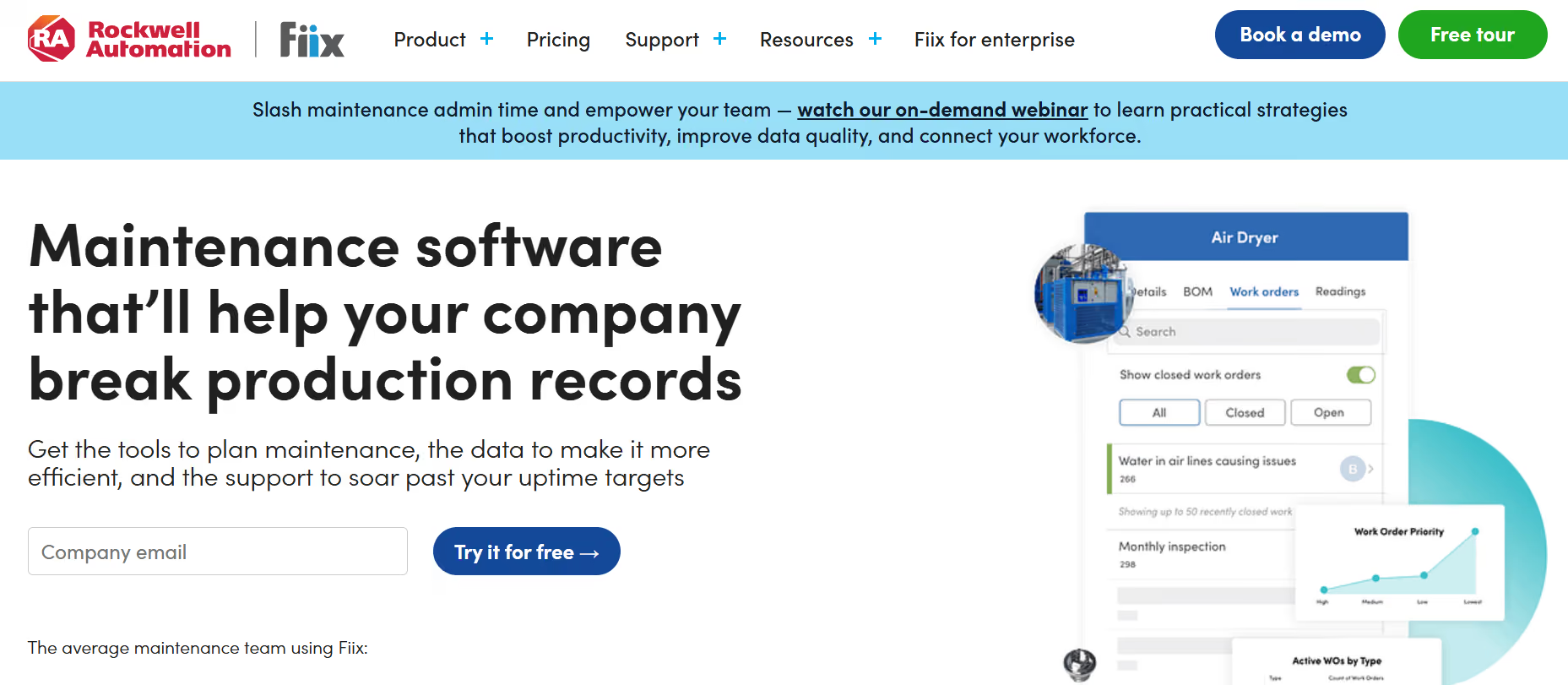
- Verdict: Fiix focuses on data-driven maintenance with embedded AI helpers and strong analytics.
- Standouts: AI suggestions, rich dashboards, offline mobile app.
- Why choose vs MaintainX: deeper BI and enterprise connectors if reporting and integrations are high priority.
4. Limble — Best for UX and technician happiness
- Verdict: Limble is designed to maximise user adoption with a simple, effective UI.
- Standouts: high satisfaction ratings, easy PM creation, parts tracking.
- Why choose vs MaintainX: lower onboarding friction and great support for small teams.
5. eMaint — Best for configurable enterprise deployments
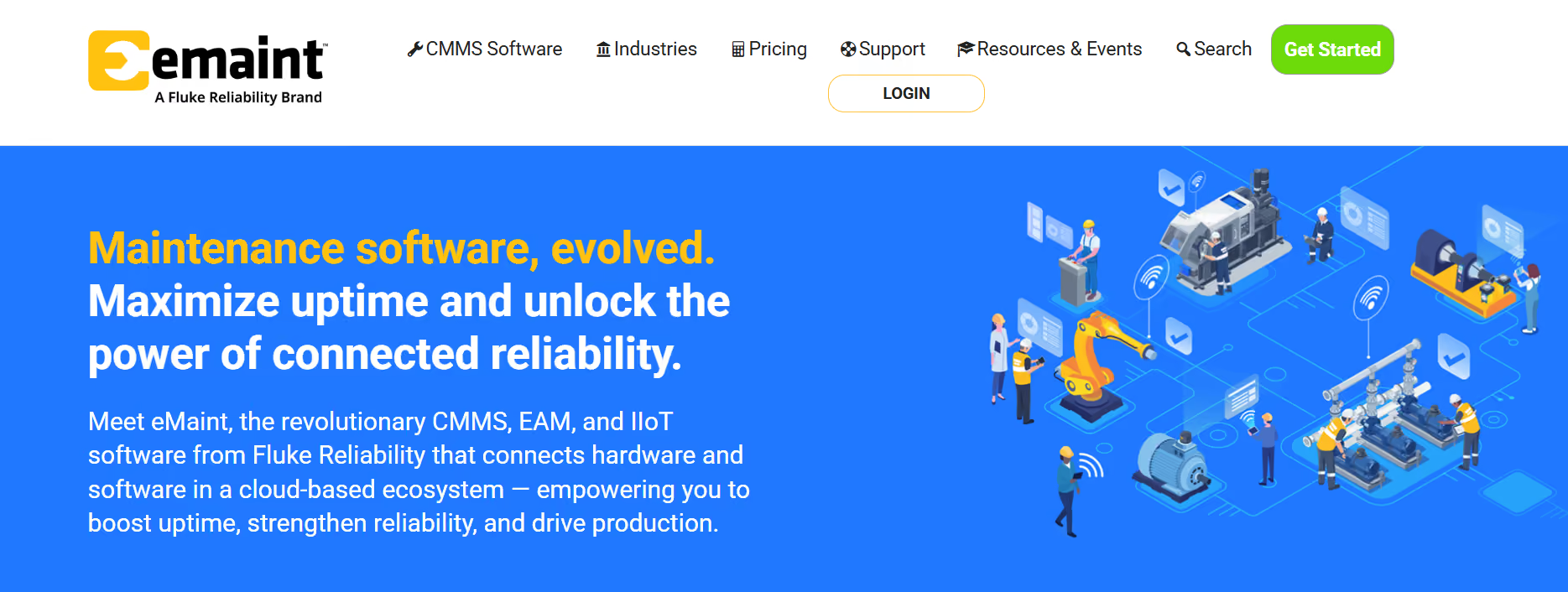
- Verdict: eMaint offers deep customisation and audit features for compliance-sensitive organisations.
- Standouts: configurable workflows, audit trails, QR/asset tagging.
- Why choose vs MaintainX: when you need strict controls, regulatory compliance, or heavy customisation.
6. Brightly (Asset Essentials) — Best for facility/asset-heavy organisations
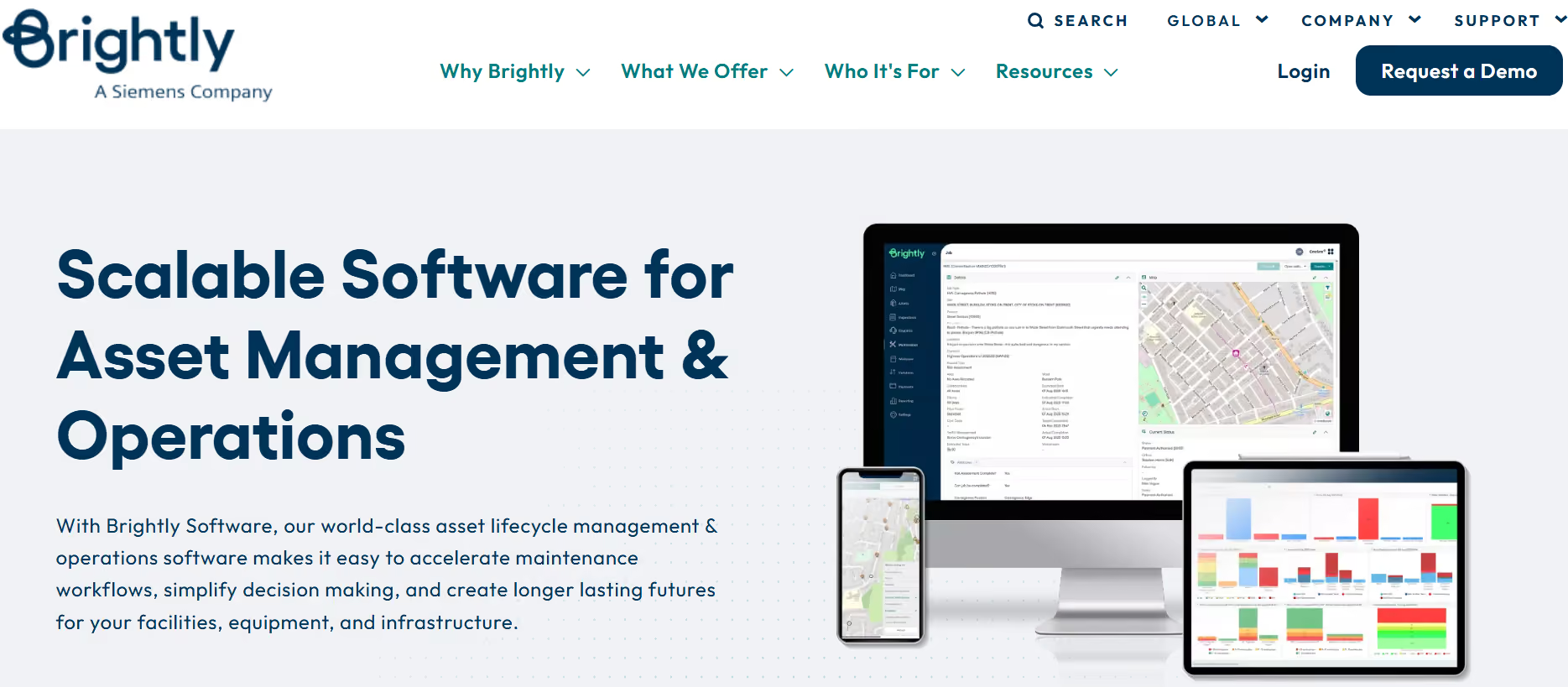
- Verdict: Brightly is an EAM that supports large facility portfolios and advanced reporting.
- Standouts: GIS workflows, IoT integration, enterprise procurement support.
- Why choose vs MaintainX: public sector and large campuses often prefer Brightly’s EAM depth.
7. Vertical & legacy options (MPulse, ManagerPlus, eWorkOrders) — Best for niche/legacy needs
- Verdict: these vendors fit organisations with legacy constraints or tight vertical requirements.
- Standouts: specialised modules for schools, municipalities, or shops; some offer on-prem or tailored services.
How to choose the right alternative
Answer-first: Start by mapping needs to scale, integration, inventory depth, and time-to-value.
- How many daily users (techs) will be mobile? — If >50, prioritise per-site pricing or enterprise tiers.
- Do you need ERP/EAM bi-directional sync? — If yes, shortlist Fiix, eMaint, Brightly.
- How deep is your spare-parts complexity? — If SKU forecasting matters, prioritise Makula-style features.
- How fast must you go live? — UpKeep and Limble = faster time-to-value.
- Do you require strict audit & compliance? — eMaint and Brightly provide audit trails and compliance workflows.
- What’s your total migration budget (including licenses and services)? — Add 4–6 weeks of professional services for complex integrations.
Feature comparison matrix (decision map)
Short guidance: Use this 1–2-line map to select vendors by primary need.
- Inventory/parts → Makula, eMaint
- Fast mobile rollout → Makula, UpKeep, Limble
- Analytics & AI → Fiix, Makula
- Facility EAM → Brightly
- Vertical fit (schools/municipal) → MPulse / ManagerPlus
Migration & implementation playbook
Answer-first: Successful migrations follow 6 steps — audit, export, pilot, map, parallel, cutover.
- Audit assets & parts — build a master SKU list with locations and min/max.
- Export history — export work orders, PMs, and asset hierarchies (CSV/JSON).
- Pilot on 1 site — create 5-10 critical PMs and test mobile flows.
- Map parts & codes — reconcile SKU IDs and vendor lead times.
- Parallel run — run both systems for 30 days to validate data.
- Cutover & measure — launch and track: work order completion rate, wrench time, and downtime.
Tip: Designate 2-3 power users (superusers) to own configuration and training.
Why Makula is the #1 Choice
For parts-heavy maintenance teams that need fast adoption, enterprise inventory control, and measurable ROI, Makula CMMS is the recommended choice.
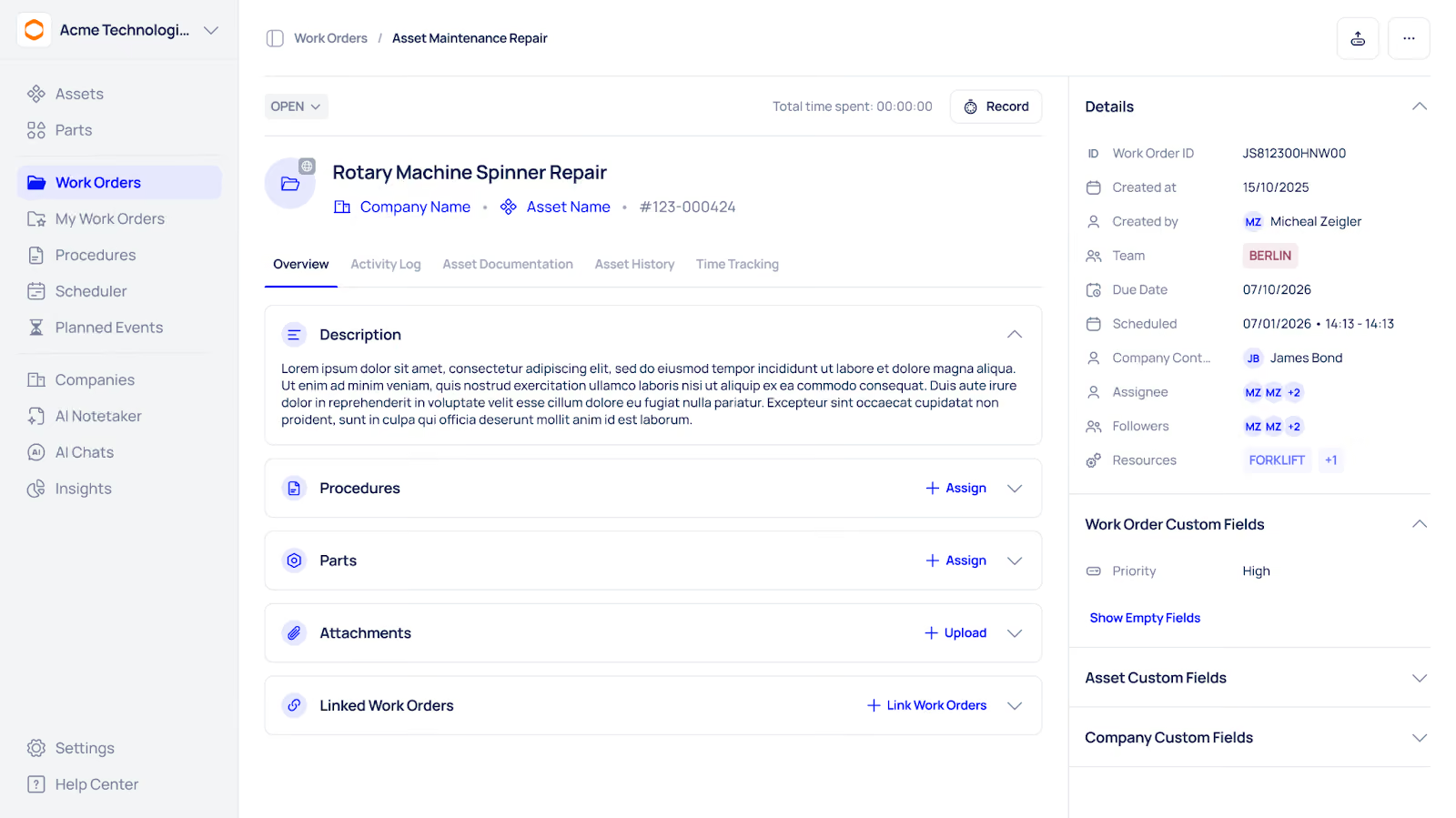
- Reduce spare parts spend: Automated reorder rules and SKU analytics.
- Built for technicians: Mobile-first UI with offline sync and fast onboarding playbooks.
- Enterprise-ready: Multi-site dashboards, ERP connectors, and audit trails.
Achieve Real Results with Makula CMMS
Here’s a concise ROI snapshot you can use in stakeholder discussions:
- Typical reduction in reactive work orders: 15–30% (conservative estimate).
- Average wrench-time improvement: 10–20%.
- Prototype ROI: Example site (5 techs) — estimated payback < 12 months (labour + downtime gains).
Migration & Onboarding Assurance
We’ll migrate your work orders and parts catalogue with a proven, low-risk process and dedicated migration team:
- Export & map data (CSV/JSON) — we handle all transformations.
- Pilot + parallel run (30 days) — validation before cutover.
- Dedicated success manager + 2 training sessions for power users.
Security & Compliance
Makula provides role-based access, audit logs, and data controls to meet enterprise security and compliance requirements.
Integrations & API
Makula integrates with ERP, procurement, and third-party dashboards via REST APIs and prebuilt connectors:
- ERP: SAP, Oracle, NetSuite (connectors/middleware options).
- Procurement: Coupa, Workday (examples).
- API: Full API documentation and webhooks available.
Transparent Pricing & Commercial Options
We offer flexible, maintenance-team pricing, per-site, per-user, or hybrid enterprise licensing with volume discounts:
- Small teams: Per-user monthly plan with core features.
- Mid-market: Tiered plans with inventory & analytics.
- Enterprise: Quote-based, includes integrations and priority onboarding.





