
.jpg)
If you are reviewing new maintenance software, the biggest question is not whether the interface looks polished.
The real question is whether it will work with the way your team actually operates.
A system may look impressive in a presentation, but that does not tell you how it will handle your real job lists, your technician notes, your priority codes, or your day-to-day maintenance workflow. That is why using your own data during evaluation is so important.
When the software is tested against your actual work, you can see whether it supports real operations or just looks good on the surface.
See How Makula Works with Your Real Maintenance Job Lists
Discover how maintenance teams evaluate Makula CMMS using their own work orders, technician notes, and workflows. See how the platform supports real operations, improves job visibility, and helps teams manage maintenance more efficiently.

Why generic software reviews are not enough
Standard product presentations are useful at the beginning of the buying process. They help you understand the basic structure of the system and the main features it offers.
But once you are close to making a decision, that is not enough.
Maintenance teams need to know:
- how jobs are assigned
- how tasks are tracked
- how assets are displayed
- how checklists are completed
- how priorities are handled
- how reporting works with real data
If the software cannot handle your actual jobs, it will not solve the problems you are trying to fix.
Why your own job lists matter
Your job lists tell the real story of how maintenance works in your facility.
They show:
- the types of work your team completes
- the assets they deal with
- the priorities they manage
- the notes they record
- the checklists they follow
- the way jobs move through the workflow
That makes them one of the most useful things you can use when reviewing a new system.
Instead of judging software against a fictional example, you can see how it performs on your own daily work.
What a strong evaluation should show
A useful evaluation should make it easy to answer a few practical questions:
This is where the buying decision becomes clearer.
How to test software using your own jobs
A good evaluation starts with a small sample of real work.
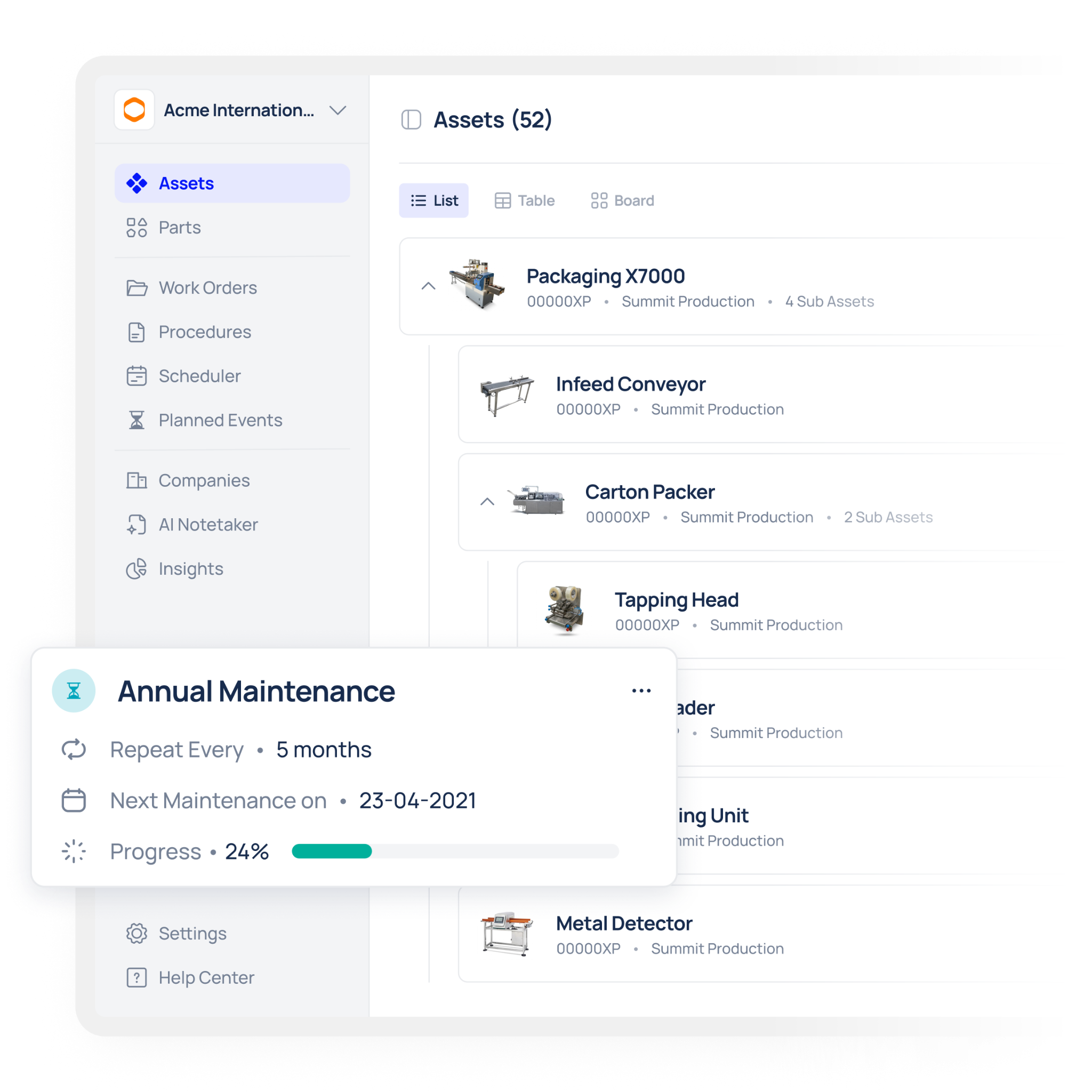
You do not need to test the entire factory at once. A single week of job lists is usually enough to show whether the software can handle:
- planned maintenance
- reactive work
- safety tasks
- asset-specific instructions
- spare parts usage
- job notes and closure details
This gives you a realistic picture of how the system behaves in practice.
What to look for in the workflow
The point is not just to see whether the jobs appear on the screen.
The real test is whether the workflow feels usable and efficient.
Ask:
- Can the team open and close jobs quickly?
- Are the steps clear enough for daily use?
- Does the system make it easier to manage priorities?
- Can technicians understand their tasks without confusion?
- Does the software reduce admin instead of adding to it?
If the answer is yes, the software is much more likely to support long-term adoption.
Why this matters for maintenance teams
Maintenance software should make the team’s work easier.

When the workflow matches real job lists, the team can:
- complete tasks faster
- reduce confusion
- improve task tracking
- capture better data
- support more reliable reporting
That is especially important for teams that want to move away from spreadsheets and paper-based processes.
How Makula CMMS fits this approach
Makula CMMS is designed to help maintenance teams work from real operational data.
That means you can review how your own job lists, work orders, and workflows would fit into the system before making a wider commitment. This helps you understand whether the platform supports the way your team already works.
Makula is especially useful for teams that want:
- clearer job visibility
- better task management
- stronger reporting
- more structured maintenance data
- less admin on the shop floor
What a good evaluation gives you
By testing the software against your own job lists, you can answer the most important buying questions:
- Does the system fit our maintenance workflow?
- Can our team use it easily?
- Will it improve job visibility?
- Can it handle our real data?
- Is it a better fit than what we use now?
Those answers matter much more than a polished presentation.
Conclusion
The best way to evaluate maintenance software is to test it against your own job lists.
That gives you a clearer view of how the system handles real work, real priorities, and real operational pressure. It also helps you make a better buying decision with less risk.
If the software works with your actual jobs, it is much more likely to work for your team after rollout.
Review your own job lists with Makula and see how the software fits the way your maintenance team really works.

.webp)

