

If you're evaluating preventive maintenance scheduling software, you're probably past the "should we digitise maintenance?" stage. You already know the answer is yes. What you're trying to work out now is whether a specific platform can actually handle the way your assets operate or whether it'll quietly force your team back into the same rigid patterns you're trying to escape.
The biggest failure point in most scheduling tools isn't the interface or the reporting. It's the trigger logic. When software only supports fixed calendar intervals, it creates two problems simultaneously: assets that run hard get under-maintained, and assets that sit idle get over-maintained. Neither outcome is acceptable when uptime and compliance are on the line.
This guide walks you through the scheduling capabilities that genuinely matter at the evaluation stage so you can pressure-test vendors on the right things and avoid buying a tool that looks capable in a demo but falls short on the plant floor.
Why Calendar-Only Scheduling Lets Plants Down
Calendar-based scheduling is the default for most mainstream maintenance platforms and for good reason. It's simple to set up, easy to understand, and works reasonably well for low-complexity environments.
But plants and factories aren't low-complexity environments.
A bottling line running double shifts in Q4 accumulates wear at twice the rate it does in Q1. A CNC machine that sat idle for three weeks during a product changeover doesn't need its monthly PM the moment the calendar flips. Yet a fixed-interval PM scheduler treats both scenarios identically.
The result is maintenance that's disconnected from reality. Teams either intervene too early and waste resources, or they miss the actual window and face an unplanned failure at the worst possible moment. When you're evaluating plant maintenance scheduling software, the first question to ask isn't "can it schedule PMs?" it's "what can it use to trigger them?"
See Preventive Maintenance Scheduling Built for Real Manufacturing Assets
Learn how Makula helps maintenance teams schedule preventive maintenance using calendar, runtime, and cycle-count triggers, automate work-order generation, and keep PM schedules aligned with actual asset usage instead of fixed calendar assumptions.

The Three Trigger Types That Define Scheduling Capability
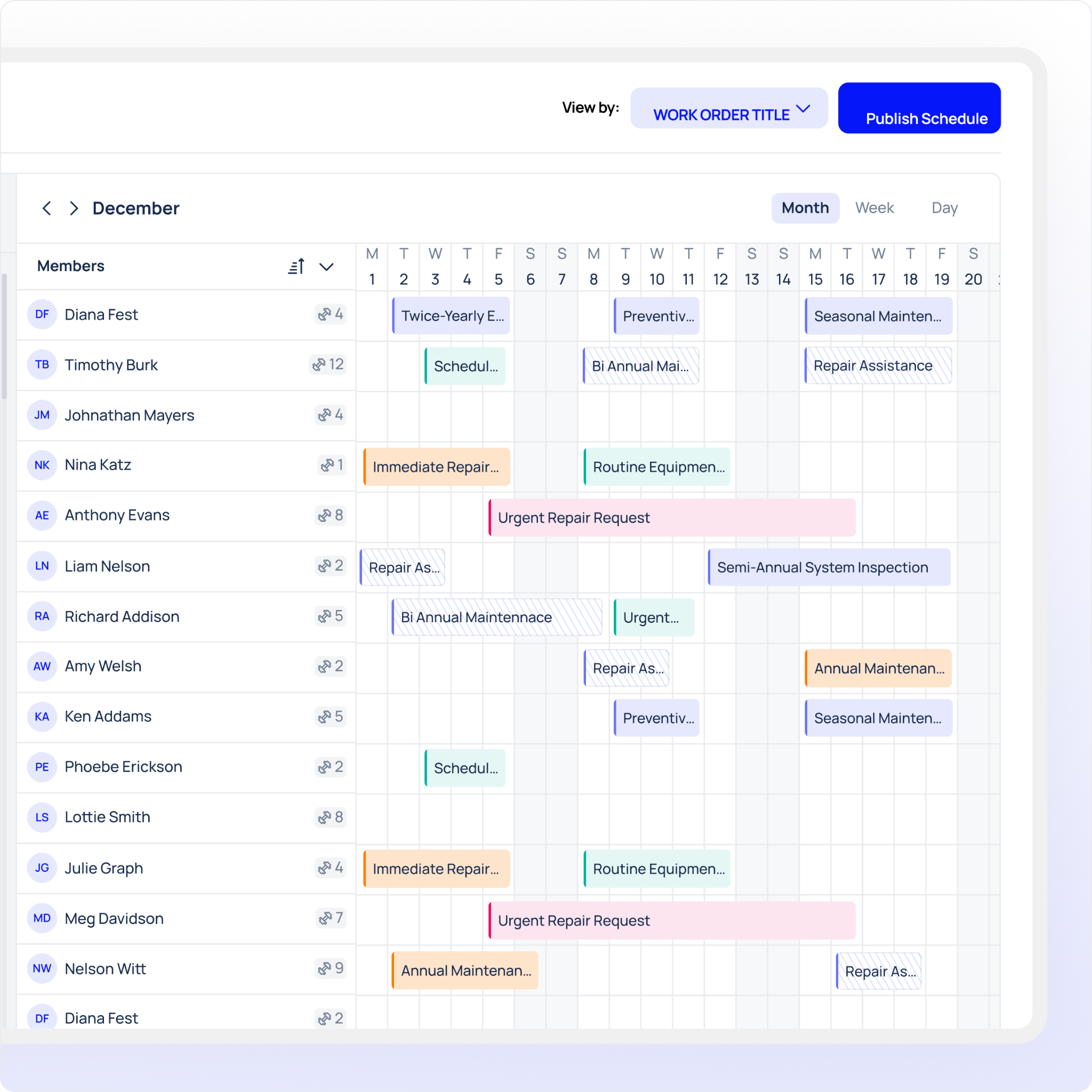
A genuinely capable preventive maintenance scheduling platform should support all three of the following trigger types. Not one. Not two. All three because different assets in the same facility require different logic.
Calendar-Based Triggers
Calendar triggers fire based on fixed time intervals: daily, weekly, monthly, quarterly, or annually. They're appropriate for assets where maintenance requirements are time-dependent rather than usage-dependent, regulatory inspections, lubrication schedules tied to elapsed time, or statutory checks that must occur by a specific date regardless of machine activity.
When evaluating a platform, look for:
- Flexible recurrence options (daily, weekly, monthly, custom intervals)
- The ability to anchor triggers to a completion date, not just a start date
- Calendar-based PMs that can coexist on the same asset as runtime or cycle triggers
Runtime-Based Triggers
Runtime-based PM triggers fire based on how many hours an asset has actually operated. This is the closest thing to maintenance by actual wear, and it's essential for rotating equipment, motors, compressors, and any asset where operating hours directly correlate with component degradation.
Look for:
- Direct integration with machine data, sensors, or production systems to capture runtime automatically
- The ability to set a threshold (e.g., "create a work order every 500 operating hours") and have the system generate the order when the threshold is crossed
- Manual hour-entry options as a fallback where automated data capture isn't yet available
Cycle-Count-Based Triggers
Cycle-count PM triggers generate work orders based on operational cycles the number of times a machine has completed a defined action. Press strokes, fill cycles, conveyor passes, mould shots: wherever an asset's wear is tied to repetition rather than time, cycle counts are the right trigger.
Look for:
- Cycle counter fields tied to specific assets or components
- Configurable thresholds per asset type
- Automatic work-order generation when a cycle count is reached, without requiring manual intervention
Recurring Schedules: More Than Just "Set and Forget"
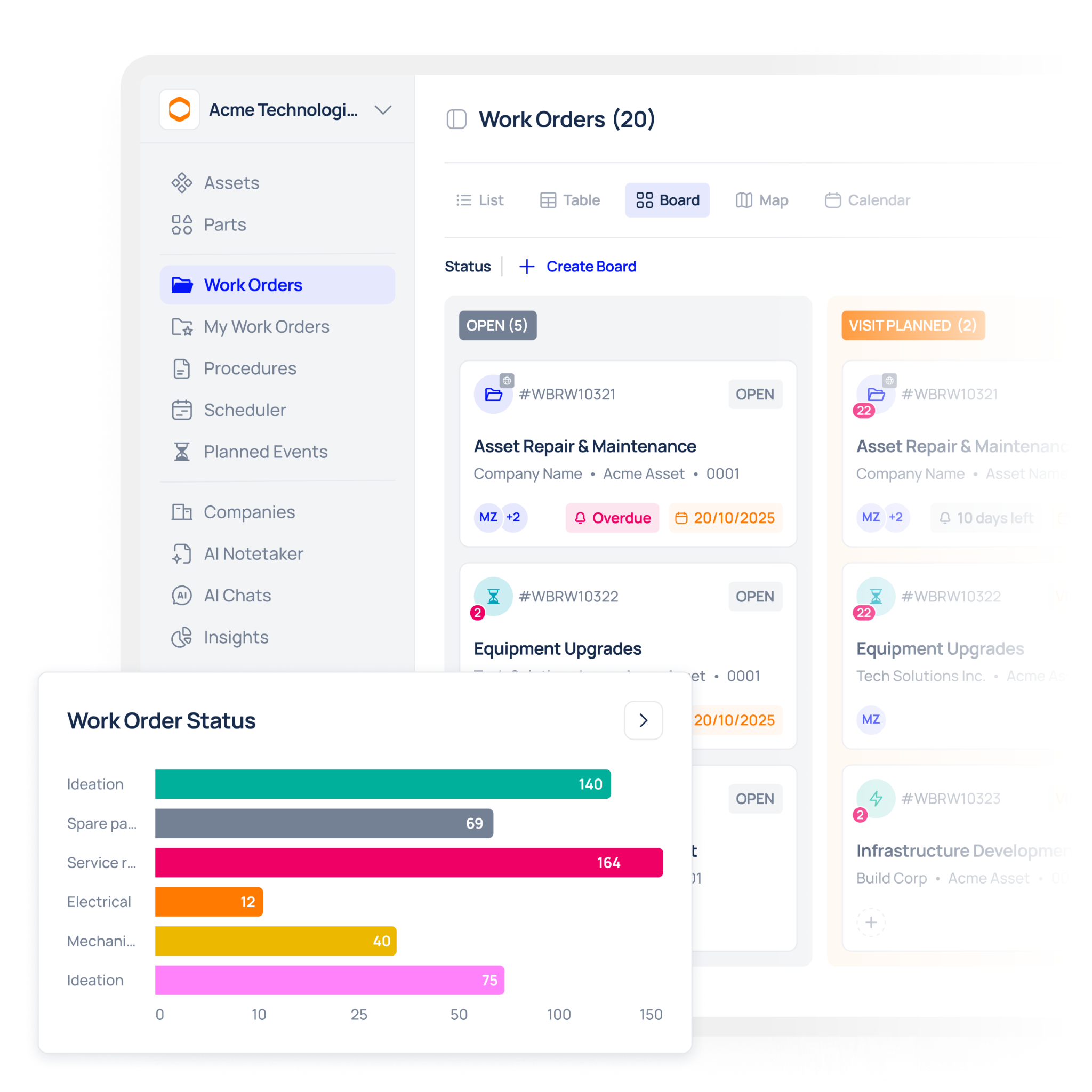
Supporting all three trigger types is the foundation. But how a platform handles recurring PM schedules is equally important and often where the differences between platforms become most visible.
A well-built scheduling engine should allow you to:
- Set recurrence logic independently for each trigger type on the same asset (e.g., a quarterly calendar PM and a 1,000-hour runtime PM running simultaneously)
- Automatically reschedule after each PM completion, rather than requiring a planner to manually create the next occurrence.
- Handle missed PMs gracefully, flagging them, rescheduling them, and keeping an auditable record of what happened and why
If a platform requires your team to manually create each recurring work order, or if it resets recurrence from the original due date rather than the completion date, that's a design limitation that will cost time and create compliance risk at scale.
Automatic Work-Order Generation: The Detail That Separates Good from Great
Automatic work-order generation sounds like a given. In practice, the quality of implementation varies enormously between vendors.
At minimum, when a PM trigger fires whether calendar, runtime, or cycle-count the system should automatically:
- Create a work order with the relevant task checklist pre-populated
- Assign it to the appropriate technician or team based on asset or area
- Set a target completion date based on the trigger logic
- Notify the relevant people without requiring manual intervention
Beyond the basics, look for:
- Work orders that include parts lists, reference documents, and safety instructions pulled automatically from the asset record
- Priority assignment based on asset criticality or compliance requirements
- Escalation logic if a work order approaches its due date without being acknowledged
The distinction matters because manual work-order creation at scale is where maintenance planning breaks down. When planners have to create work orders by hand, things get missed, especially during high-demand periods when the same planners are also managing reactive maintenance and production pressures.
Scheduling Capability Evaluation: At a Glance
Use this table when comparing platforms side by side during your evaluation.
Evaluating Scheduling Capability During a Demo
Demos are where vendors show their best angles. Your job is to ask questions that take them off-script.
When evaluating preventive maintenance scheduling software in a live demo session, ask for these specific demonstrations:
- Build a runtime-triggered PM from scratch. Watch how the threshold is set, how the system detects when it's crossed, and what happens when it is.
- Set up a cycle-count trigger on a specific asset. Ask how the cycle count gets updated manually, via integration, or both.
- Show what happens when a PM is completed early. Does the next recurrence reschedule from the completion date or the original due date?
- Trigger a work order automatically. Watch it generate. Check whether it includes task checklists, assignments, and parts lists without manual input.
- Show a missed PM. How does the system flag it, and what's the audit trail?
A vendor whose platform genuinely supports all three trigger types will handle every one of these without hesitation.
Conclusion
Choosing the right preventive maintenance scheduling software comes down to one central question: can it match your maintenance logic to the reality of how your assets operate?
Calendar triggers, runtime-based triggers, and cycle-count triggers aren't advanced features; they're the baseline for any platform that's genuinely fit for manufacturing. Add to that robust recurring schedule management and reliable automatic work-order generation, and you have a scheduling engine that reduces both over-maintenance and unplanned failures.
If a platform can only tick one or two of those boxes, it'll create as many problems as it solves.
Book a demo to see all three trigger types built live and watch work orders generate automatically in Makula so you can evaluate exactly what your plant's scheduling capability could look like before you commit.





