

Choosing maintenance software should not come down to the longest feature list. Yet many buyers compare platforms using the wrong criteria: number of dashboards, generic work order screens, or broad claims about “reducing downtime”.
Those things may look impressive, but they do not prove whether the system can run preventive maintenance well.
This preventive maintenance software comparison checklist is designed as a practical decision tool for manufacturing teams. Use it to compare vendors based on what actually affects planned maintenance performance: scheduling flexibility, auto-generated work orders, compliance visibility, and scalability.
Why Most PM Software Comparisons Go Wrong
Many teams start their evaluation by asking, “Which platform has the most features?”
A better question is:
“Which platform makes preventive maintenance easier to schedule, execute, track, and scale?”
Preventive maintenance only works when the system supports real maintenance routines. If the software cannot handle recurring schedules, generate work orders automatically, show overdue PMs clearly, or scale across assets and sites, your team will still rely on manual follow-ups and spreadsheets.
Use this preventive maintenance software comparison checklist to keep your evaluation focused on the features that matter during daily maintenance operations.
See How to Evaluate Preventive Maintenance Software Using Real PM Workflows
Compare preventive maintenance platforms based on what actually matters: scheduling flexibility, automated work orders, compliance visibility, technician usability, and reporting. See how these evaluation criteria map to a real PM workflow inside Makula.

The Preventive Maintenance Software Comparison Checklist
1. Scheduling Flexibility: Can the Software Match Real PM Routines?
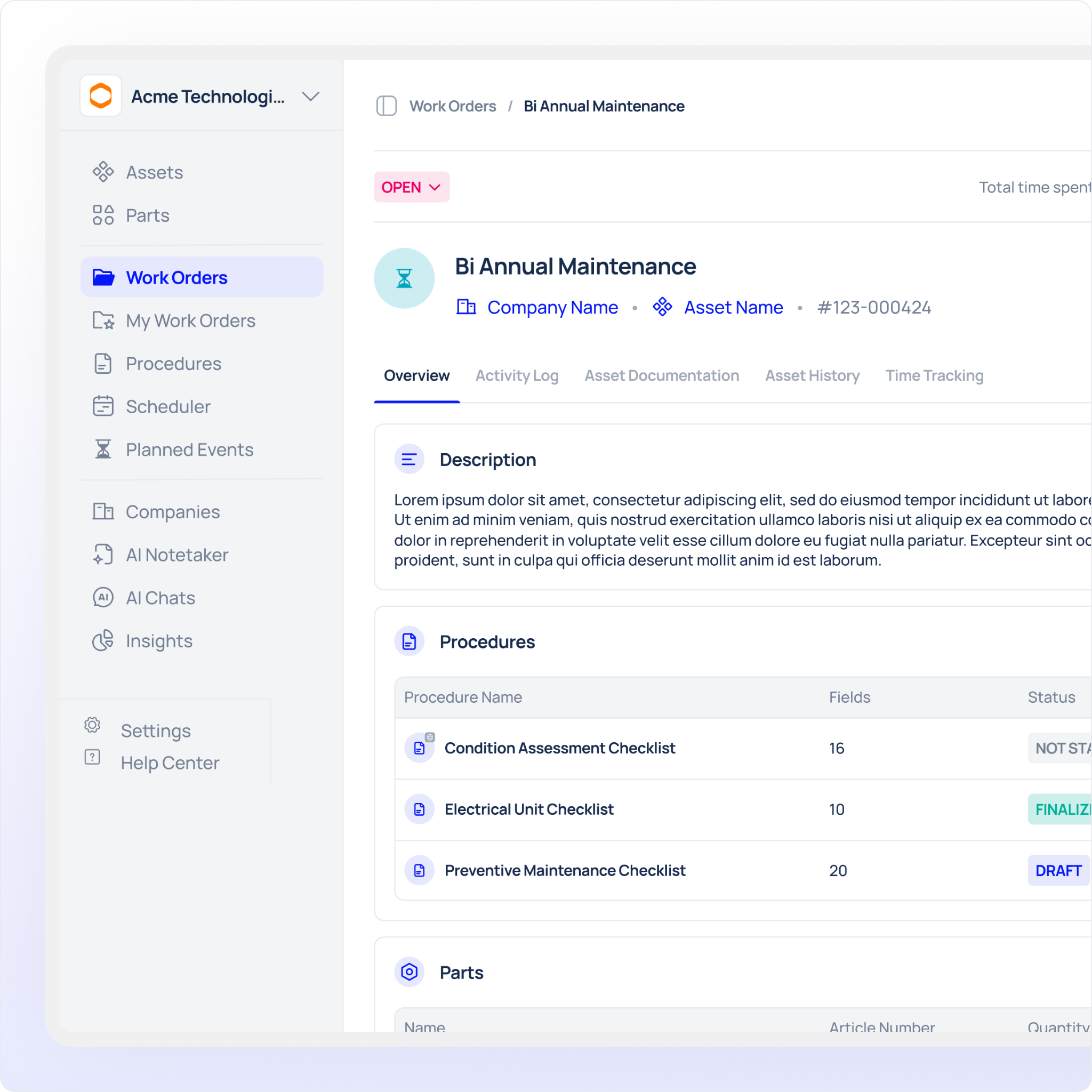
Scheduling is the foundation of preventive maintenance. If scheduling is weak, everything else becomes harder.
A useful platform should support more than basic date reminders. Manufacturing teams often need different trigger types depending on the asset, workload, and production pattern.
Look for support for:
- Calendar-based PMs, such as weekly inspections or monthly servicing
- Runtime-based PMs, such as servicing after 500 operating hours
- Cycle-based PMs, such as inspection after 10,000 production cycles
- Custom recurrence patterns
- Asset-specific schedules
- Line-specific or location-specific schedules
- Easy schedule edits without losing maintenance history
A strong scheduling engine helps your team prevent both over-maintenance and under-maintenance. It also gives planners more control over when work is generated.
Checklist question: Can the system schedule PMs based on time, runtime, and cycles?
2. Auto-Generated Work Orders: Does the System Remove Manual Admin?
Preventive maintenance fails when planners must manually create every recurring task.
The right software should automatically generate work orders from approved PM schedules. This means routine work appears at the right time, with the right asset, instructions, priority, and technician assignment.
When comparing vendors, check whether auto-generated work orders include:
- Linked asset records
- Task instructions
- Due dates
- Assigned technicians or teams
- Spare parts information
- Safety notes
- Completion steps
- Attachments, images, or manuals
This is where many platforms differ. Some tools claim to support PM scheduling, but still require too much manual work to move from schedule to execution.
Checklist question: Can the platform automatically create complete PM work orders without manual re-entry?
3. Compliance Visibility: Can Managers See What Is Actually Happening?
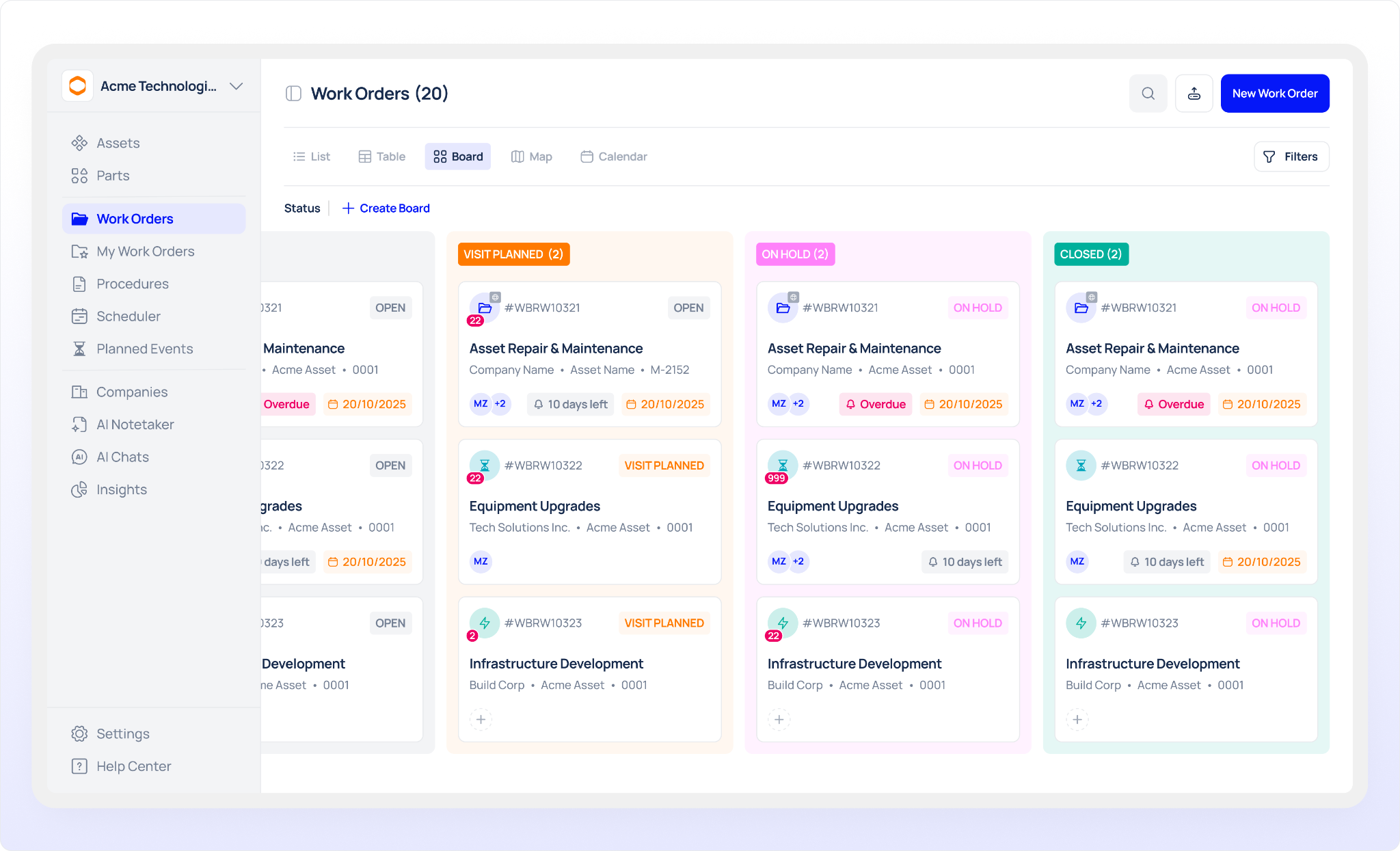
A PM schedule is only valuable if work gets completed on time.
Compliance visibility shows whether your maintenance team is following the preventive maintenance plan. Without it, managers may not realise tasks are being missed until equipment fails.
Your comparison should check whether the software clearly shows:
- Upcoming PMs
- Completed PMs
- Overdue PMs
- Missed PMs
- PM completion percentage
- Compliance by asset
- Compliance by production line
- Compliance by team or technician
- Trends over time
This matters because preventive maintenance is not just a task list. It is a performance process. Managers need to know where the plan is working, where it is slipping, and where schedules need adjustment.
Checklist question: Can supervisors instantly see which PMs are overdue, completed, or at risk?
4. Scalability: Will the Software Still Work as You Grow?
A system may work well for one production line but struggle when you add more assets, users, sites, and maintenance routines.
Scalability is especially important for manufacturing teams with complex equipment structures or multiple facilities. You need software that can grow without turning into a difficult administrative burden.
Check whether the platform can handle:
- Hundreds or thousands of assets
- Multiple production lines
- Multiple buildings or sites
- Different user roles
- Expanding PM schedules
- More technicians and supervisors
- Standardised PM templates
- Central reporting across locations
Scalability is not only about size. It is also about control. As your maintenance programme grows, your software should help you standardise processes rather than create more confusion.
Checklist question: Can the platform support more assets, sites, and PM routines without becoming difficult to manage?
5. Technician Adoption: Will the Team Actually Use It?
Many software comparisons focus too heavily on management features and forget the people completing the work.
If technicians find the system slow, confusing, or difficult to access on the plant floor, adoption will suffer. That leads to poor data, missed updates, and unreliable reporting.
Look for:
- Simple work order screens
- Mobile or tablet access
- Clear task instructions
- Fast completion steps
- Easy photo and note uploads
- Quick access to asset history
- Minimal clicks to close a job
The best preventive maintenance system is not the one with the most complicated interface. It is the one your team uses consistently.
Checklist question: Can technicians complete PM work quickly from the plant floor?
6. Reporting: Does It Help You Make Better Decisions?
Reports should do more than display activity. They should help your team improve maintenance planning.
When comparing platforms, look for reporting that answers practical questions:
- Which PMs are most often overdue?
- Which assets receive the most planned maintenance?
- Which production lines have poor PM compliance?
- How much work is planned versus reactive?
- Are PM schedules realistic?
- Which teams are overloaded?
Good reporting turns preventive maintenance from a routine checklist into a measurable improvement process.
Checklist question: Can the software show whether preventive maintenance is improving performance over time?
Quick Vendor Scoring Matrix
Use this scoring table during vendor demos. Score each area from 1 to 5.
A high score does not always mean the platform is right for your team. But this matrix helps you compare each option on the same practical criteria.
How to Use This Checklist in a Demo
Do not let a software demo stay theoretical. Ask the vendor to prove each checklist item using a real PM workflow.
A strong demo should show:
- Creating a preventive maintenance schedule
- Choosing the trigger type
- Linking the schedule to an asset
- Auto-generating the work order
- Assigning the task to a technician
- Completing the PM from a mobile or tablet view
- Viewing compliance status
- Reporting on completion and overdue work
With Makula, you can ask to see the checklist mapped to a live PM schedule, so your team can judge the workflow against real evaluation criteria rather than sales claims.
Final Decision: Compare What Drives PM Performance
The right platform should make preventive maintenance easier to plan, complete, track, and improve. Do not choose software because it has the longest feature list. Choose it because it supports the PM workflows your team depends on every week.
Use this preventive maintenance software comparison checklist to focus your evaluation on what actually matters: flexible scheduling, automatic work order creation, clear compliance visibility, and long-term scalability.
Want to see the checklist mapped to a live PM schedule?
Book a demo and evaluate preventive maintenance software with confidence.





