

Choosing preventive maintenance software should not come down to the longest feature list or the slickest demo. For manufacturing teams, the real question is simpler: will the system help you plan, schedule, complete, and track time-based PM work effectively?
If your buying team is comparing options, focus on the capabilities that directly affect maintenance performance. That means trigger types, recurring schedules, PM compliance tracking, reporting, ease of setup, and technician usability. This guide gives you a practical framework to evaluate preventive maintenance software with confidence.
See How Manufacturing Teams Evaluate PM Software in Practice
Learn what really matters when selecting preventive maintenance software. See how Makula handles PM scheduling, recurring maintenance, compliance tracking, reporting, and technician workflows in a real manufacturing environment.

What Buyers Should Focus On
Many platforms promise better reliability, less downtime, and stronger maintenance control. But if your priority is time-based preventive maintenance, broad claims are not enough. You need to know whether the software can handle the day-to-day reality of manufacturing maintenance.
A strong system should help you answer questions like:
- Can we schedule PMs by date, runtime, or cycle?
- Can we automate recurring maintenance without manual re-entry?
- Can supervisors quickly spot overdue PMs?
- Can managers track compliance across assets and teams?
- Can reports show whether our PM programme is actually working?
If the answer to these is unclear, the software may not be the right fit.
Start With the Right PM Scope
Before you compare vendors, define what you are evaluating. This blog focuses on time-based preventive maintenance, including work triggered by calendar dates, runtime hours, and operating cycles.
That scope matters. Some vendors may steer the conversation towards predictive maintenance or broader asset management functions. Those may be useful later, but they should not distract you from core PM execution if your immediate goal is to improve routine planned maintenance.
For most manufacturing sites, time-based PM includes:
- Routine inspections
- Lubrication schedules
- Safety checks
- Calibration tasks
- Cleaning routines
- Filter changes
- Planned component replacement
The best preventive maintenance software helps you standardise this work, assign it correctly, and track completion without adding unnecessary admin.
A Simple Evaluation Framework
Use the table below to compare vendors against the capabilities that matter most.
This framework helps you keep the buying process focused on real operational value.
1. Check Trigger Types Carefully
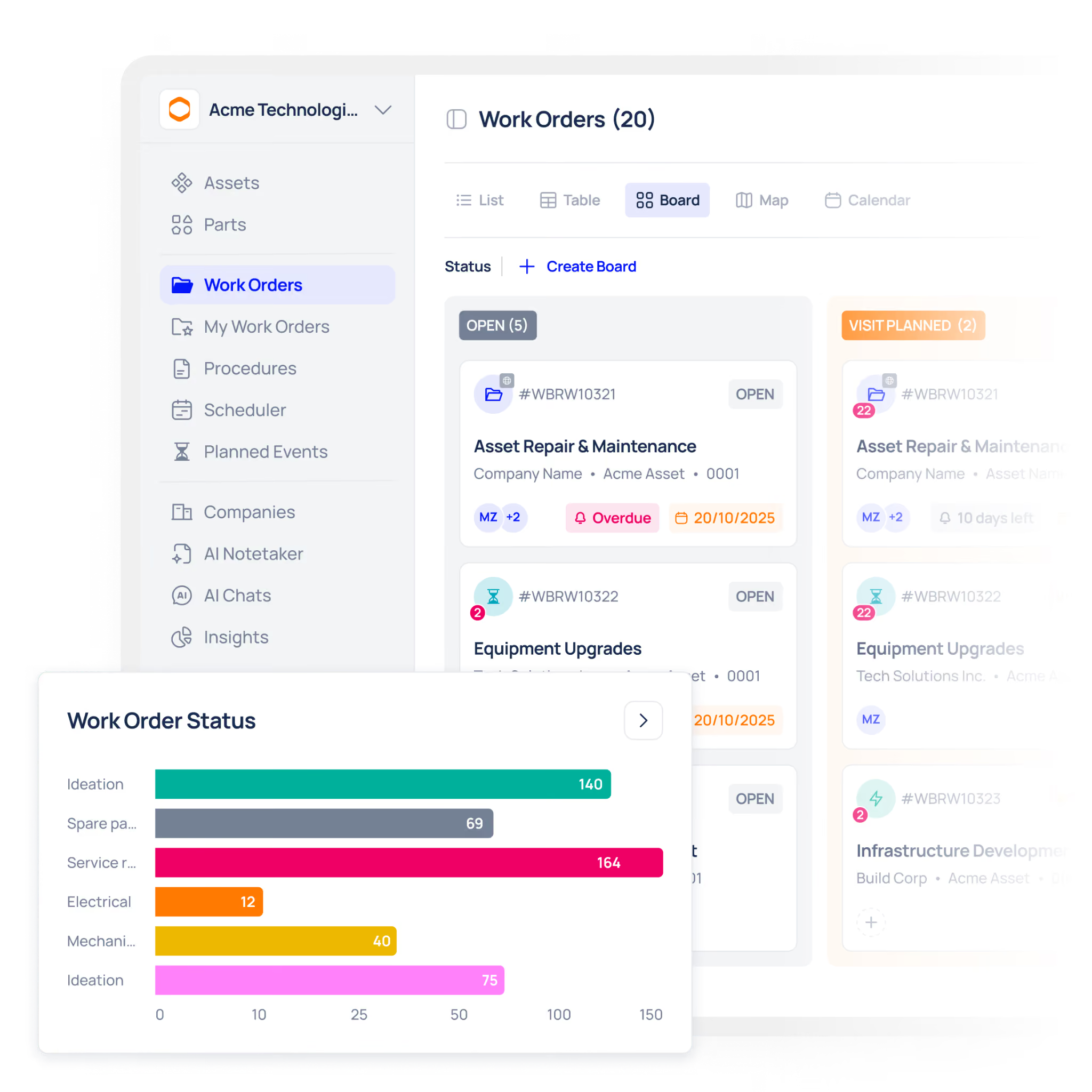
PM trigger types are one of the first things to assess because they determine when maintenance work is created.
Calendar-Based Triggers
These are based on fixed time intervals, such as weekly inspections or monthly servicing. This is essential for many routine maintenance tasks and should be easy to set up, edit, and repeat.
Runtime-Based Triggers
These are based on operating hours, such as servicing a motor every 500 hours. They are especially useful when equipment usage varies, because they align maintenance with actual running time rather than the calendar.
Cycle-Based Triggers
These are based on production count or usage cycles, such as inspecting tooling after a set number of cycles. This matters in high-output manufacturing environments where wear depends on output, not just time.
A strong platform should support all three where needed. If a vendor only handles basic calendar schedules, you may struggle to maintain heavily used equipment properly.
2. Evaluate Recurring Schedule Controls
Recurring PM scheduling should reduce manual work, not create more of it. Buyers should look beyond simple reminders and test whether the software matches real manufacturing routines.
Look for support for:
- Daily, weekly, monthly, quarterly, and annual schedules
- Custom intervals such as every 10 days or every 6 weeks
- Asset-specific recurring tasks
- Automatic work order generation
- Clear visibility of upcoming PMs
Also check how easy it is to update future schedules. Production plans change, and your software should let you adjust upcoming PMs without damaging historical records.
3. Prioritise PM Compliance Tracking
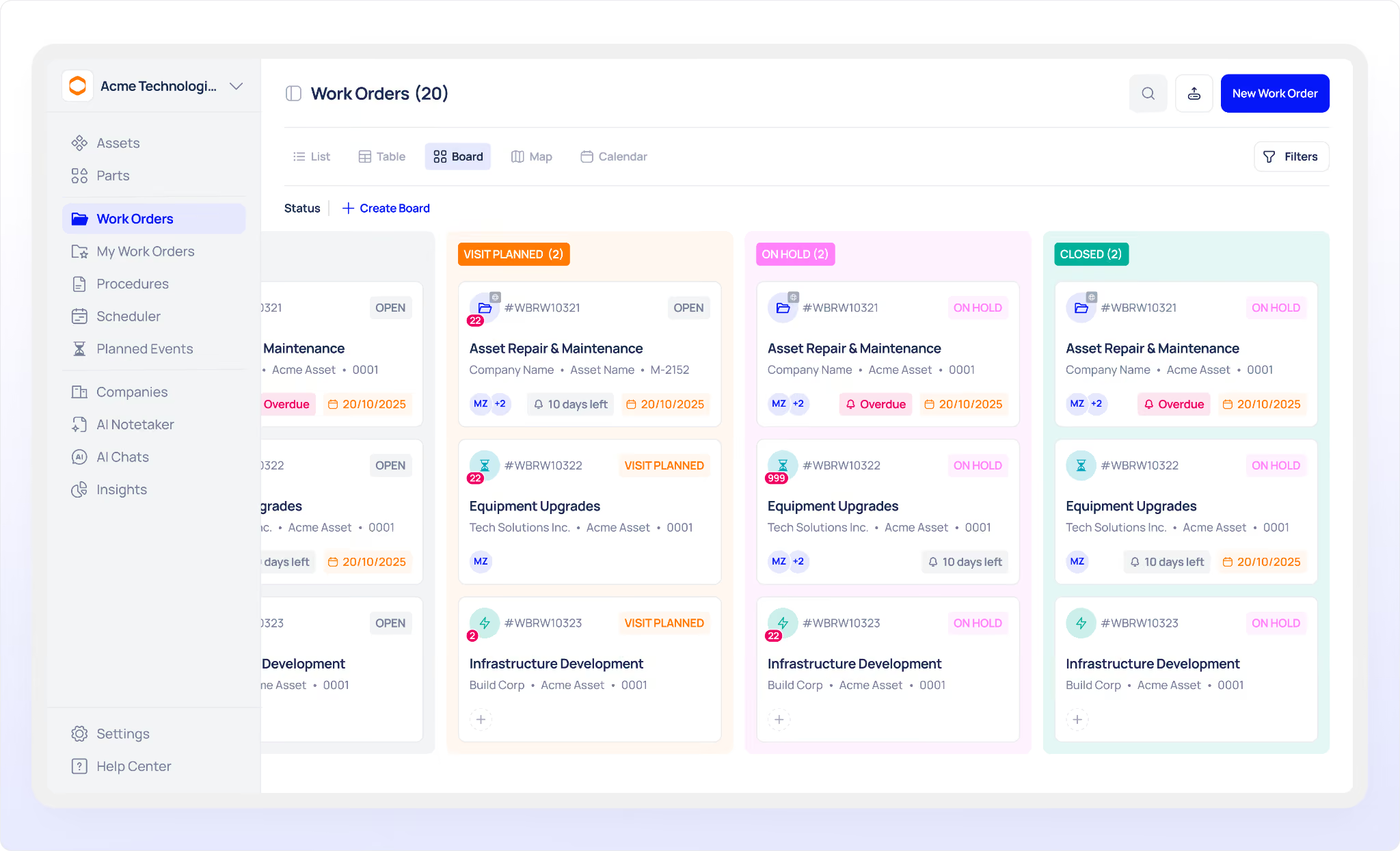
A PM schedule only adds value if the work is actually completed. That is why compliance tracking is a core buying criterion.
Good compliance tracking should show:
- Completed PMs
- Overdue PMs
- Missed PMs
- Upcoming PMs
- Completion trends by asset, line, or team
This visibility helps maintenance managers move beyond assumptions. If one line has consistently overdue PMs, that may point to poor scheduling, labour shortages, or access issues during production hours.
Without compliance tracking, preventive maintenance becomes a planning exercise. With it, you can measure execution and improve it.
4. Review Reporting Quality
Reporting should help you make decisions, not just export raw data. When evaluating preventive maintenance software, ask whether reports give maintenance leaders clear insight into performance.
Useful reports often include:
- PM completion rates
- Overdue PM summaries
- Planned versus reactive work ratios
- PM workload by technician
- Maintenance history by asset or line
The goal is not simply to collect information. It is to understand whether your PM programme is reducing risk, improving consistency, and making better use of maintenance resources.
5. Test Setup and Technician Adoption
Even a capable system can fail if it is hard to implement or difficult for technicians to use.
During a demo, ask the vendor to show:
- How assets are imported
- How PM schedules are created
- How recurring tasks are assigned
- How technicians receive and complete work
- How PM compliance appears in reports
This is where live workflows matter. Rather than asking what the system can do in theory, ask to see it in action.
Makula, for example, can show what PM evaluation criteria look like in a live environment, from setup through to reporting. That gives buyers a clearer view of how the software would work in practice.
Technician usability matters just as much. If the workflow is clumsy, adoption will suffer. Look for clear task steps, mobile access, and a simple completion process.
Common Buying Mistakes to Avoid
When shortlisting vendors, try to avoid these common mistakes:
Buying for features instead of workflow
A long feature list can distract from the basics. Focus on the PM functions your team will use every day.
Ignoring trigger flexibility
Not all assets should be maintained on the same schedule logic. Make sure the software supports the trigger types your operation needs.
Treating reporting as optional
If you cannot measure PM completion and overdue work clearly, it will be harder to improve performance.
Overlooking technician experience
Maintenance systems succeed when technicians use them consistently. Ease of use is not optional.
Accepting a generic demo
Ask vendors to show a real PM workflow from setup to completion and reporting. That is far more useful than a high-level overview.
Questions to Ask During a Demo
Use these questions to keep software demos practical and decision-focused:
- Can the system schedule PMs by calendar, runtime, and cycle?
- Can we create recurring PMs for specific assets or locations?
- Can supervisors see overdue and missed PMs easily?
- Can technicians complete PM work from a phone or tablet?
- Can we report on PM compliance by asset, team, and site?
- Can we import existing asset and PM data?
- Can future schedules be adjusted without affecting past records?
- Can you show the full PM workflow live?
These questions help move the conversation from sales promises to operational proof.
Choose Software That Supports Real PM Execution
The best preventive maintenance software makes planned maintenance easier to schedule, easier to complete, and easier to measure. For manufacturing buyers, the most important criteria are clear trigger types, strong recurring schedules, compliance tracking, reporting, and usability.
Keep the evaluation focused on real workflows, not broad promises. If a vendor can show how those workflows operate in practice, you will make a far better buying decision.
See what PM evaluation criteria look like in Makula live.
Book a demo today.





