
.avif)
A critical conveyor belt grinds to a halt, emitting a high-pitched squeal before completely seizing up. Your production line goes quiet, and the clock immediately starts ticking. Every minute of downtime bleeds money from your operational budget. Your technicians gather around the machinery, scratching their heads. You hear the same frustrating sentence echo across the factory floor: "We don't have a quick way to know what usually fixes this fault."
This is a dangerous position for any manufacturing facility. When a breakdown occurs, your team is forced to start their troubleshooting process from scratch. They pull out heavy manuals, scroll through disorganised spreadsheets, and try to hunt down the one veteran engineer who might remember a similar fault from three years ago.
Relying on human memory and scattered paperwork is no longer a viable strategy for heavy industry. You need immediate, actionable intelligence. You need to instantly bridge the gap between a mysterious machine symptom and the exact mechanical solution.
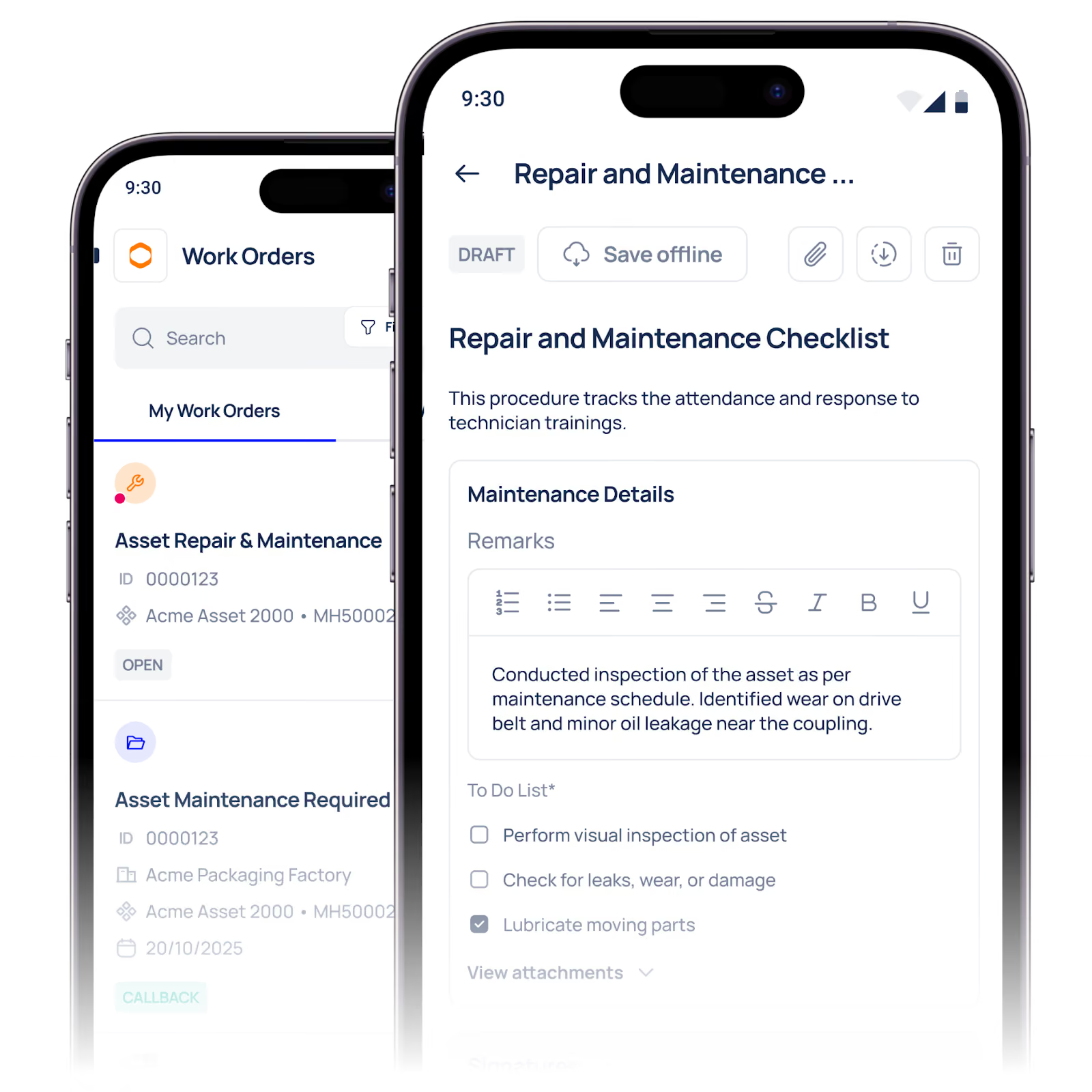
This is precisely what we showcase in our AI maintenance live demo. By feeding a simple symptom into a smart diagnostic engine, you can bypass hours of manual fault-finding and instantly view the top three historical fixes. In this guide, we will explore how intelligent diagnostics work, why your current fault-finding process is costing you money, and how you can drastically reduce your mean time to repair (MTTR).
The immense danger of tribal knowledge
Why is troubleshooting so difficult in most facilities? The core issue usually stems from a heavy reliance on tribal knowledge.
Tribal knowledge refers to the unwritten information stored exclusively in the minds of your most experienced technicians. Dave knows that when the primary extruder vibrates loudly, it usually needs a specific bearing replaced. Sarah knows that a sudden pressure drop on the hydraulic press means a seal has ruptured in the secondary valve.
But what happens when Dave retires, or Sarah is on annual leave? Your facility loses its entire diagnostic database. Less experienced technicians are left staring at a broken machine, forced to swap out parts randomly until something works. This trial-and-error approach drains your spare parts inventory and keeps your machinery offline for entirely avoidable lengths of time.
You must extract this knowledge from the minds of individuals and secure it within a centralised, accessible system.
Stop guessing and start diagnosing.
To fix the knowledge gap, you must change how your team interacts with breakdown data. Instead of logging a simple "machine broken" ticket, your maintenance software should actively assist in the repair process.
Imagine a scenario where a technician walks up to a stalled pump. They open their mobile device and type in the exact symptom: "Pump is overheating and vibrating excessively." Rather than simply recording the note for a manager to read later, the system acts as an intelligent assistant. It instantly scans thousands of past work orders, cross-references similar machines, and analyses years of repair history.
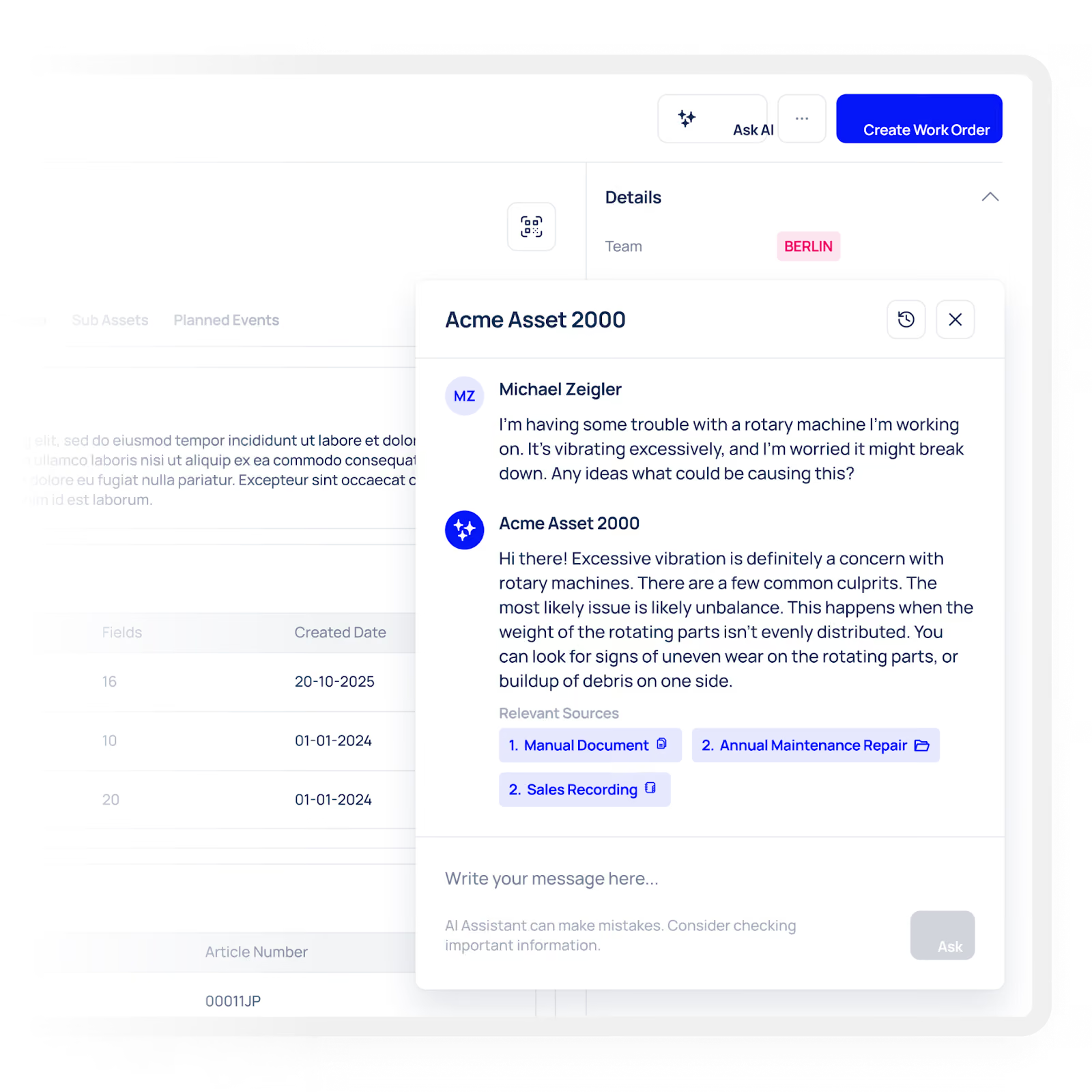
Within seconds, the screen displays the top three historical fixes for that exact symptom, ranked by their success rate.
- Fix 1 (65% success rate): Replace the main drive shaft alignment coupling.
- Fix 2 (25% success rate): Clean out the primary intake filter.
- Fix 3 (10% success rate): Lubricate the secondary housing bearings.
This immediate guidance eliminates the guesswork. Your technician knows exactly where to start, which tools to grab, and which parts to check out from the storeroom. This entire workflow is exactly what you will experience when you watch our AI maintenance live demo.
How the diagnostic engine actually works
You might wonder how a software platform can accurately predict mechanical failures. The secret lies in structured data and intelligent pattern recognition.
When you use a comprehensive maintenance platform like Makula, every single work order, inspection failure, and spare part replacement is recorded in a highly structured format. The system learns the unique language of your facility. It learns which components fail together, how seasonal temperature changes affect your motors, and which technicians have the highest first-time fix rates.
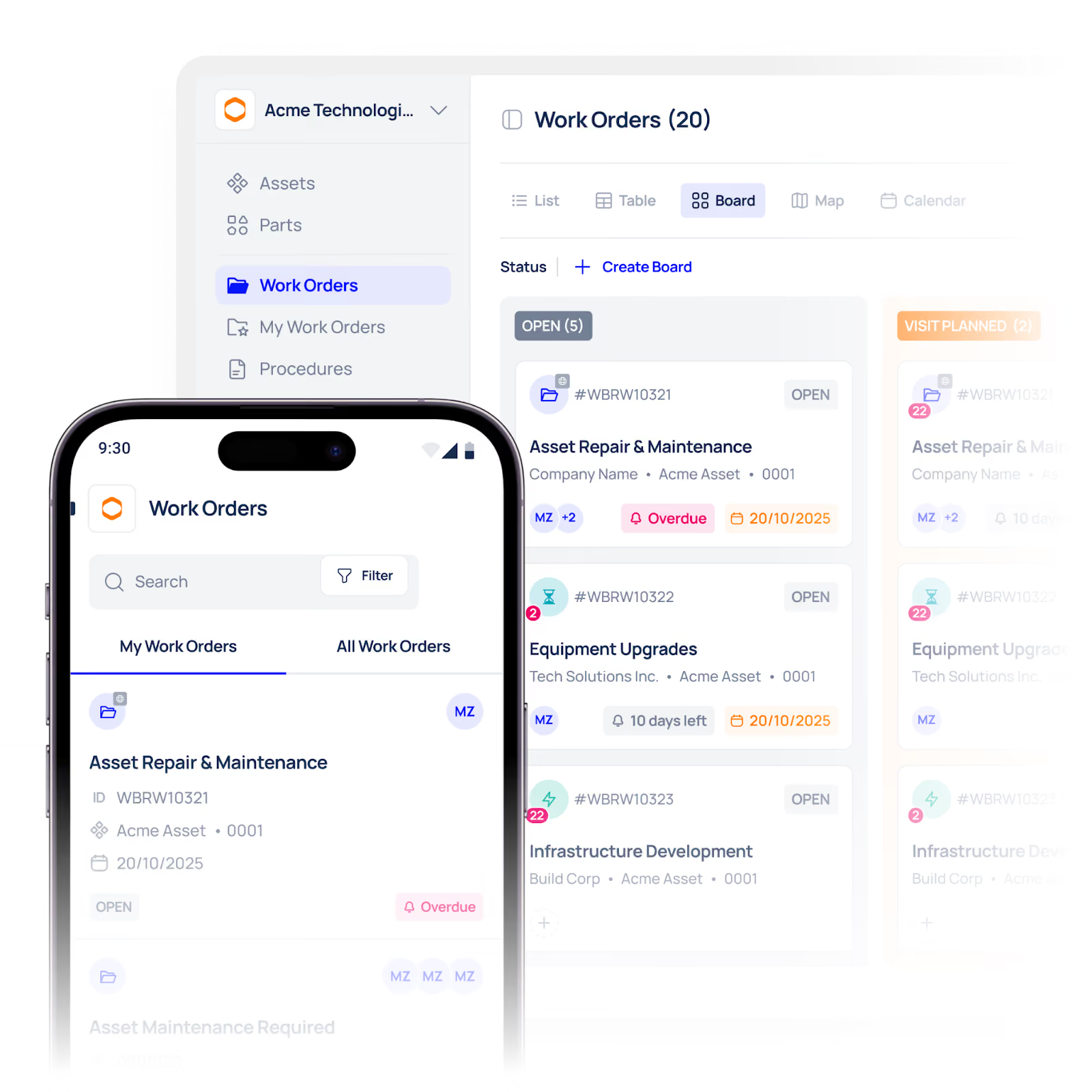
When you feed a symptom into the system, it is not simply searching for keywords. It is running a complex probability analysis based on your actual historical data. It looks at the asset's age, its recent preventative maintenance history, and its current operating hours. By combining all these factors, it delivers a highly accurate triage list that empowers even your newest technicians to perform like seasoned veterans.
The true cost of diagnostic delays
Failing to equip your team with instant diagnostic tools carries a heavy financial burden. The time spent trying to figure out what is wrong with a machine is often much longer than the time it actually takes to turn a spanner and fix it.
Consider the "spanner time" metric. This measures the percentage of a technician's shift actually spent performing physical maintenance. In an average facility relying on manual troubleshooting, spanner time sits shockingly low, often around 25 to 30 per cent. The rest of their shift is consumed by walking to the parts room, hunting for manuals, waiting for supervisors, and trying to diagnose mysterious faults.
By implementing an intelligent symptom-checker, you drastically reduce this wasted administrative time. Technicians spend less time scratching their heads and more time actively returning your assets to peak operational health.
Summary of traditional vs. intelligent troubleshooting
To clearly illustrate the operational shift, review the table below. It highlights the stark differences between a manual fault-finding approach and the streamlined process shown in our AI maintenance live demo.
Taking control of your maintenance data
The beauty of an intelligent diagnostic system is that it grows smarter every single day. Every time a technician completes a work order and confirms which fix actually solved the problem, the system updates its internal algorithms.
If a new, unexpected fault begins occurring on your packaging line, the software quickly recognises the emerging pattern. The next time a technician types in that specific symptom, the new fix will automatically appear at the top of their suggested triage list. You are effectively crowdsourcing the intelligence of your entire maintenance department into one highly accessible tool.
You no longer need to panic when your lead engineer takes a holiday. The collective knowledge of your facility remains safely stored, instantly accessible, and ready to guide your team through any crisis.
Why this matters for maintenance teams
Faster troubleshooting has a direct operational impact.
It can help teams:
- reduce mean time to repair
- improve first-time fix rate
- avoid unnecessary parts replacement
- capture repeat-failure patterns
- reduce downtime on critical assets
- protect knowledge when senior technicians are unavailable
For plant managers and maintenance supervisors, this means fewer delays and better control over maintenance performance.
From tribal knowledge to shared knowledge
One of the biggest risks in maintenance is losing expertise when experienced staff retire, change roles, or take leave.
A CMMS should make that knowledge usable by everyone. When fixes, notes, and outcomes are recorded properly, the organization builds a permanent repair history that supports the whole team.
That is where Makula adds value: it helps turn individual experience into a shared operational asset.
Who this is for
This workflow is especially useful for:
- maintenance supervisors who want faster triage
- plant managers who want less downtime
- technicians who want clearer next steps
- reliability teams that track repeat failures
- operations leaders focused on MTTR and uptime
Conclusion
Troubleshooting should not depend on guesswork.
With Makula CMMS, your team can use maintenance history more effectively, identify likely fixes faster, and keep repairs moving with more confidence. That means less time searching for answers and more time getting assets back into service.





