

Choosing the right work order software comparison checklist isn’t about ticking off the longest list of features; it's about understanding which capabilities genuinely impact your operations. Most buyers evaluate tools at the surface level and end up with systems that look good in demos but fail under real operational pressure.
This isn’t another generic blog. Treat this as a decision framework, a practical work order software comparison checklist you can apply directly when evaluating vendors.
Why Most Comparisons Fail
Buyers often:
- Compare feature lists instead of workflows
- Focus on UI instead of execution depth
- Ignore scalability until it becomes a problem
- Overlook visibility and reporting gaps
The result? A system that creates more manual work instead of reducing it.
The Only Checklist That Actually Matters
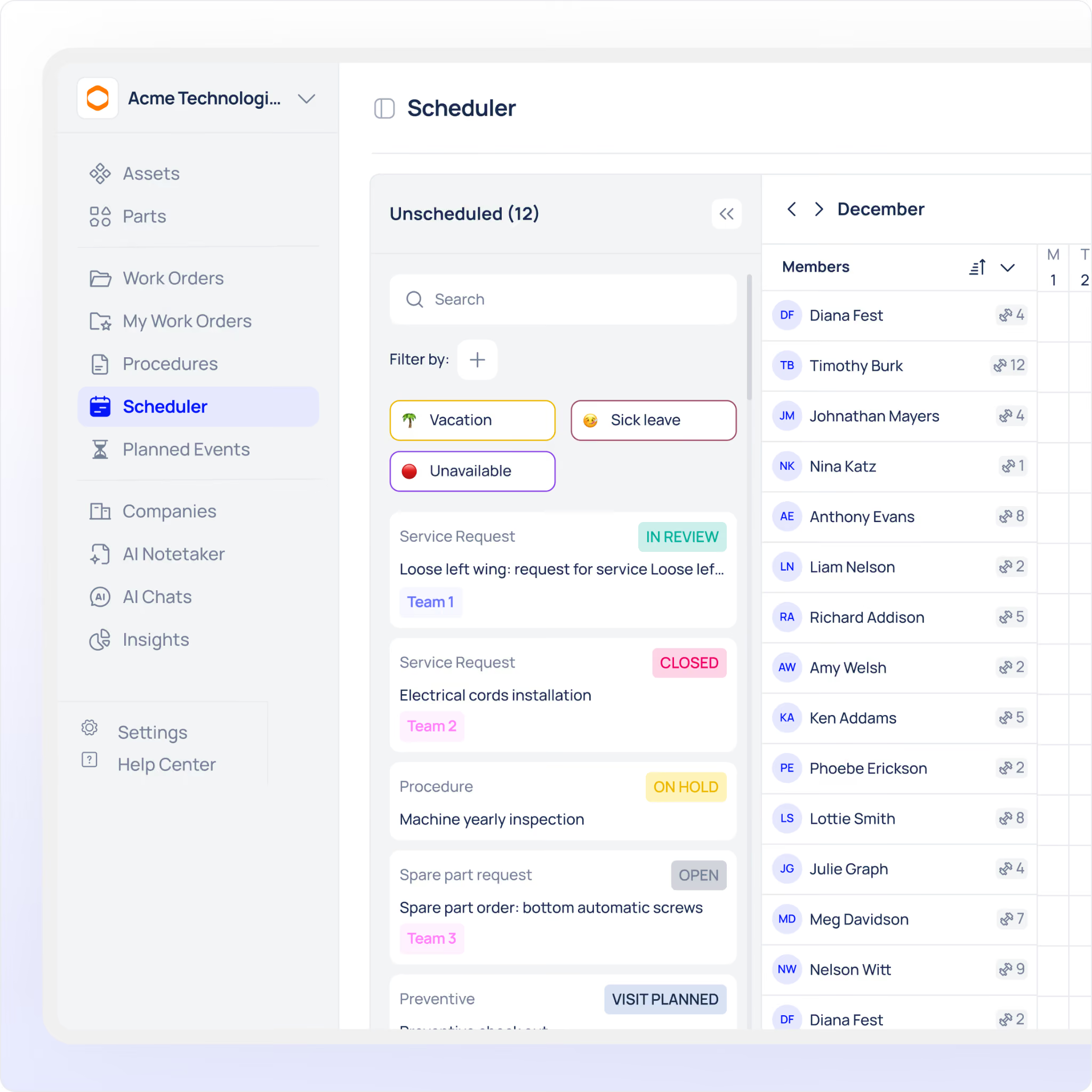
Below is a structured evaluation model based on four critical pillars:
What a real walkthrough should prove
A software walkthrough is only useful if it proves the system can handle the work your team actually does.
That means the session should show more than screens and menus. It should prove whether the platform can support:
- your real work order flow
- your approval steps
- your technician assignments
- your reporting needs
- your inventory process
- your mobile and offline requirements
If the walkthrough cannot show those things clearly, the evaluation is incomplete.
Workflow Depth (The Hidden Differentiator)
Most tools allow you to create and assign work orders. That’s basic.
What actually matters:
- Can you create conditional workflows?
- Are approvals role-based?
- Can tasks depend on the completion of other tasks?
- Is escalation automatic or manual?
If your processes involve multiple stakeholders, compliance steps, or layered approvals, shallow systems will break down quickly.
A strong system like Makula demonstrates this clearly when mapped against real operational flows rather than static feature lists.
See How to Evaluate Work Order Software Beyond Feature Lists
Learn how leading maintenance teams evaluate work order platforms based on workflow depth, automation, scalability, and operational visibility — not just polished demos. See how Makula maps real workflows into a live environment to help teams make better software decisions.

Automation (Where Efficiency Is Won or Lost)
Automation is often oversimplified in demos. Look deeper.
Key checks:
- Can work orders trigger automatically based on conditions?
- Are recurring schedules flexible or rigid?
- Can the system auto-assign based on workload or skillset?
- Does it integrate with alerts (e.g., sensor data, thresholds)?
Without proper automation, your team becomes the system.
Scalability (Think Beyond Today)
Many buyers evaluate based on current needs. That’s a mistake.
Ask:
- Can it support multiple locations or business units?
- Does it handle complex asset structures?
- Will performance degrade with higher usage?
- Are permissions flexible for growing teams?
A system that works for 5 users may fail at 50.
Visibility (If You Can’t See It, You Can’t Improve It)
Visibility is where operational intelligence comes from.
Evaluate:
- Are dashboards customisable?
- Is it reporting real-time or delayed?
- Can you track historical performance?
- Are audit logs detailed and accessible?
Without visibility, decisions are based on assumptions, not data.
Putting It All Together
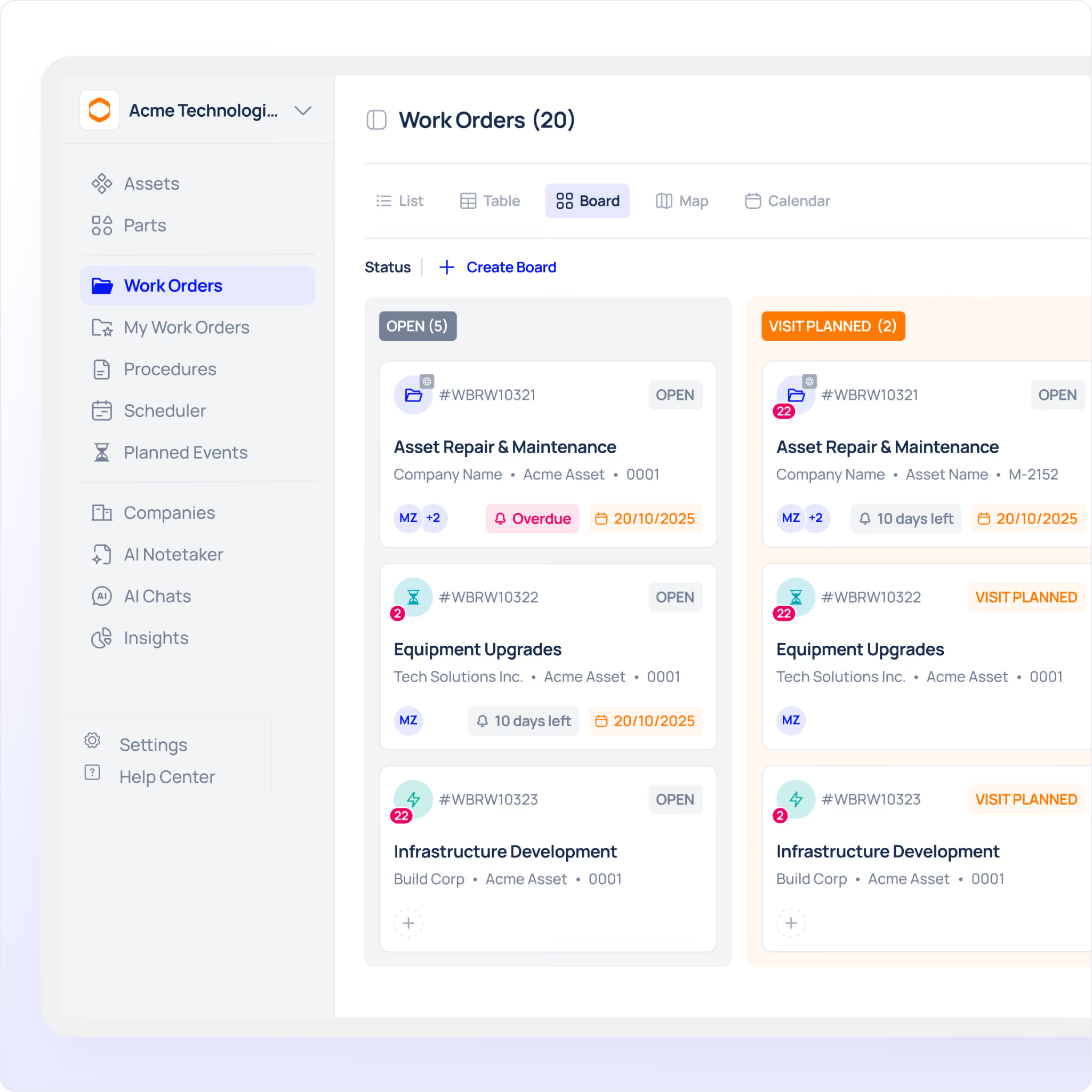
Here’s how to apply this work order software comparison checklist in practice:
- Map your real workflow (not idealised processes)
- Test each system against that workflow
- Identify where manual intervention is still required
- Evaluate how the system performs under scale scenarios
- Check reporting depth, not just availability
See It in Action
A checklist is only useful if you can validate it against a live system.
The most effective way to evaluate is to:
- Map your workflow directly into the platform
- Test automation scenarios
- Review dashboards with your actual use cases
This is exactly what you should expect when you book a demo, not a generic walkthrough, but a real mapping of your operations.
How Makula handles complex work orders
Makula CMMS is designed to support industrial work orders with templates, mobile execution, offline mode, real-time tracking, and asset-linked history. Its inventory features also support QR/barcode scanning, stock visibility, and work-order-linked usage tracking.
That matters because industrial teams do not just need a system that records jobs. They need a system that helps them manage work as it moves through the operation.
A stronger platform should help you:
- assign the right job to the right person
- keep work orders visible in real time
- reduce manual follow-up
- connect parts to the job that used them
- keep technicians productive even when connectivity is weak
When those pieces work together, the software becomes much easier to trust.
Conclusion
A proper work order software comparison checklist doesn’t just help you choose software; it prevents costly mistakes.
If a system cannot handle your workflows, automate your processes, scale with your growth, and provide real visibility, it’s not the right system, no matter how impressive the feature list looks.
Book a demo and validate the checklist against a real environment before making your decision.





